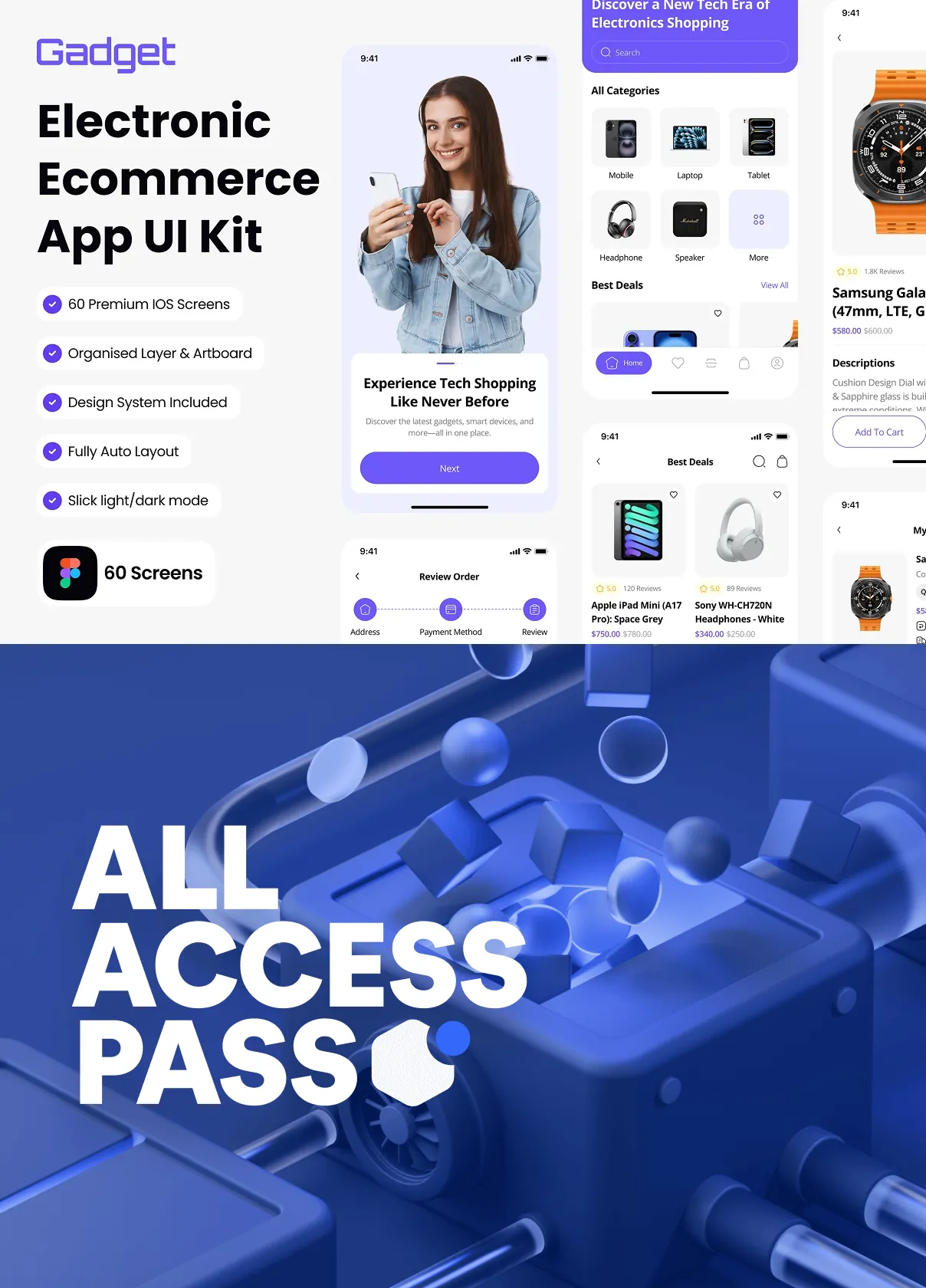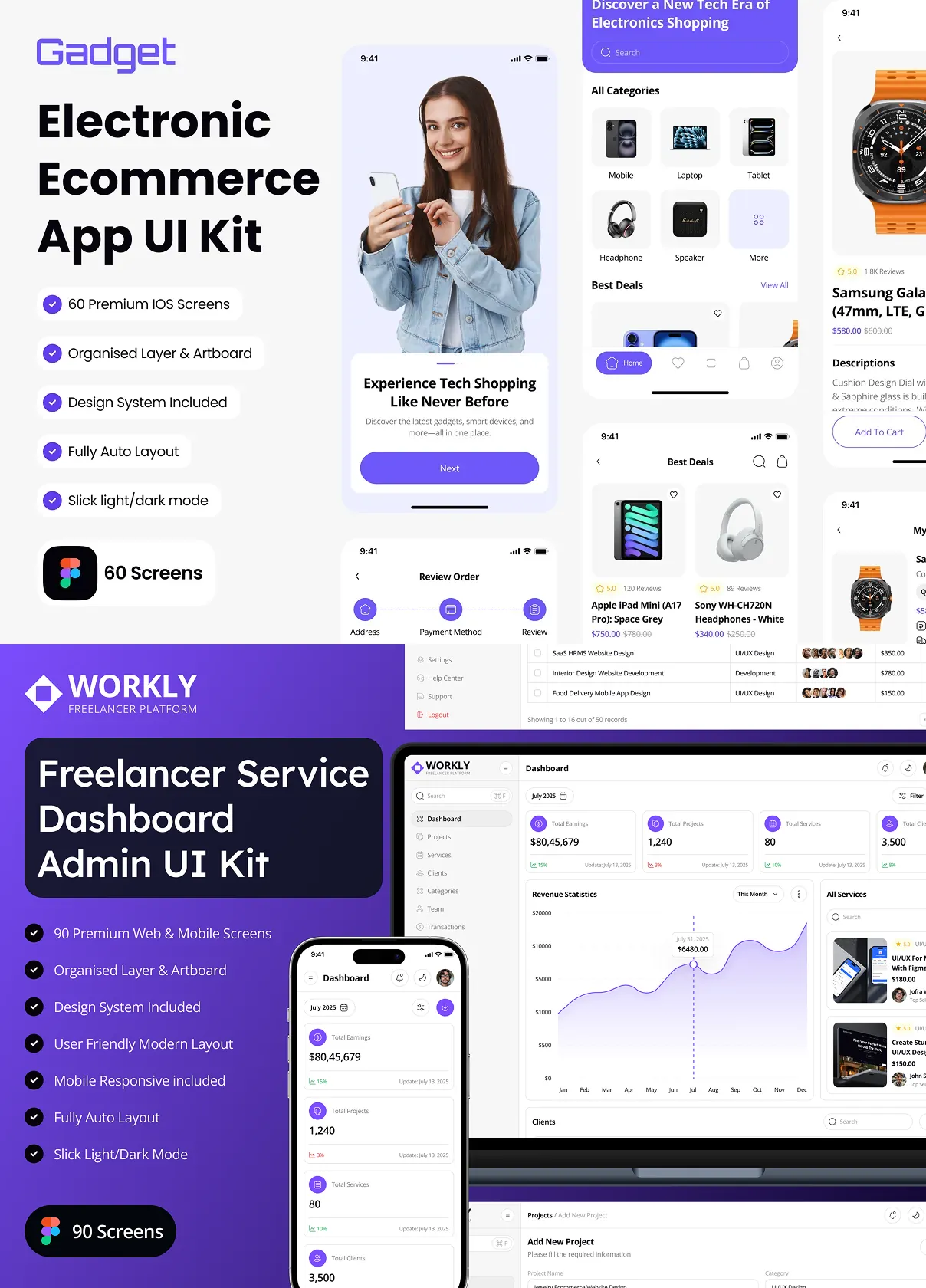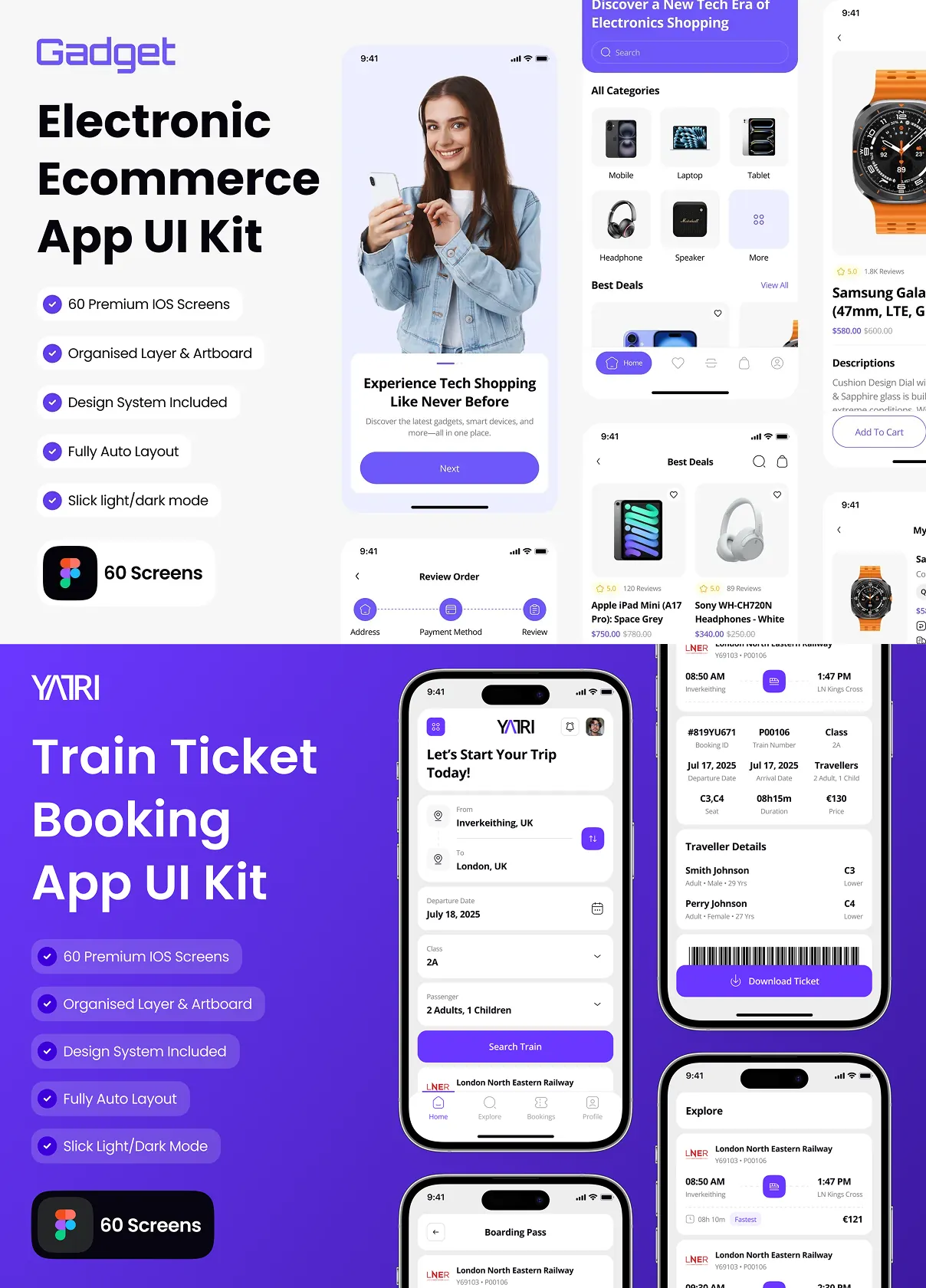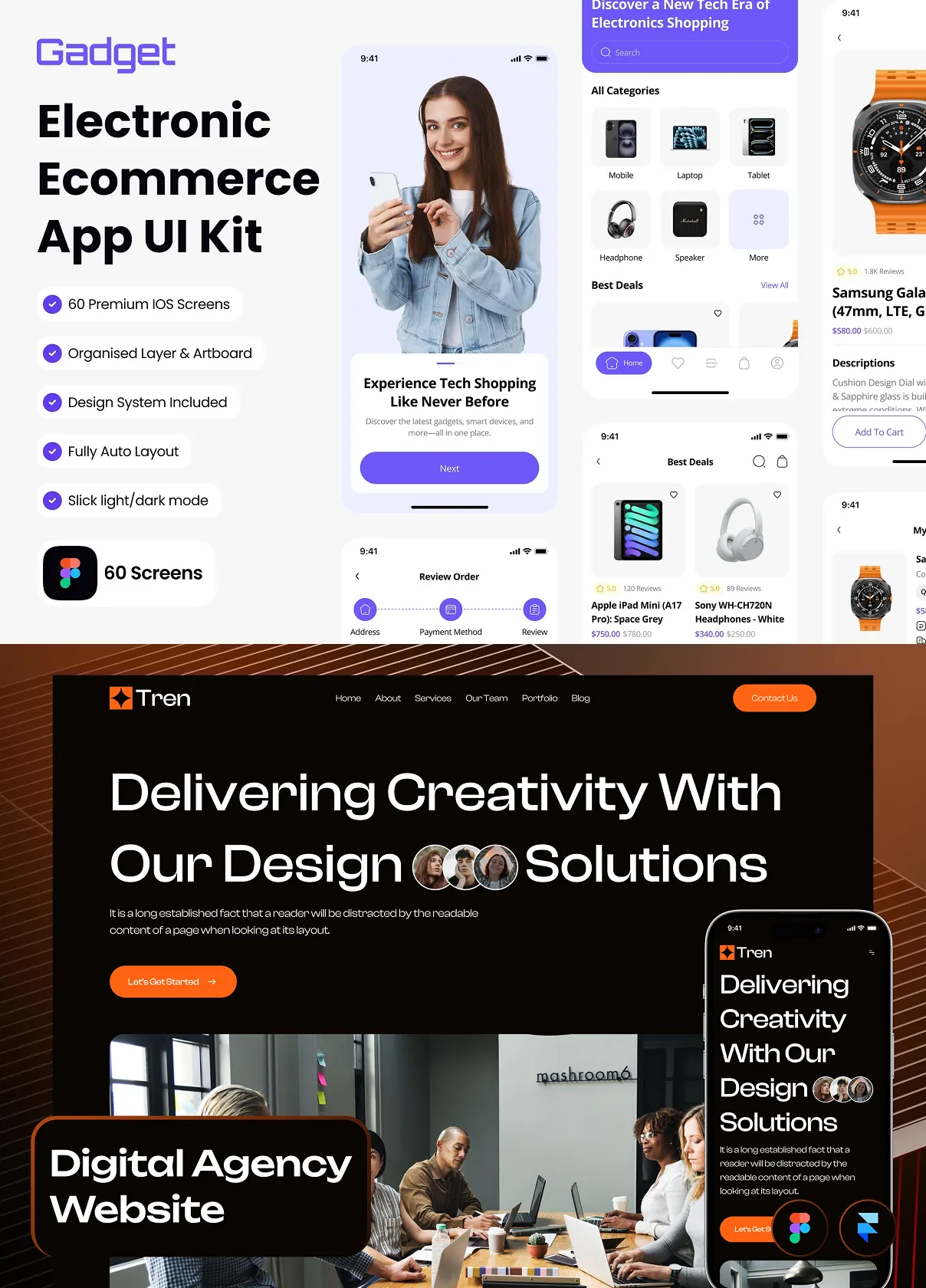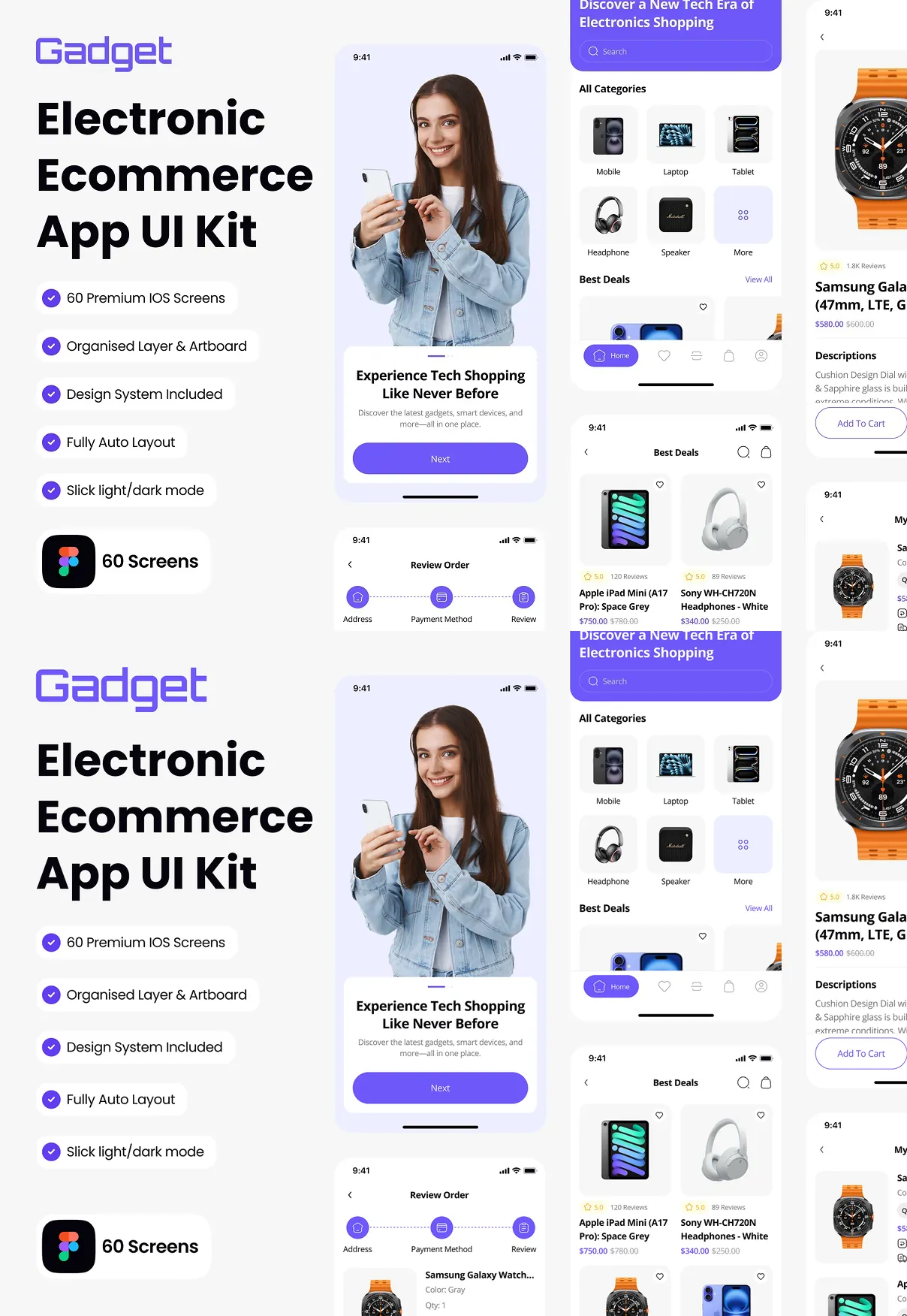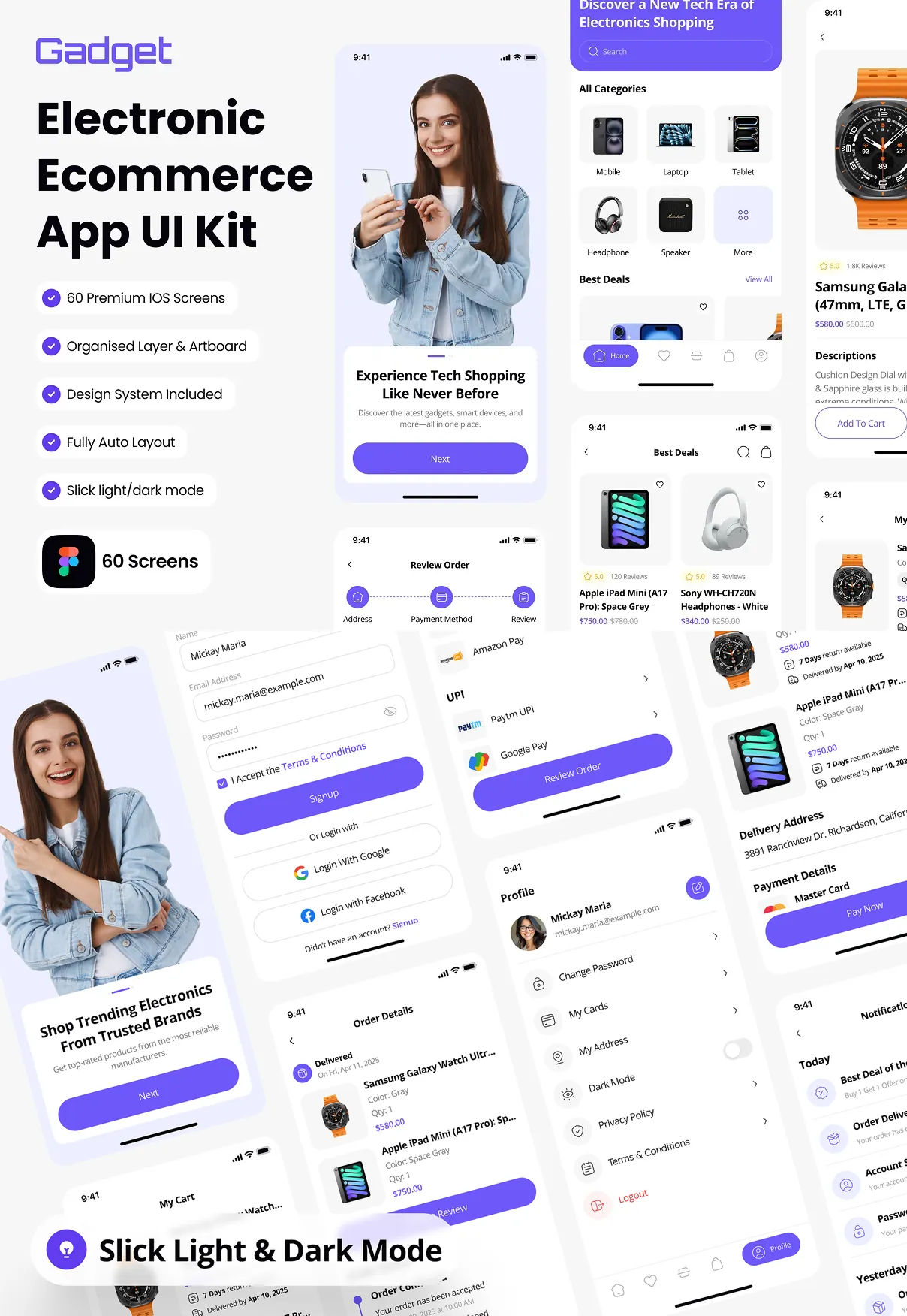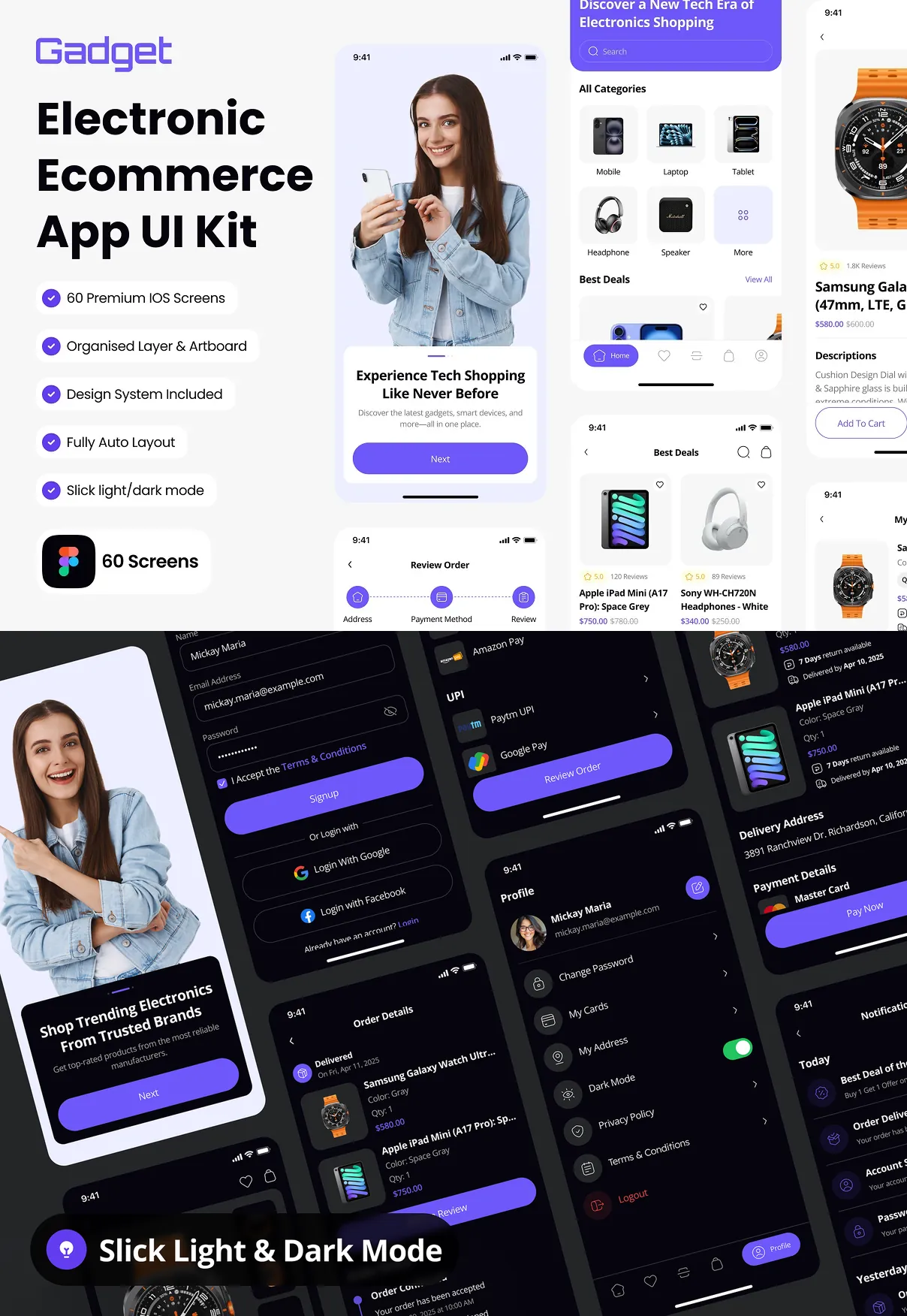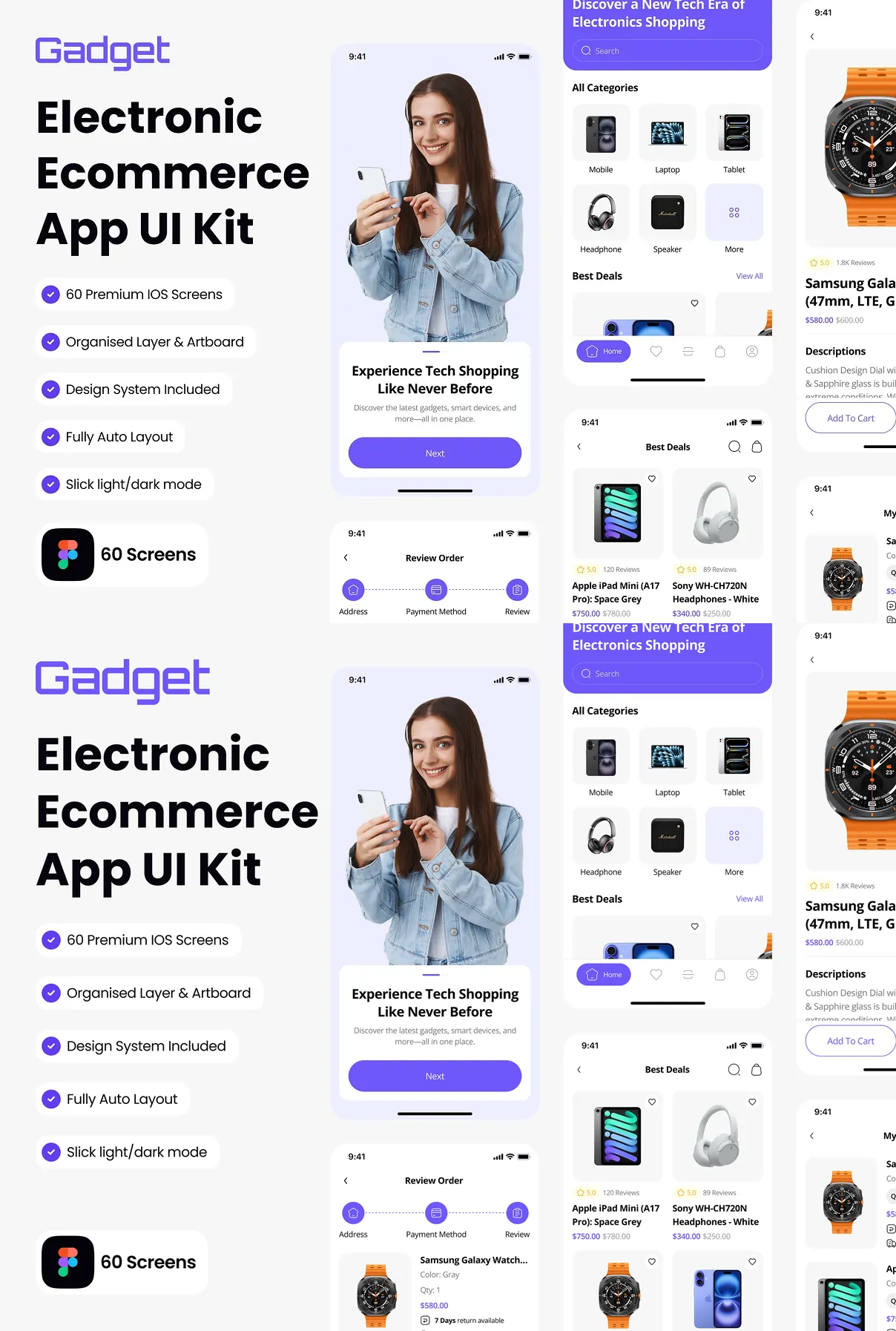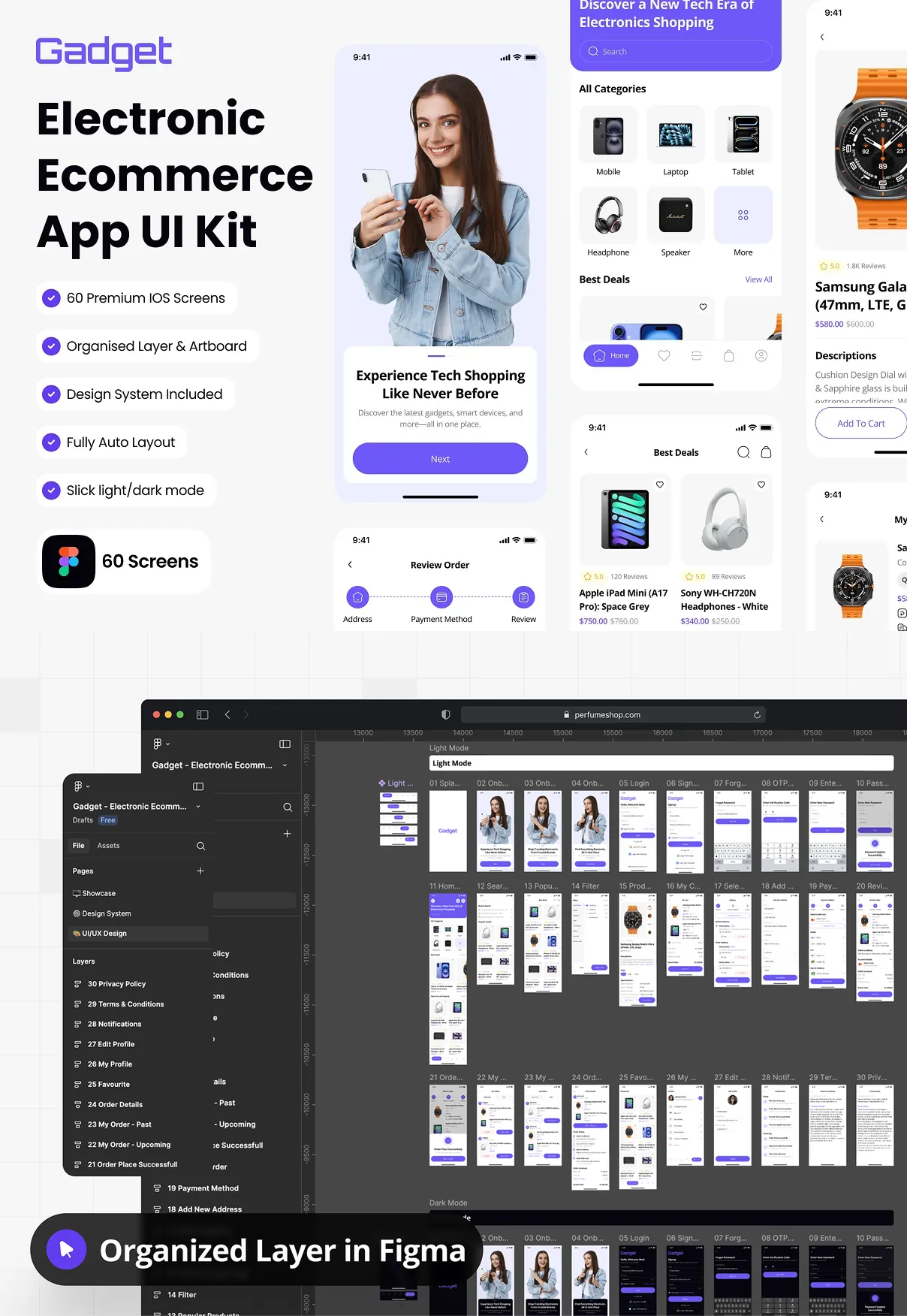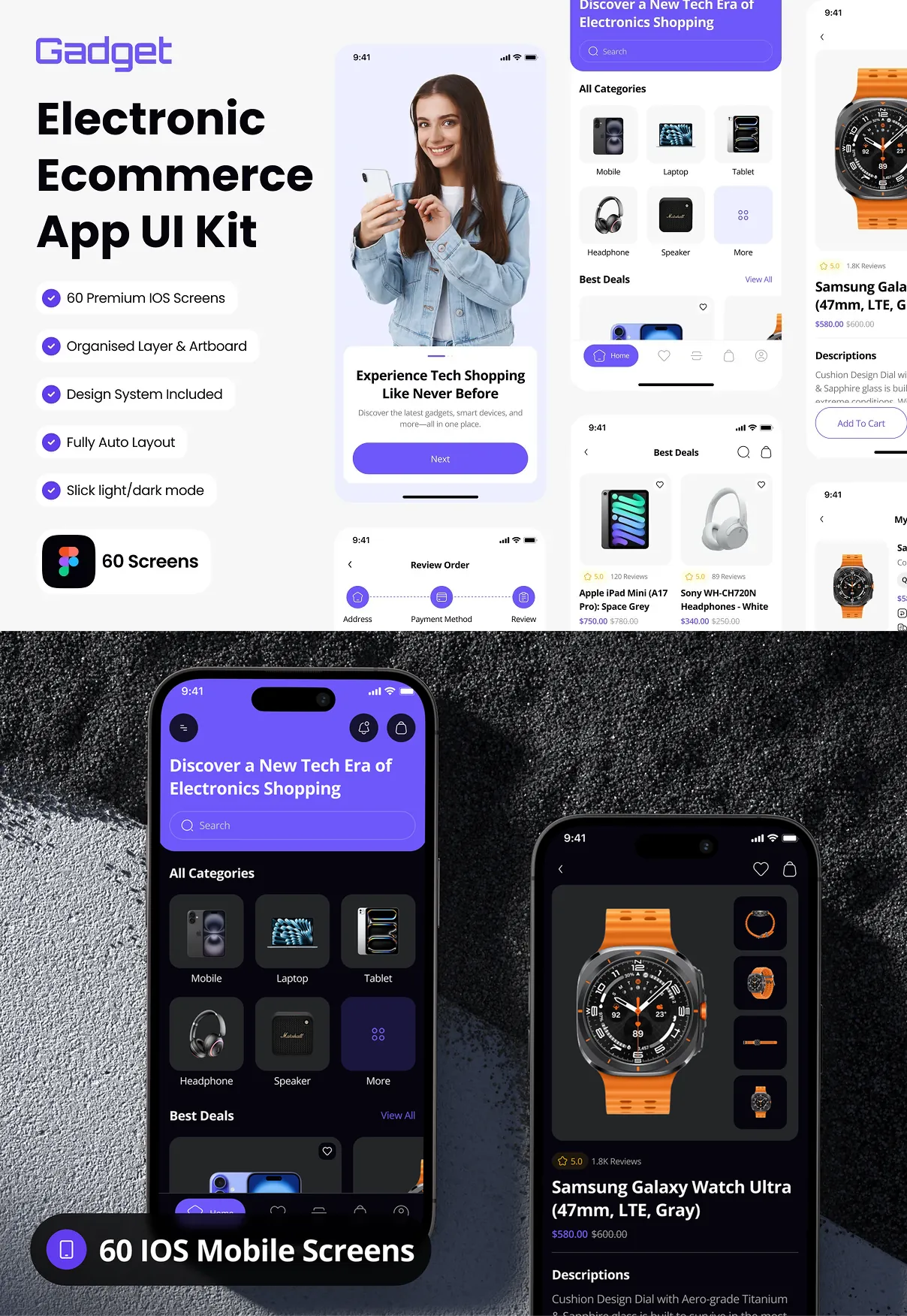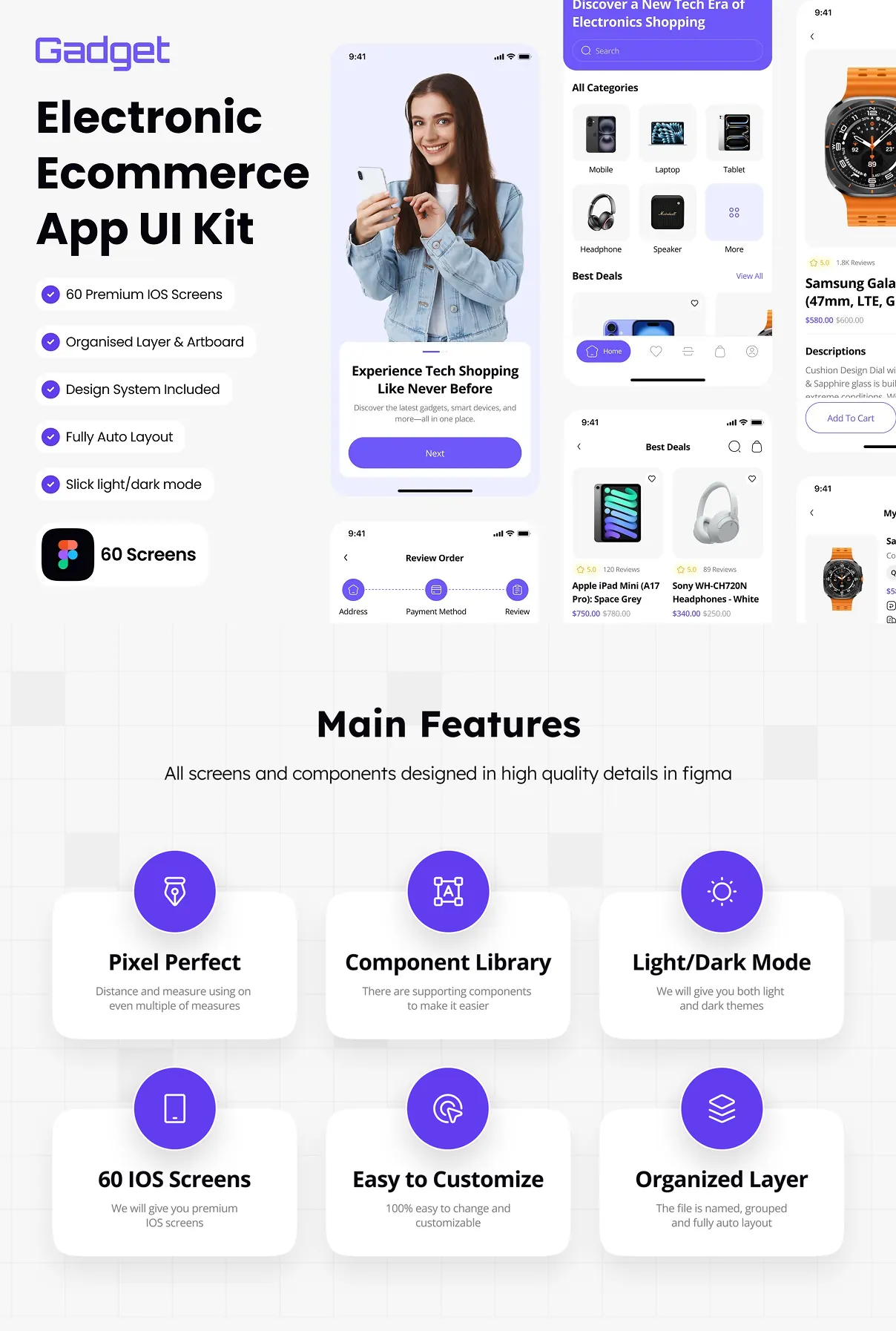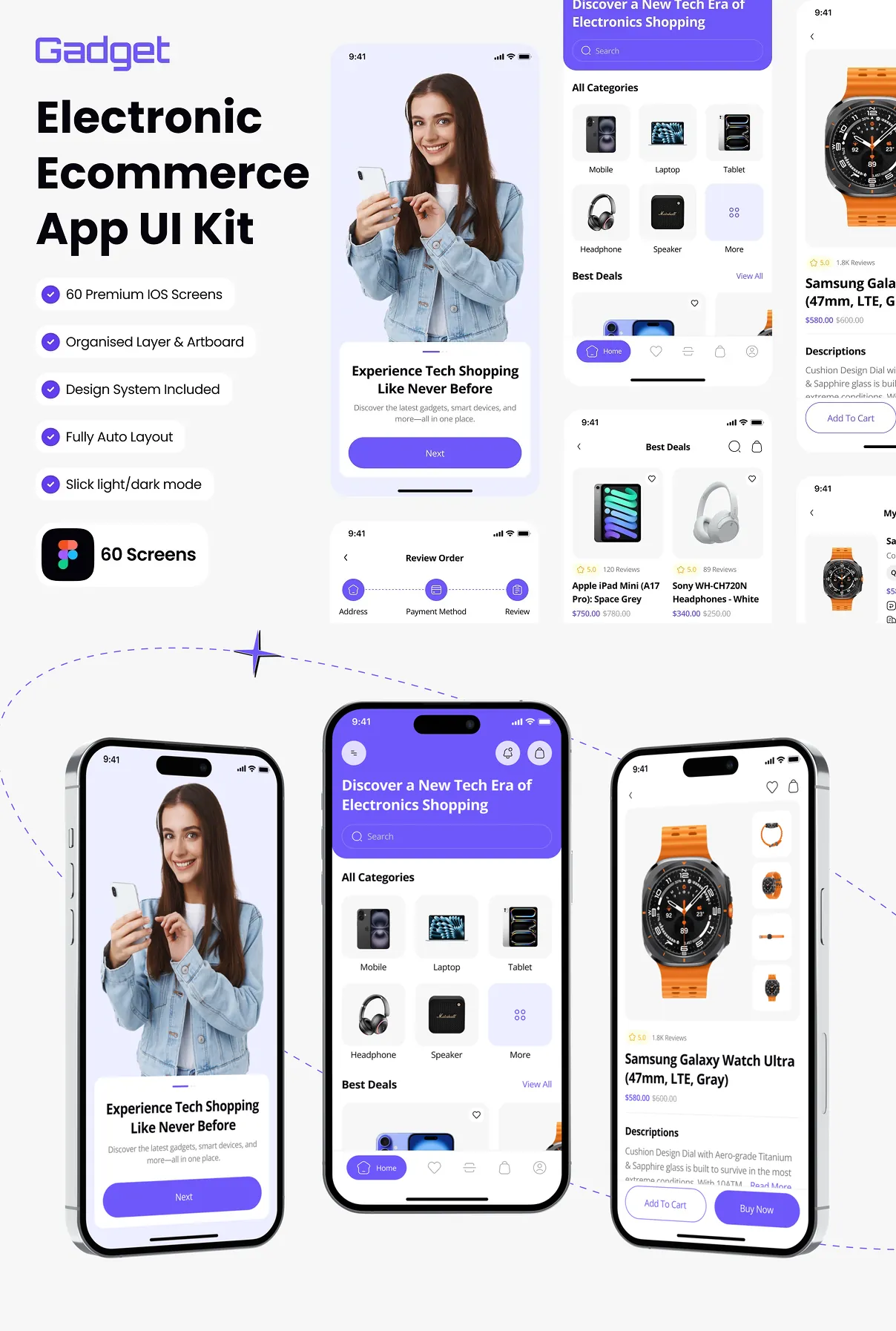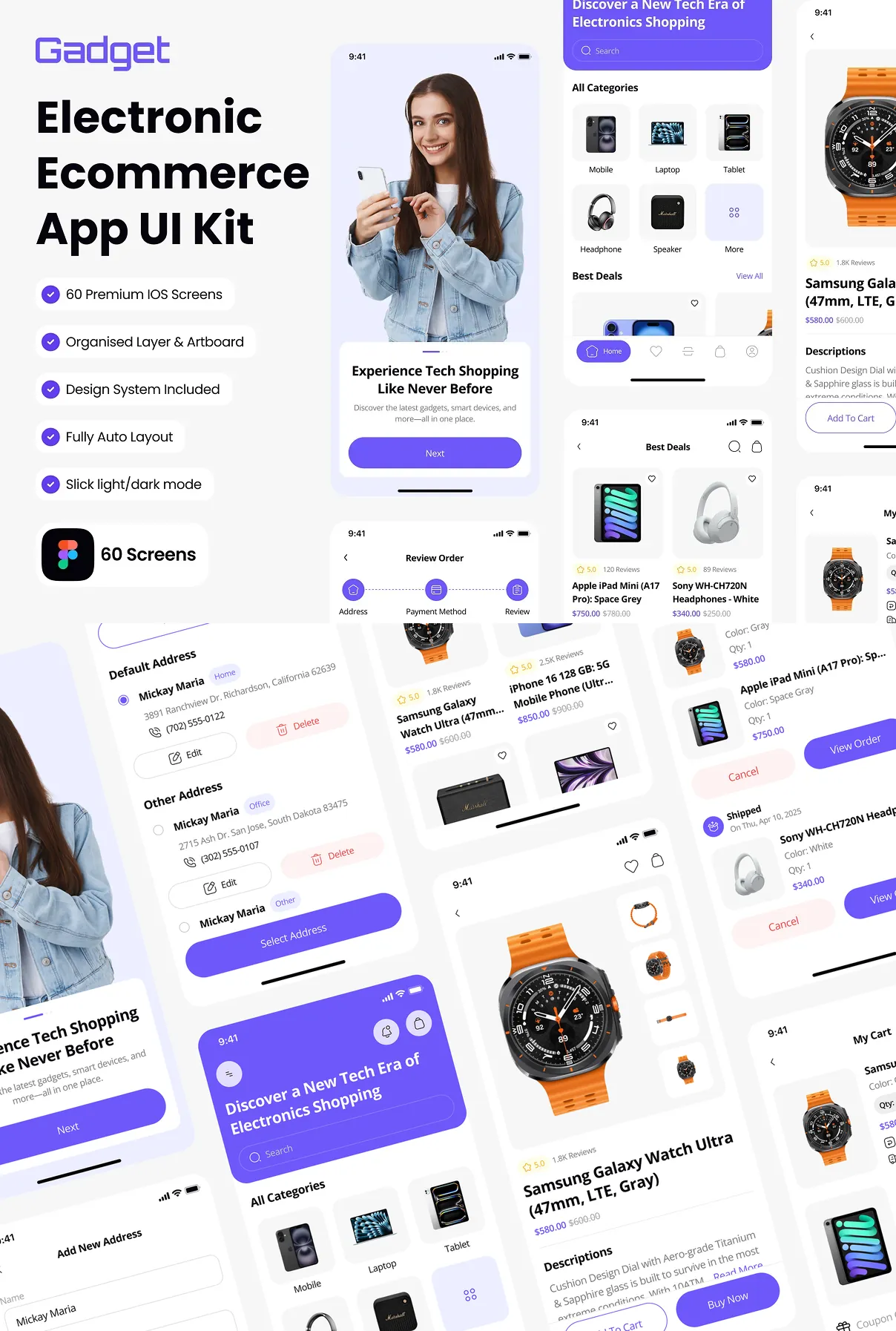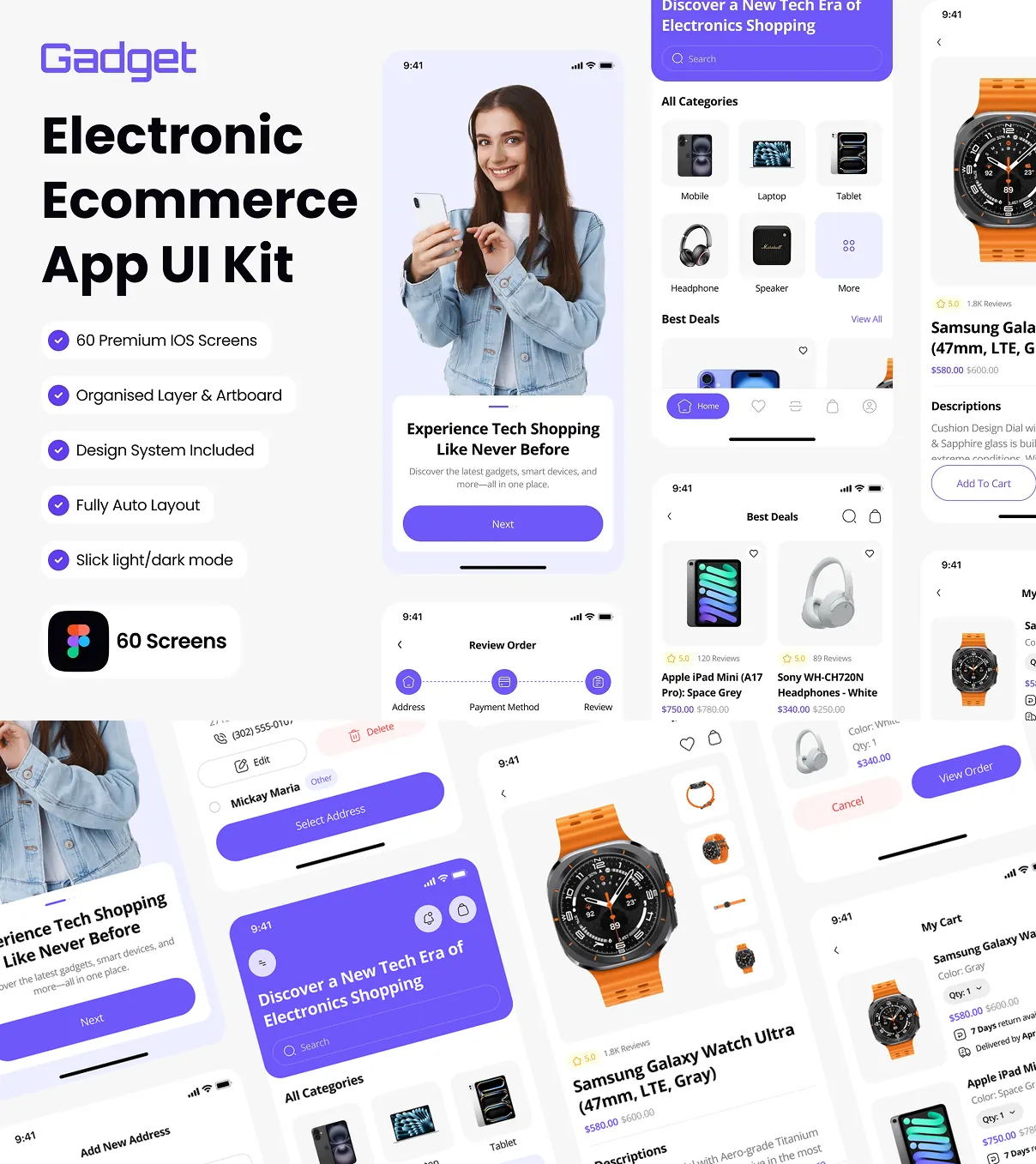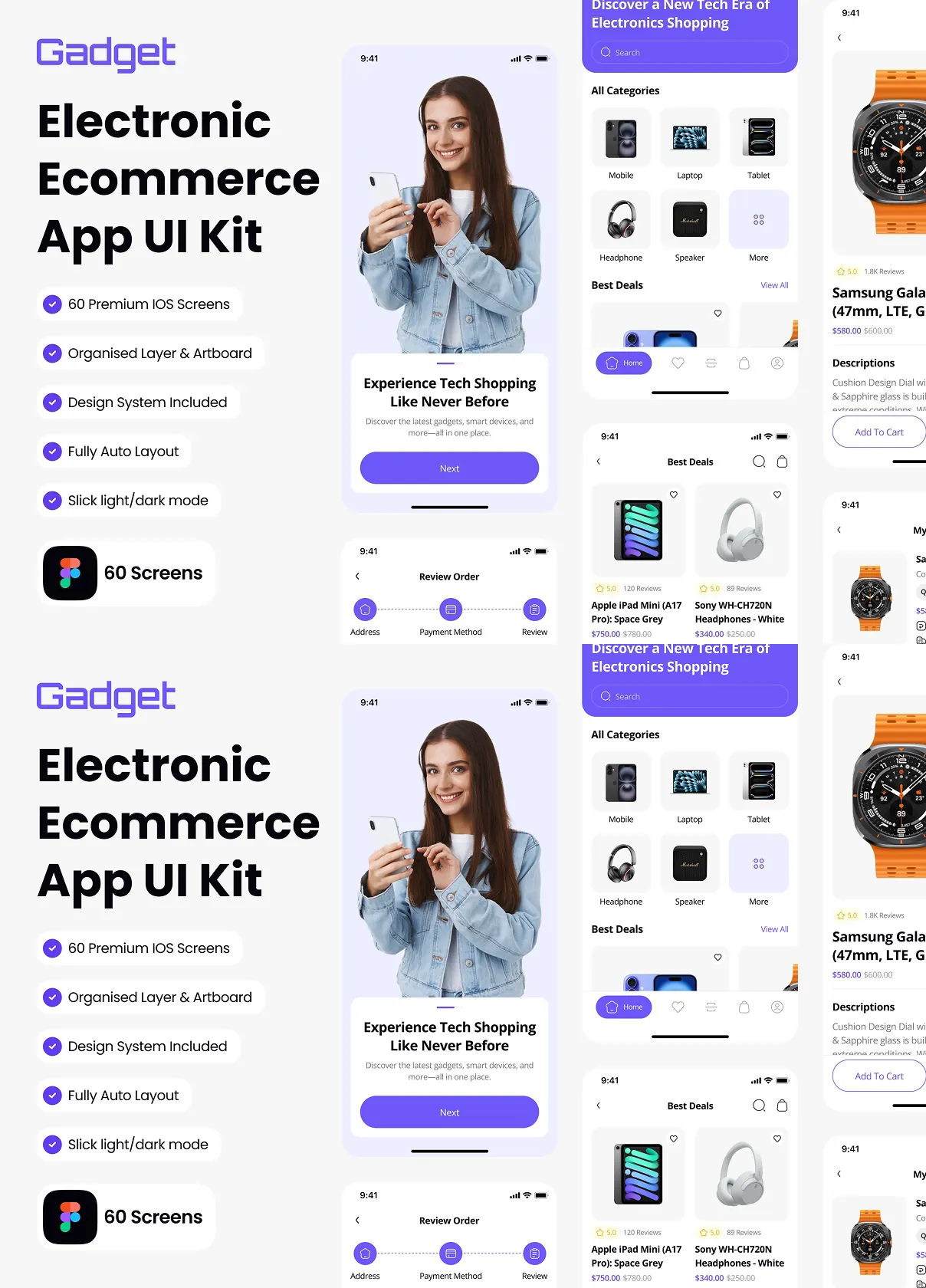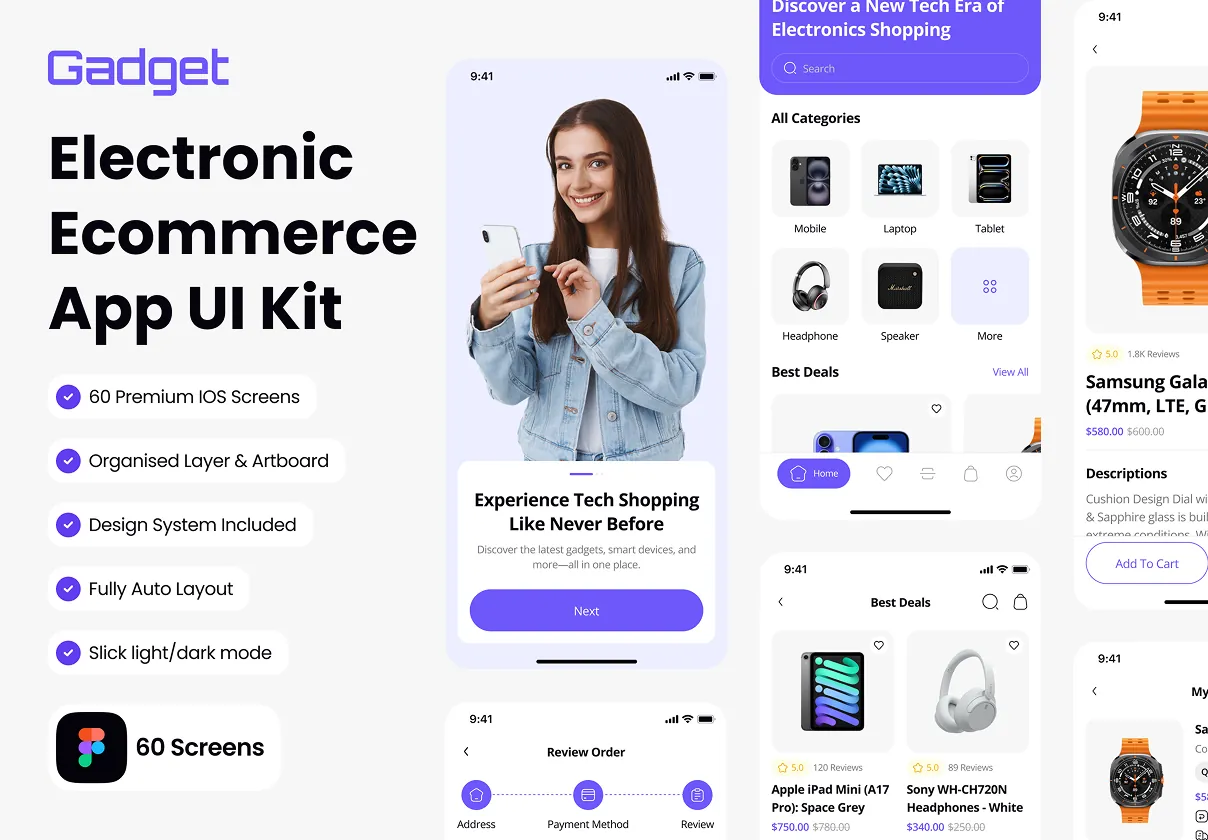

Elevate your electronic‑commerce experience with Gadget, a high‑impact UI kit crafted exclusively for iOS designers using Figma. This comprehensive toolkit supplies everything you need to launch a sleek, user‑centric shopping platform that drives sales, builds brand trust, and keeps customers coming back. From product listings to checkout flows, every element is engineered for speed, consistency, and visual appeal.
Why Choose Gadget for Your Ecommerce Project?
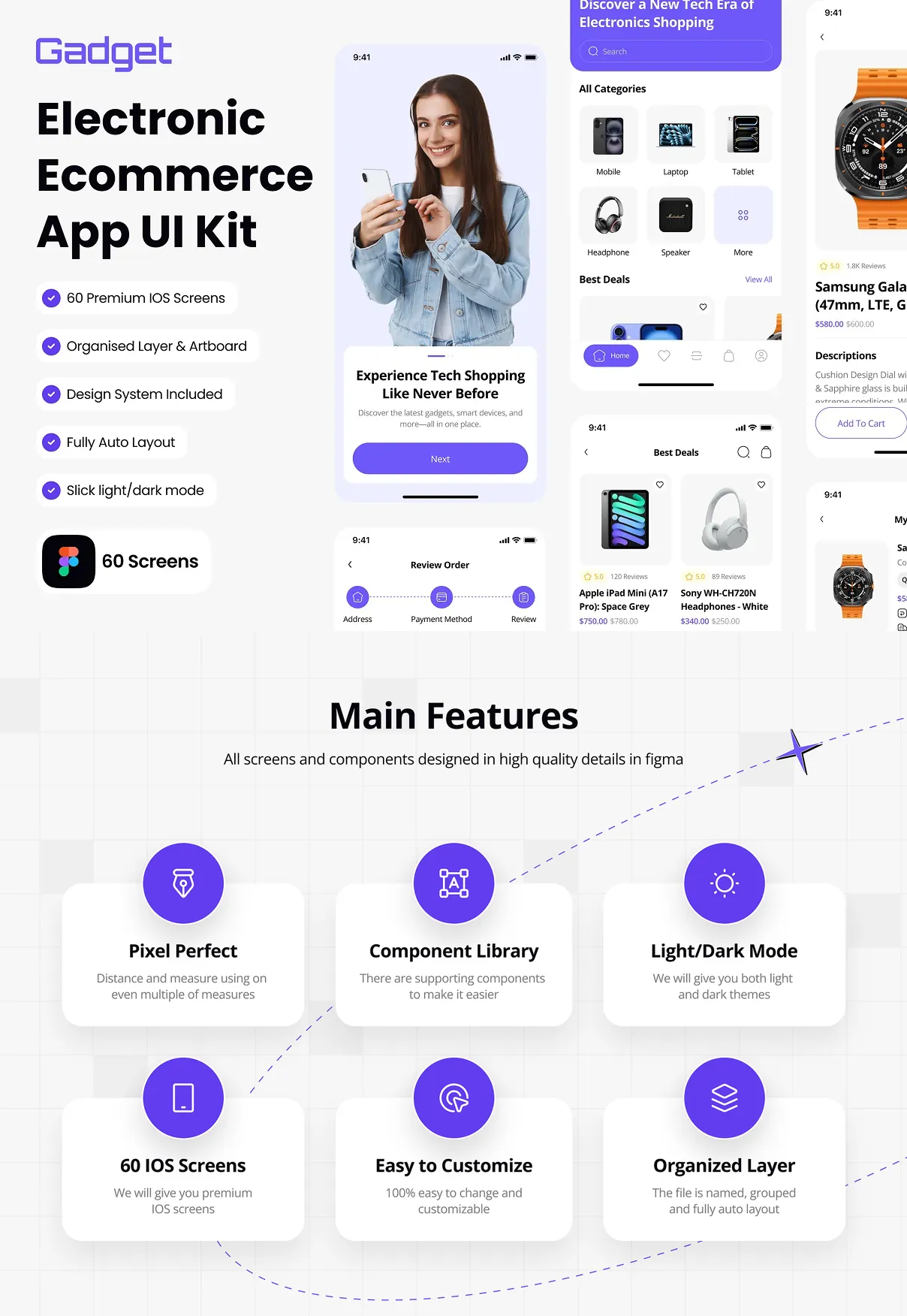
Speed up production by leveraging more than 60 pixel‑perfect screens that cover every major interaction point. The kit includes ready‑made components for homepages, product carousels, filter panels, cart summaries, payment gateways, order tracking, and user profiles. All components are built with Figma’s Auto‑Layout, allowing you to resize, duplicate, or modify layers without breaking the design system.
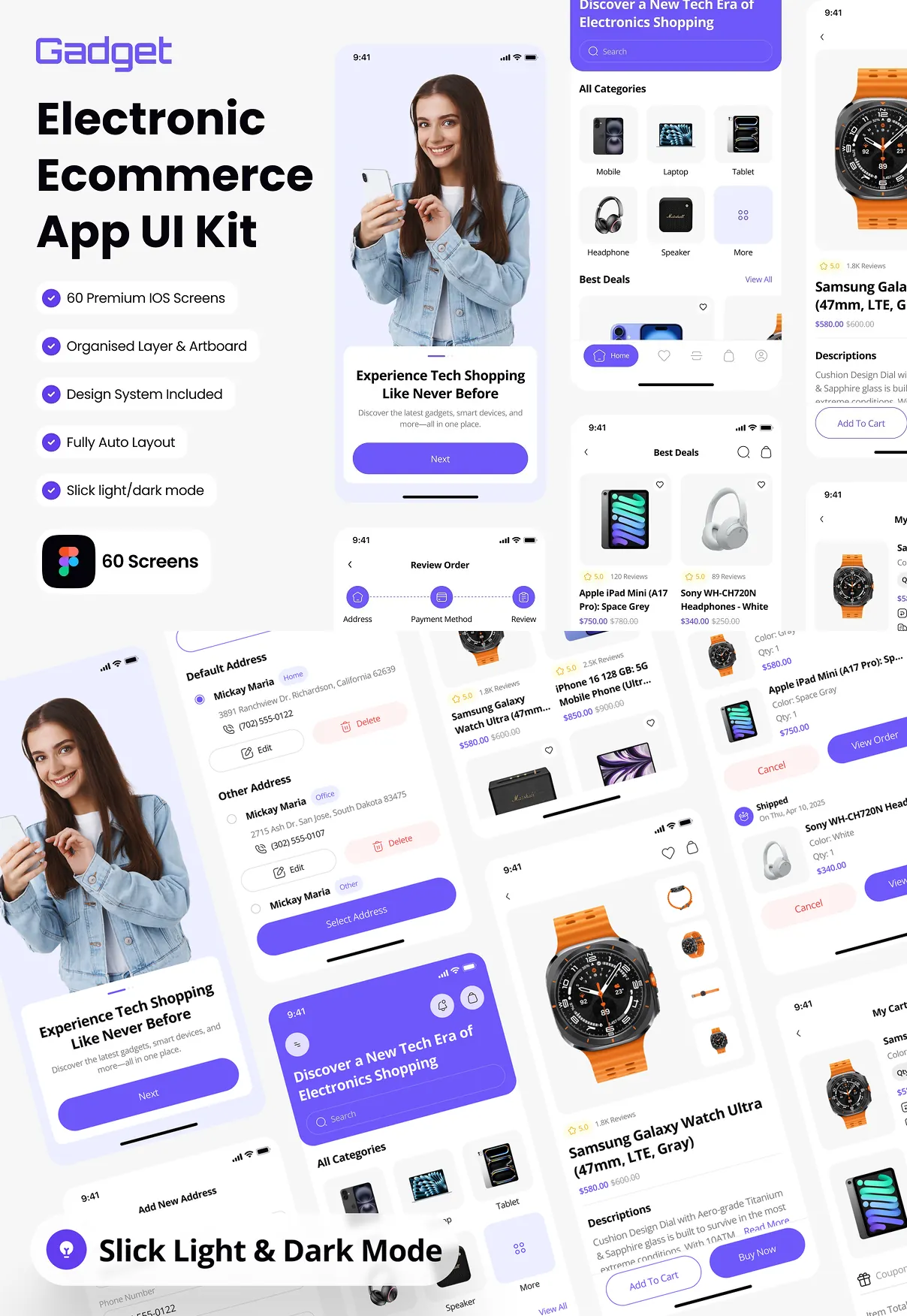
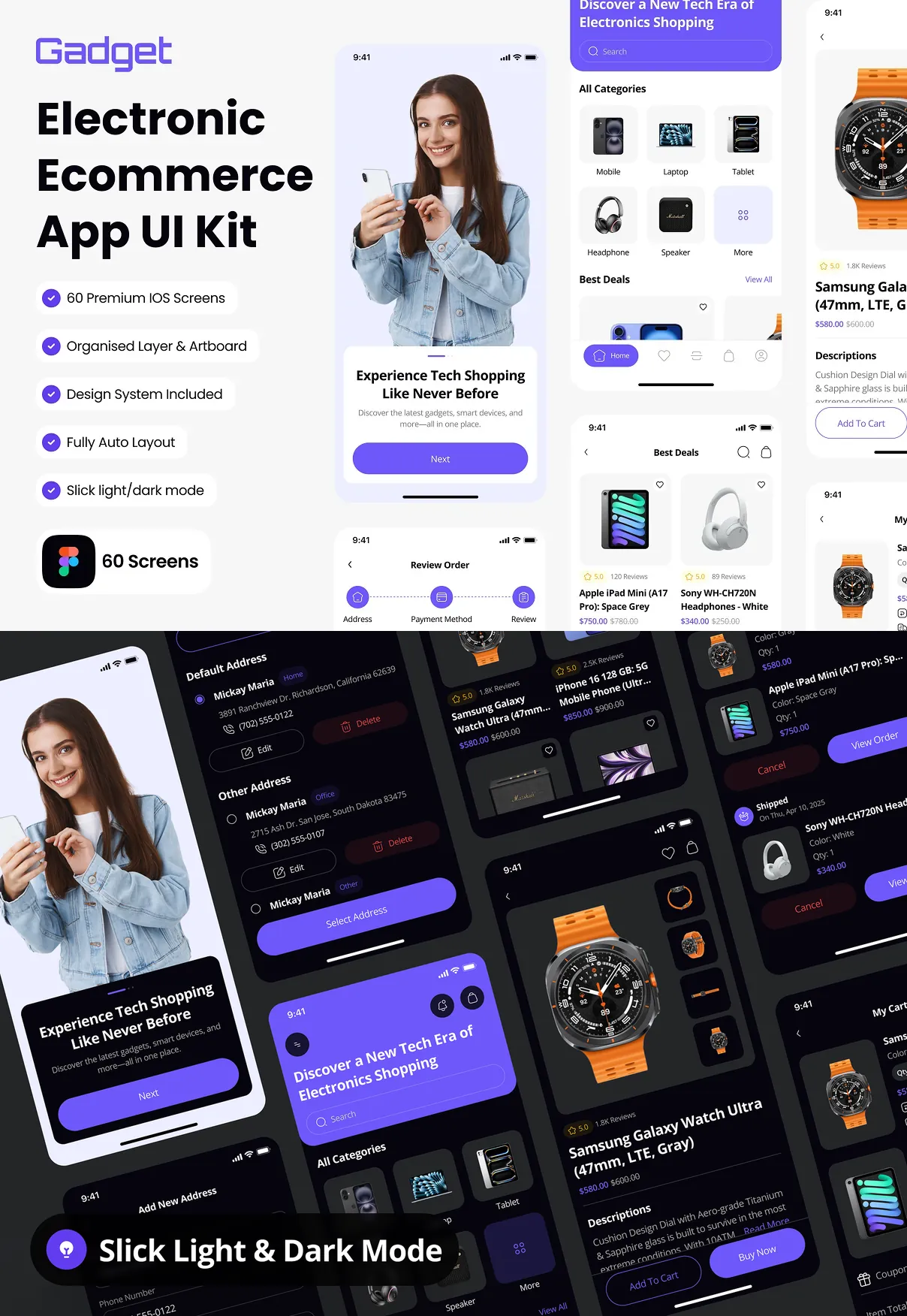
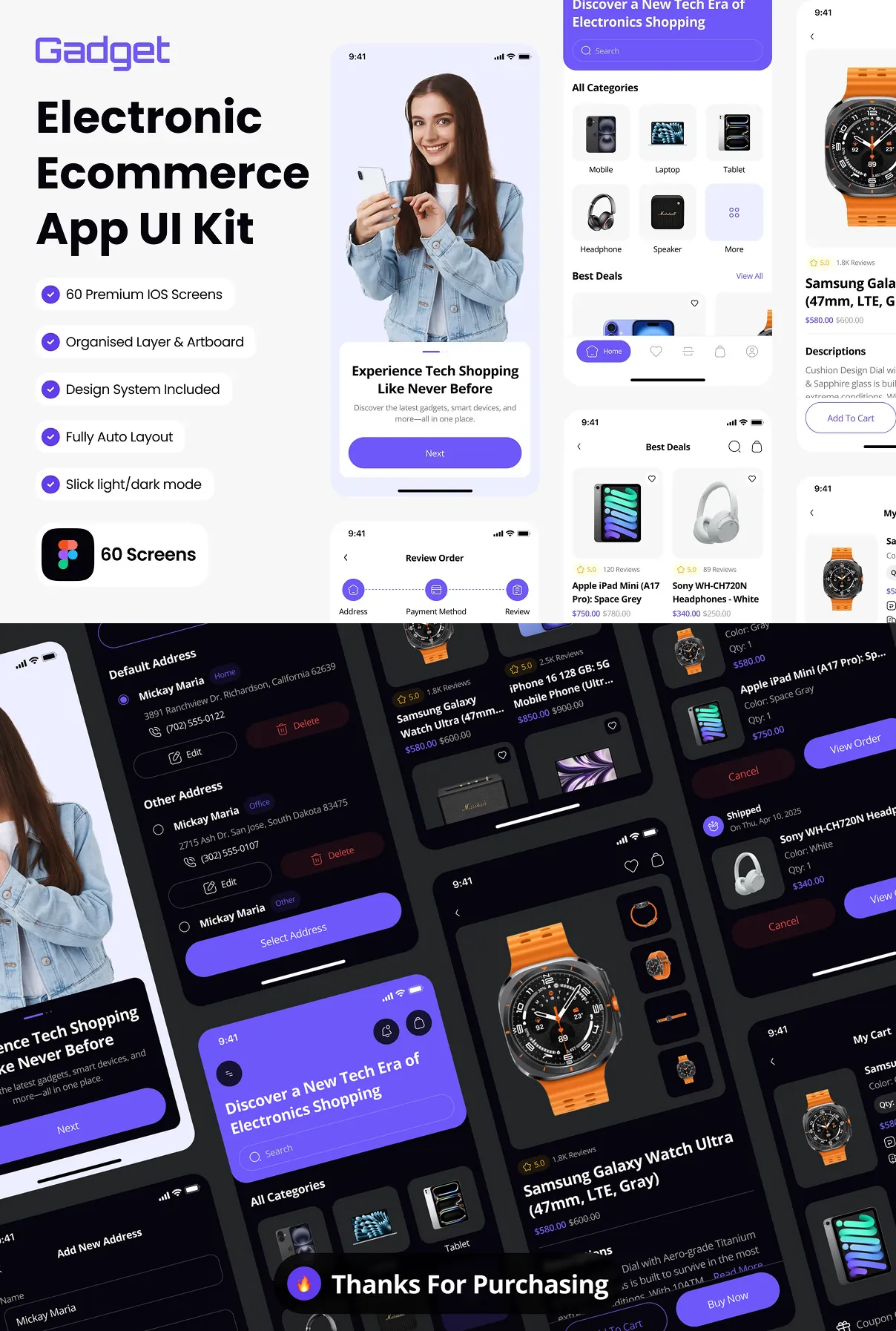
Responsive design is baked in. Each screen adapts fluidly to iPhone and iPad dimensions, ensuring a seamless experience across devices. Dark and light modes are provided out‑of‑the‑box, giving you instant flexibility to match brand aesthetics or user preferences.
Key Features at a Glance
- 60+ high‑resolution iOS screens meticulously organized for quick access.
- Auto‑Layout powered components that maintain spacing and alignment automatically.
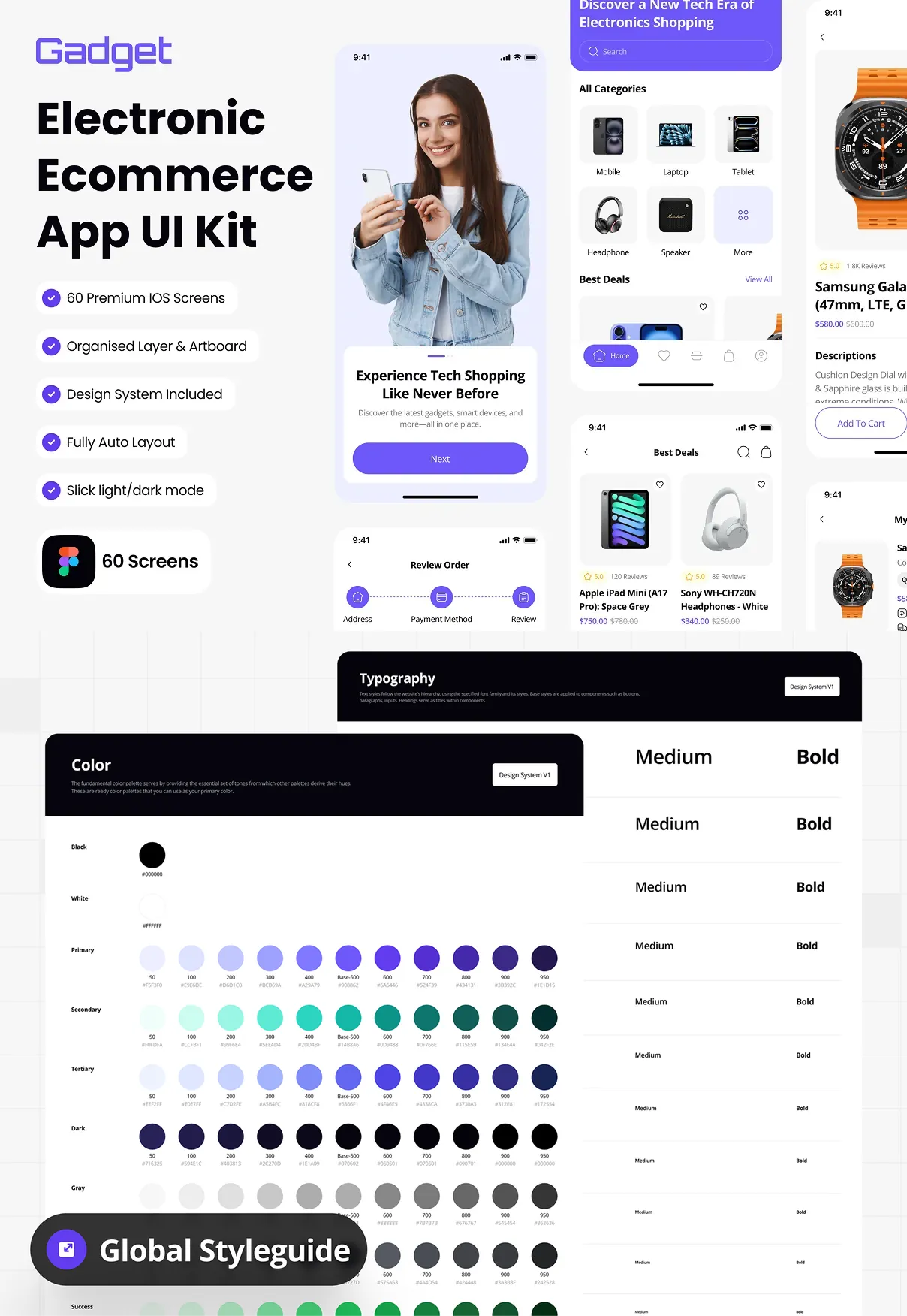
- Comprehensive style guide with color palettes, typography scales, icon libraries, and UI tokens.
- Dark & Light themes to support modern UI trends and accessibility requirements.
- Fully editable layers allowing you to customize branding, imagery, and copy with ease.
- Ready‑to‑export assets in SVG, PNG, and PDF for seamless handoff to developers.
Design Philosophy Behind Gadget
The kit follows a minimal‑yet‑bold visual language that emphasizes product imagery and clear call‑to‑action buttons. High‑contrast typography combined with generous white space guides the user’s eye toward key information such as pricing, discounts, and stock availability. Interactive states—including hover, press, and disabled—are pre‑designed, reducing the need for additional prototyping work.
Optimized User Journey
Every screen is mapped to a logical flow that mirrors real‑world shopping behavior. Users can quickly browse categories, refine searches with advanced filters, compare products side‑by‑side, and complete purchases with a frictionless checkout that supports multiple payment methods. Post‑purchase screens include order confirmation, shipment tracking, and easy return initiation, all designed to enhance customer satisfaction and loyalty.
Integration and Handoff
Gadget’s components are structured with clear naming conventions and Figma variables, making handoff to development teams straightforward. Exportable CSS snippets, SwiftUI code samples, and JSON style tokens are included, allowing developers to implement the design with minimal translation effort. The kit also supports collaboration through Figma’s sharing capabilities, so design, product, and engineering stakeholders stay aligned throughout the project lifecycle.
Support and Updates
When you purchase Gadget, you receive lifetime access to updates. Future releases will incorporate emerging iOS design patterns, new device resolutions, and expanded component libraries such as AR product showcases and AI‑driven recommendation widgets. Dedicated email support ensures any questions about customization or integration are answered promptly.
Who Benefits Most from Gadget?
Start‑ups and indie developers seeking a polished, market‑ready UI without the overhead of building from scratch.
Established brands looking to refresh their mobile storefront with a modern, consistent aesthetic.
Design agencies that need a reliable, reusable foundation for multiple client projects, reducing turnaround time and increasing profitability.
Getting Started
Download the kit, open the Figma file, and explore the organized page hierarchy. Select any screen, duplicate it, and begin tailoring colors, fonts, and imagery to match your brand voice. Use the built‑in style guide to maintain visual coherence across all pages. When you’re ready, export the assets and hand them over to your development team for implementation.
Transform your electronic ecommerce vision into a high‑performing iOS app with Gadget. The combination of extensive screen coverage, responsive auto‑layout, and a robust style system equips you to deliver a compelling shopping experience that converts visitors into loyal customers.