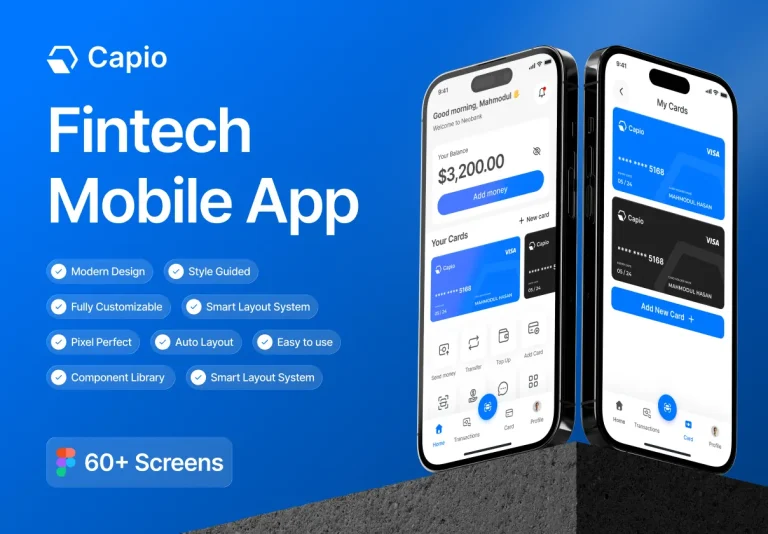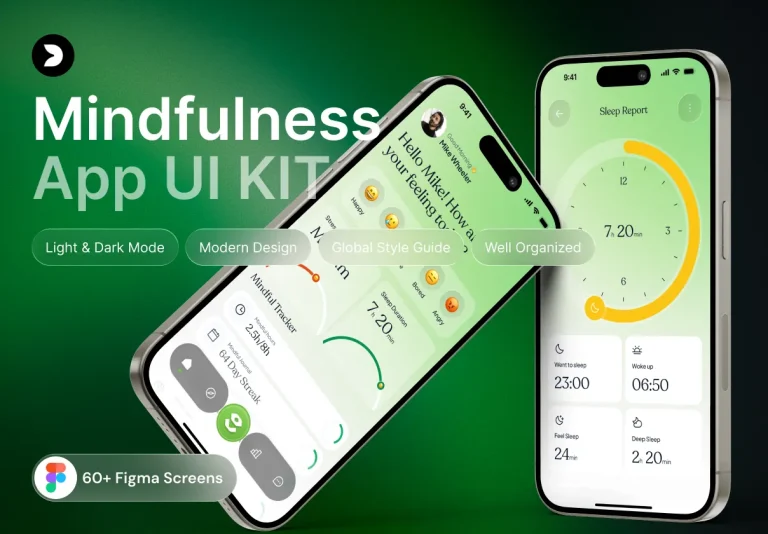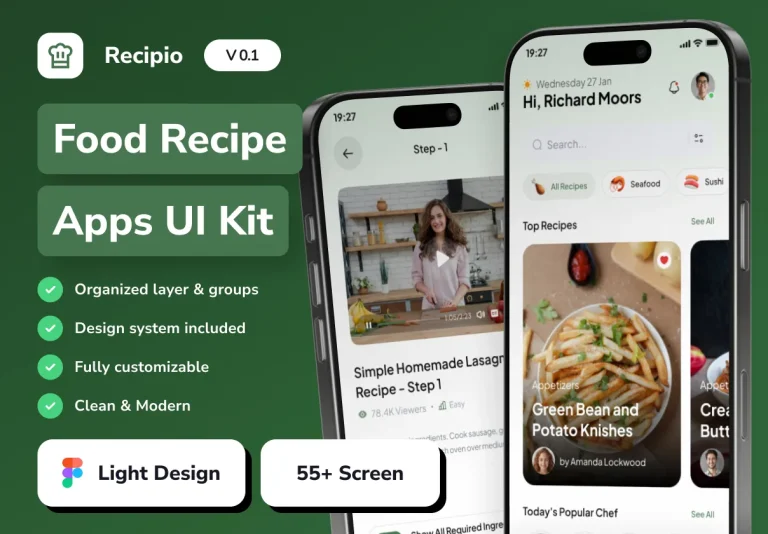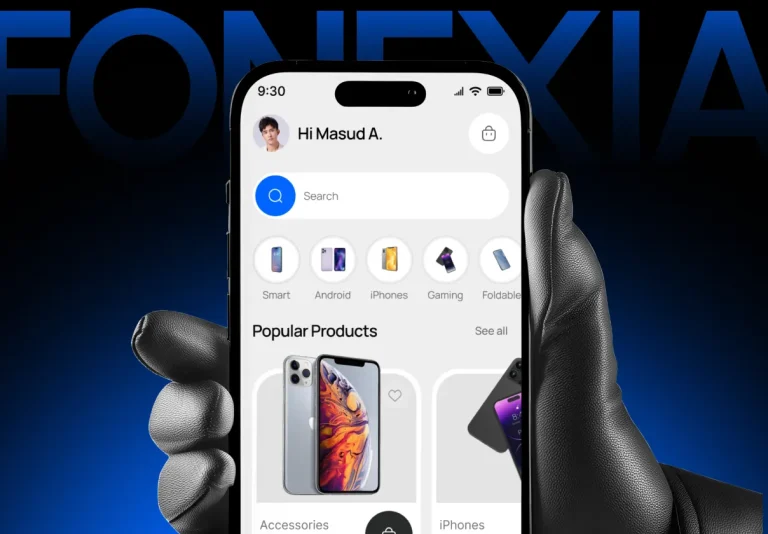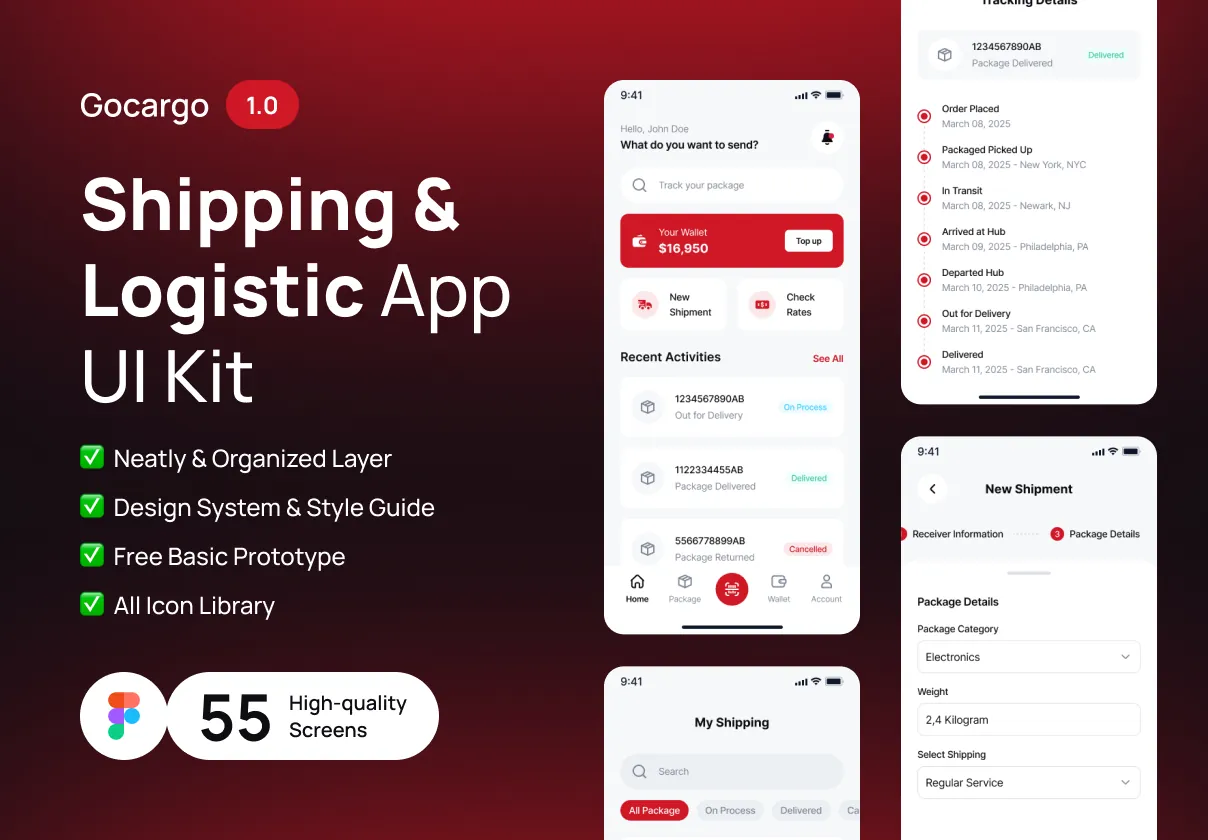

Gocargo is a comprehensive UI kit designed to accelerate the creation of modern shipping and logistics applications. Delivered in Figma, it supplies designers and developers with a cohesive visual language, ready‑made screens, and reusable components that cover every step of the logistics workflow—from order placement to real‑time tracking and analytics.
Key Benefits
- Speed to Market: With 55 expertly crafted screens, teams can assemble complete user flows in hours rather than weeks.
- Consistent Design System: Unified color tokens, typography, and spacing ensure visual harmony across iOS and Android platforms.
- Developer‑Ready Assets: Exportable SVG icons, optimized PNGs, and CSS snippets streamline handoff to SwiftUI, Jetpack Compose, React Native, or Flutter.
- Scalable Components: Modular UI elements (buttons, tables, maps, charts) adapt instantly to new features or branding changes.
Screen Library
Comprehensive User Journey
The kit includes over 55 high‑resolution screens that map the entire logistics experience:
- Onboarding & Registration: Splash screen, tutorial carousel, email/social sign‑up, and biometric login.
- Dashboard & Overview: Real‑time shipment status, key performance indicators, and quick‑action shortcuts.
- Order Management: Create shipments, select carriers, schedule pickups, and view detailed order histories.
- Tracking & Map Views: Live GPS tracking, route optimization, and delivery timeline visualizations.
- Analytics & Reporting: Custom charts, exportable CSV reports, and performance dashboards.
- Settings & Profile: Theme toggles (light/dark), notification preferences, and account management.
Component System
Reusable UI Elements
Every component follows a clean, modular design system:
- Navigation: Bottom tab bar, side drawer, and breadcrumb trails that respect platform conventions.
- Buttons & CTAs: Primary, secondary, outline, disabled, and loading states with auto‑layout constraints.
- Input Controls: Text fields, dropdowns, date pickers, toggle switches, and searchable tables.
- Data Visualizations: Bar charts, line graphs, and geo‑maps styled for readability on mobile screens.
- Micro‑Interactions: Subtle hover effects, progress spinners, and animated status badges that reinforce feedback.
Design Tokens & Theming
Gocargo ships with a complete set of JSON design tokens that map colors, typography, spacing, and elevation to CSS variables, SwiftUI themes, or Flutter ThemeData objects. Updating a single token propagates instantly across the entire kit, enabling quick brand customization and effortless dark‑mode support.
Handoff & Export Options
A detailed handoff guide explains how to extract assets for development:
- Export vector icons as SVG for pixel‑perfect scaling.
- Generate optimized PNGs for bandwidth‑constrained networks.
- Copy ready‑to‑use CSS snippets for buttons, forms, and modal overlays.
- Integrate JSON tokens into iOS (SwiftUI), Android (Jetpack Compose), React Native, and Flutter projects.
Licensing, Updates, & Support
Purchasing the Gocargo UI kit grants a lifetime license with free updates. Future releases will add:
- Advanced carrier integration modules.
- Extended animation library for shipment transitions.
- AI‑driven route optimization widgets.
Support includes email assistance and access to a private community forum where designers share customizations and developers discuss integration challenges.