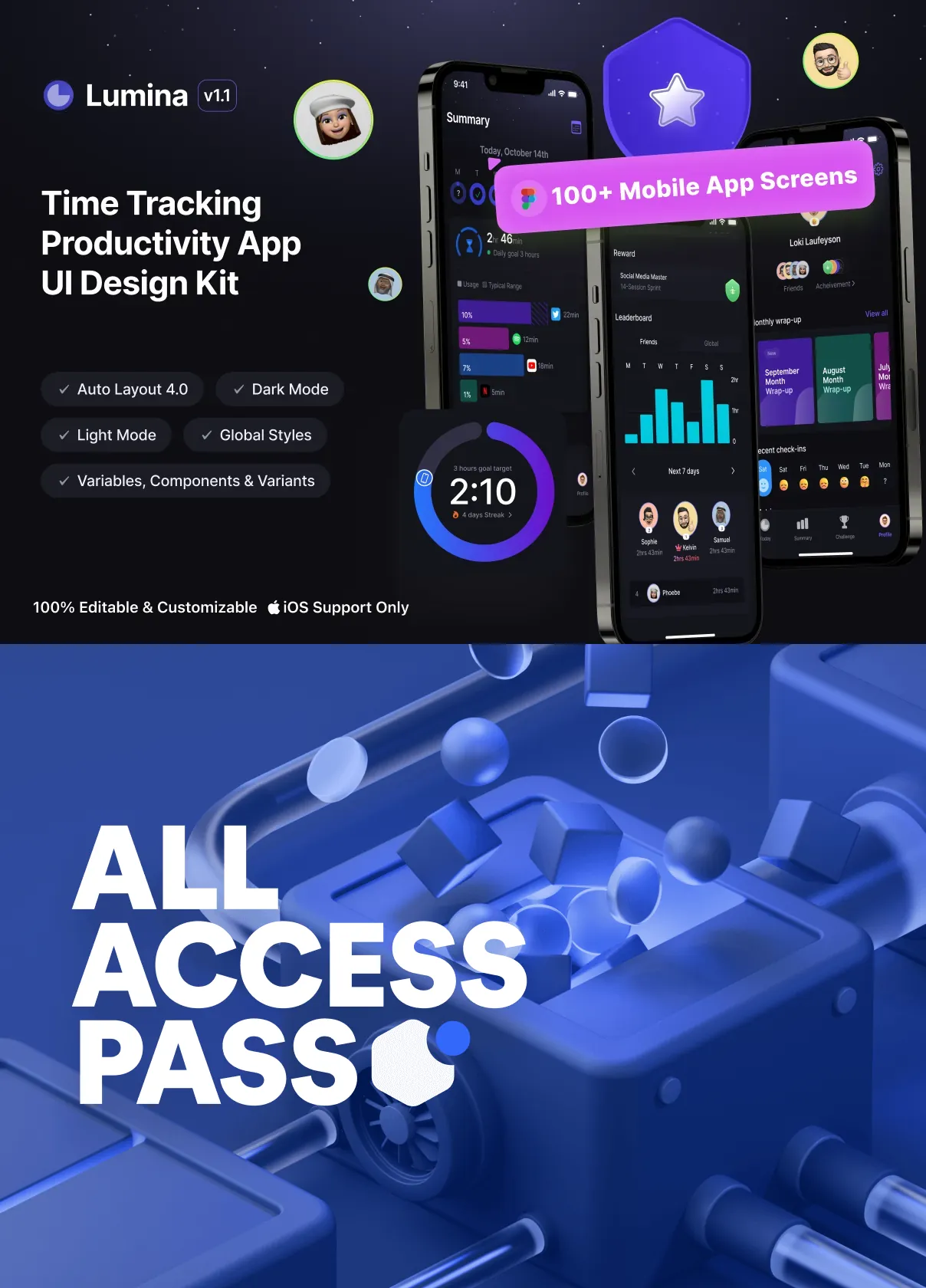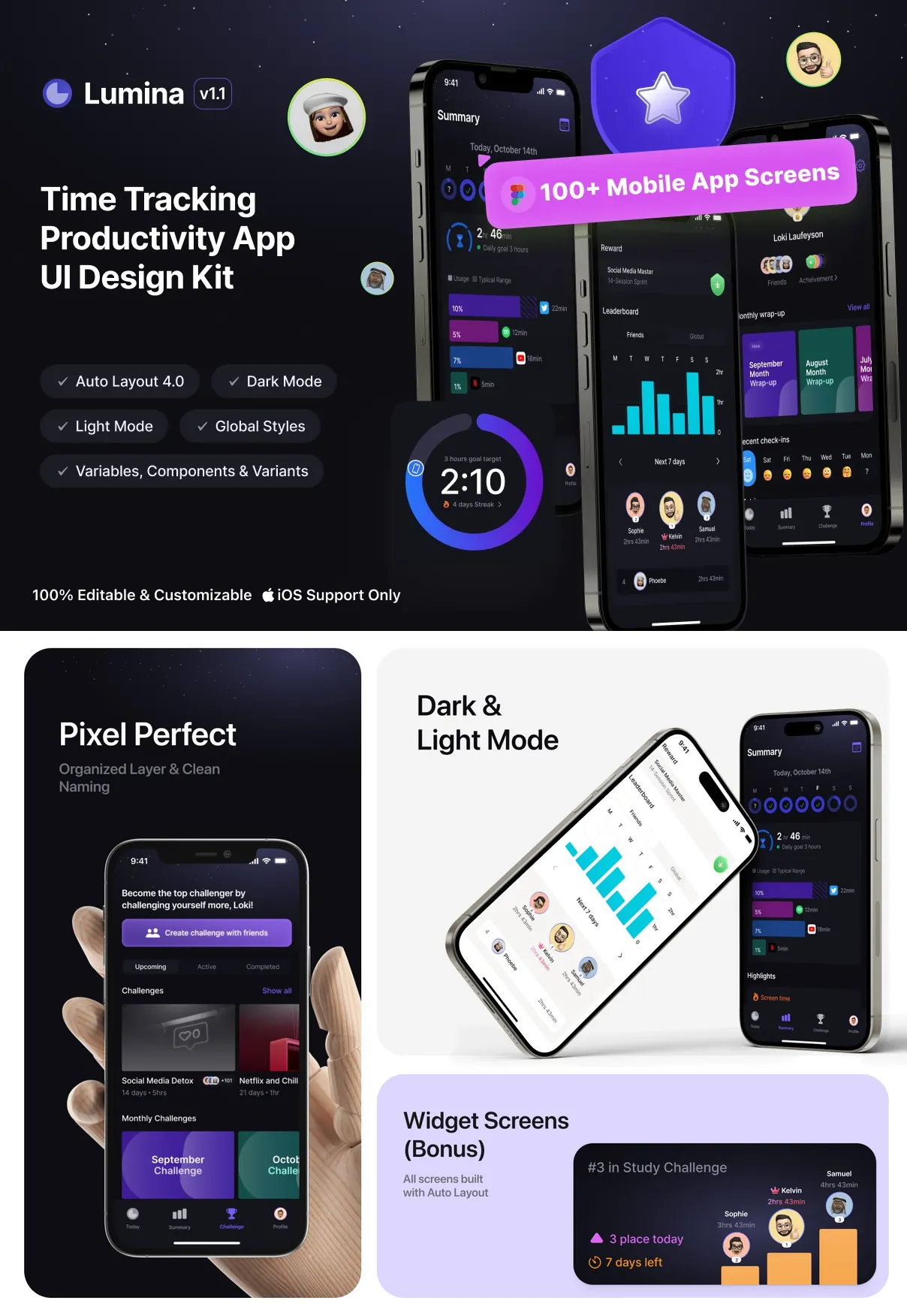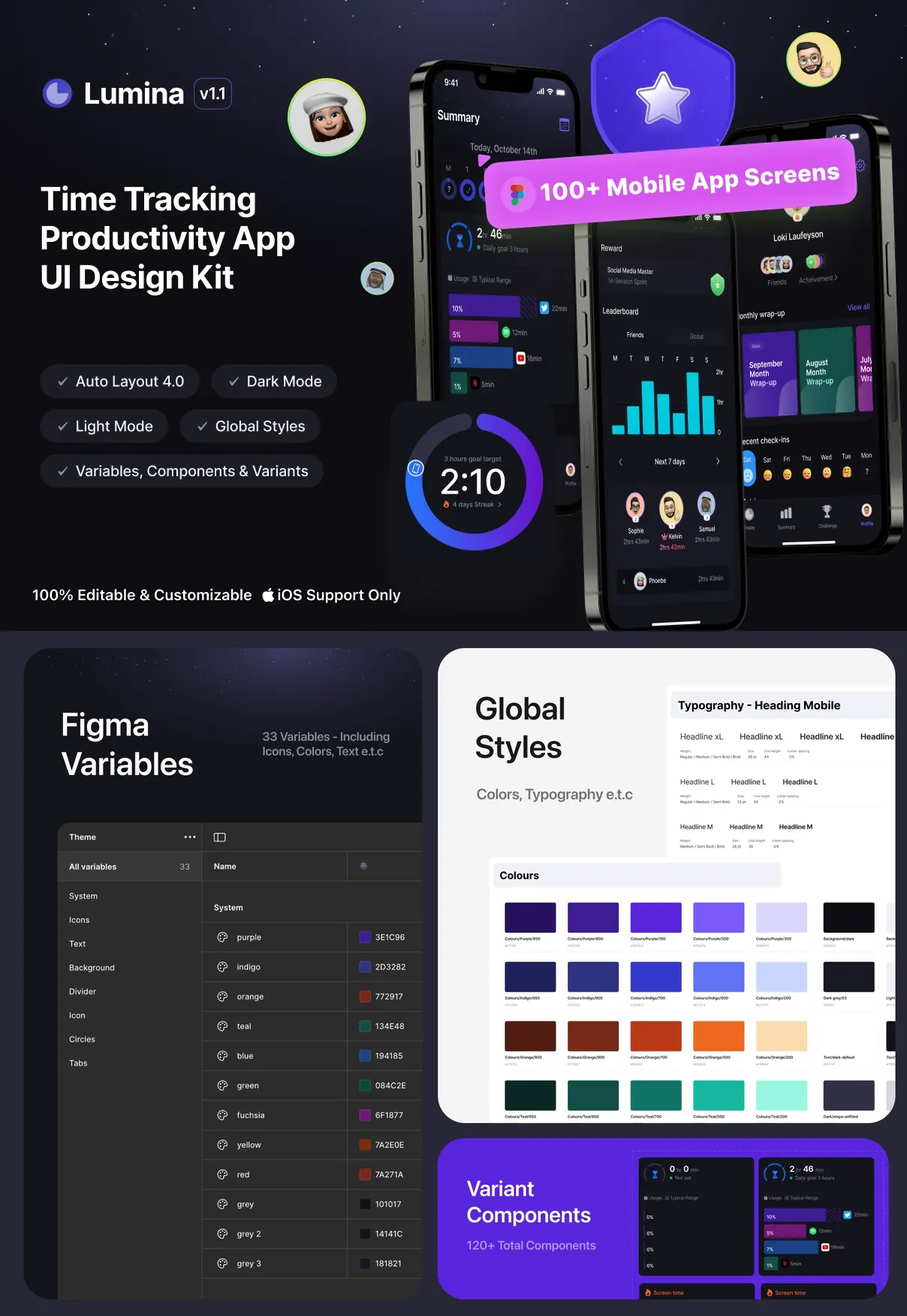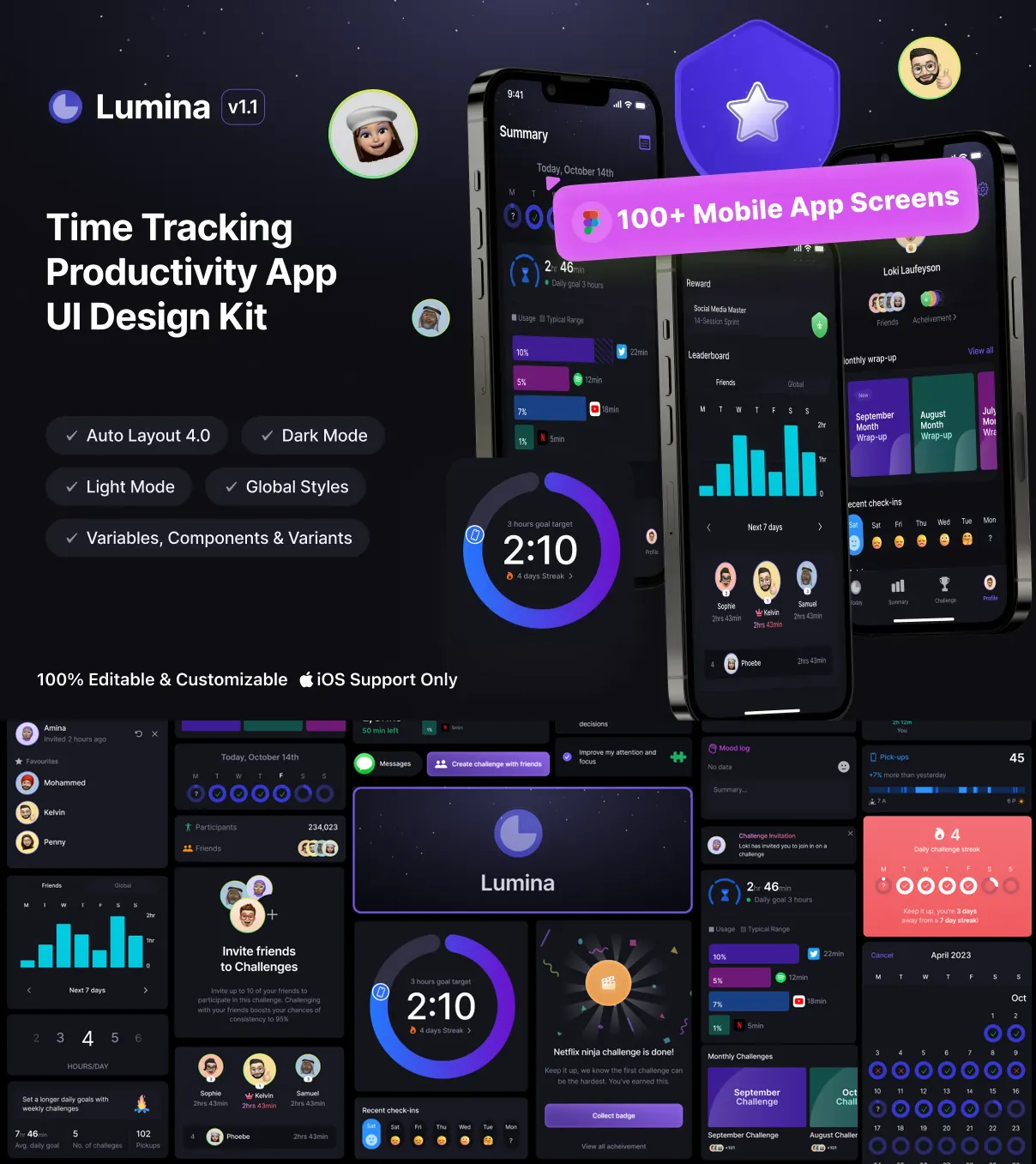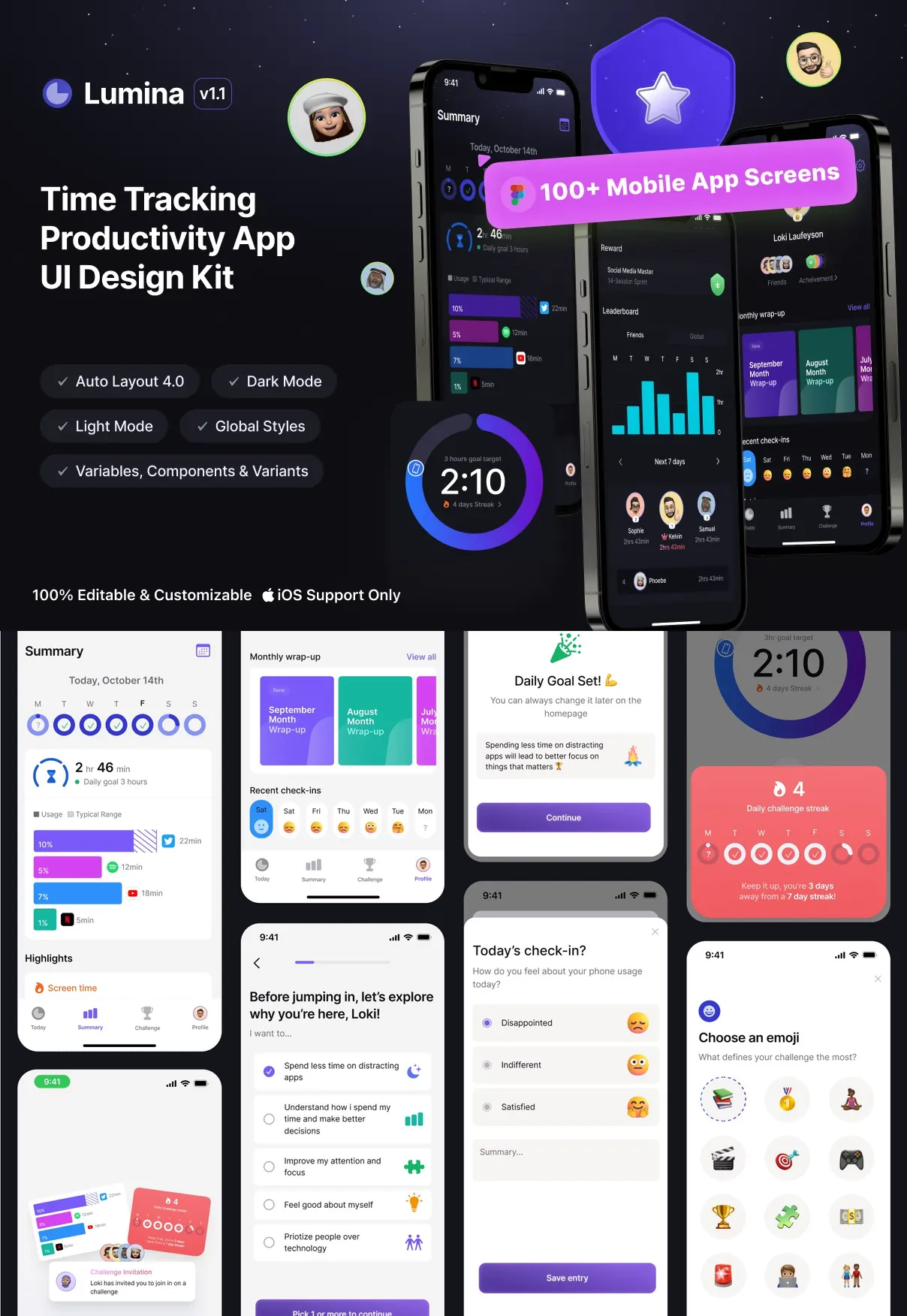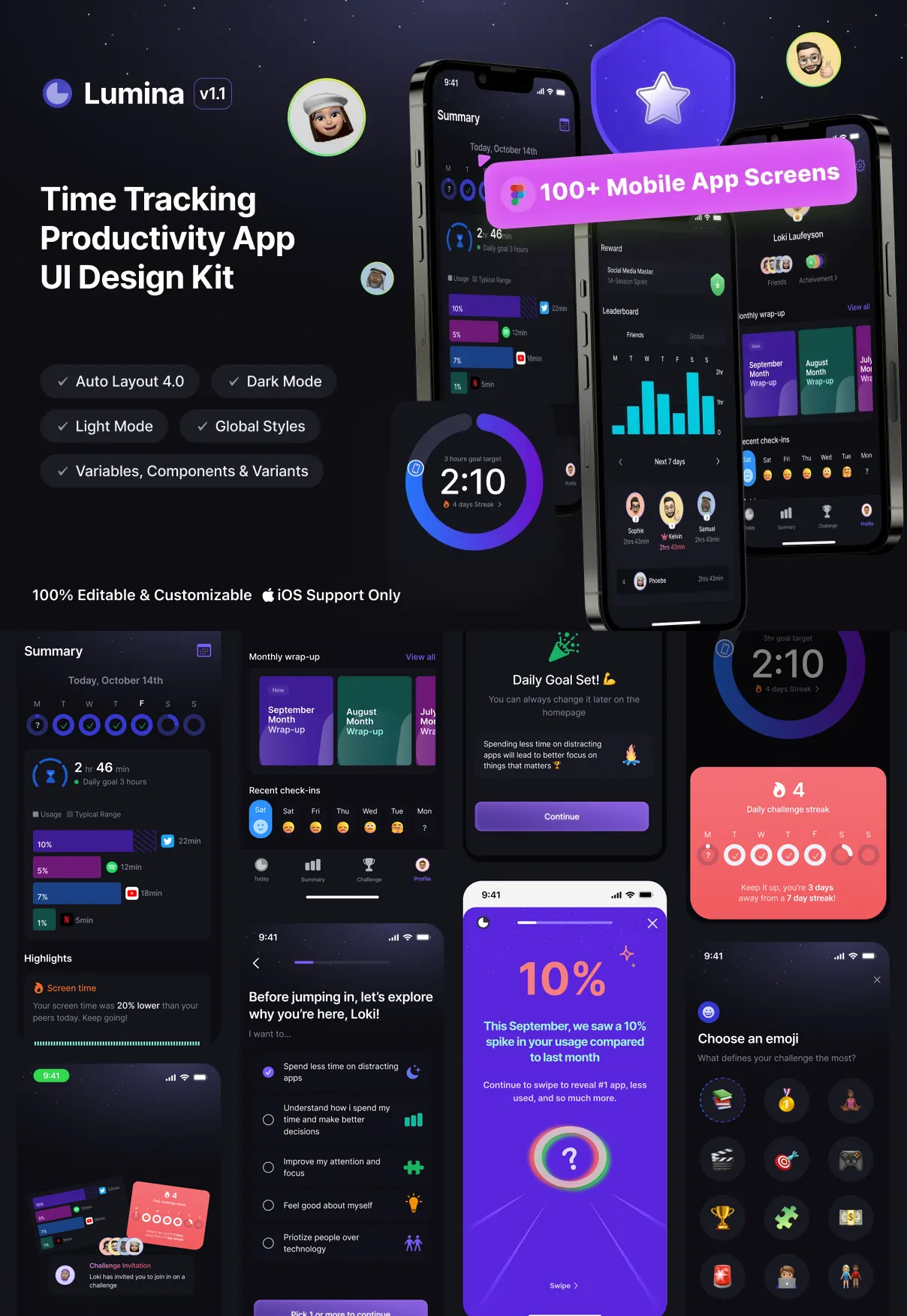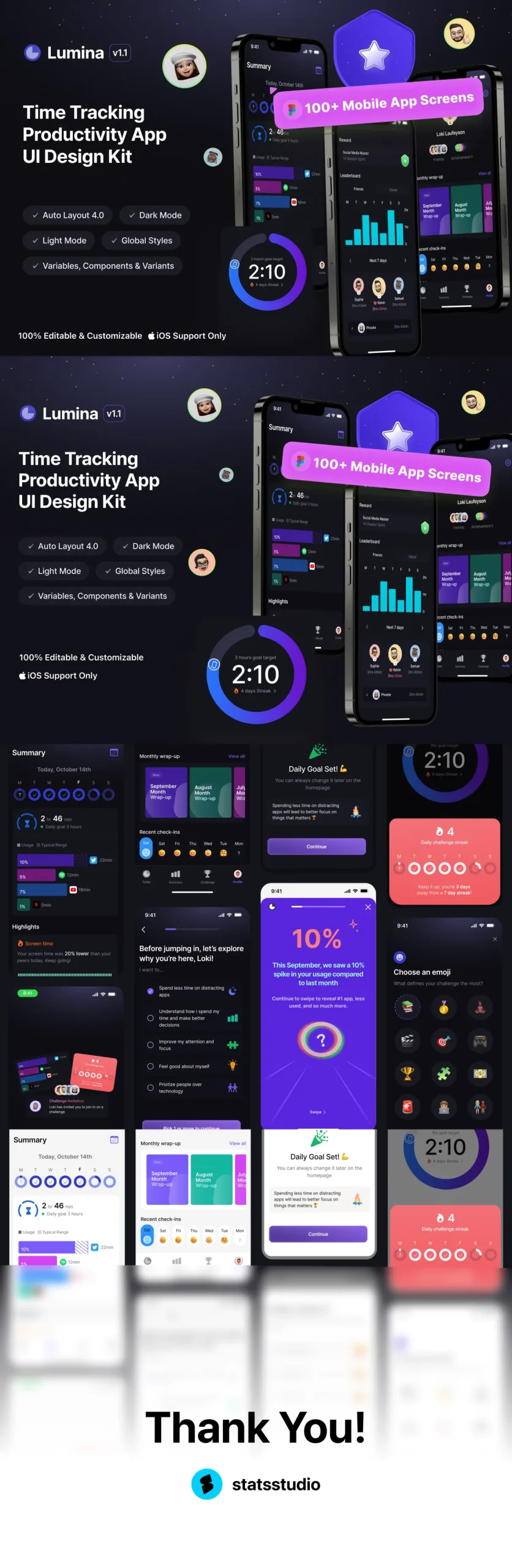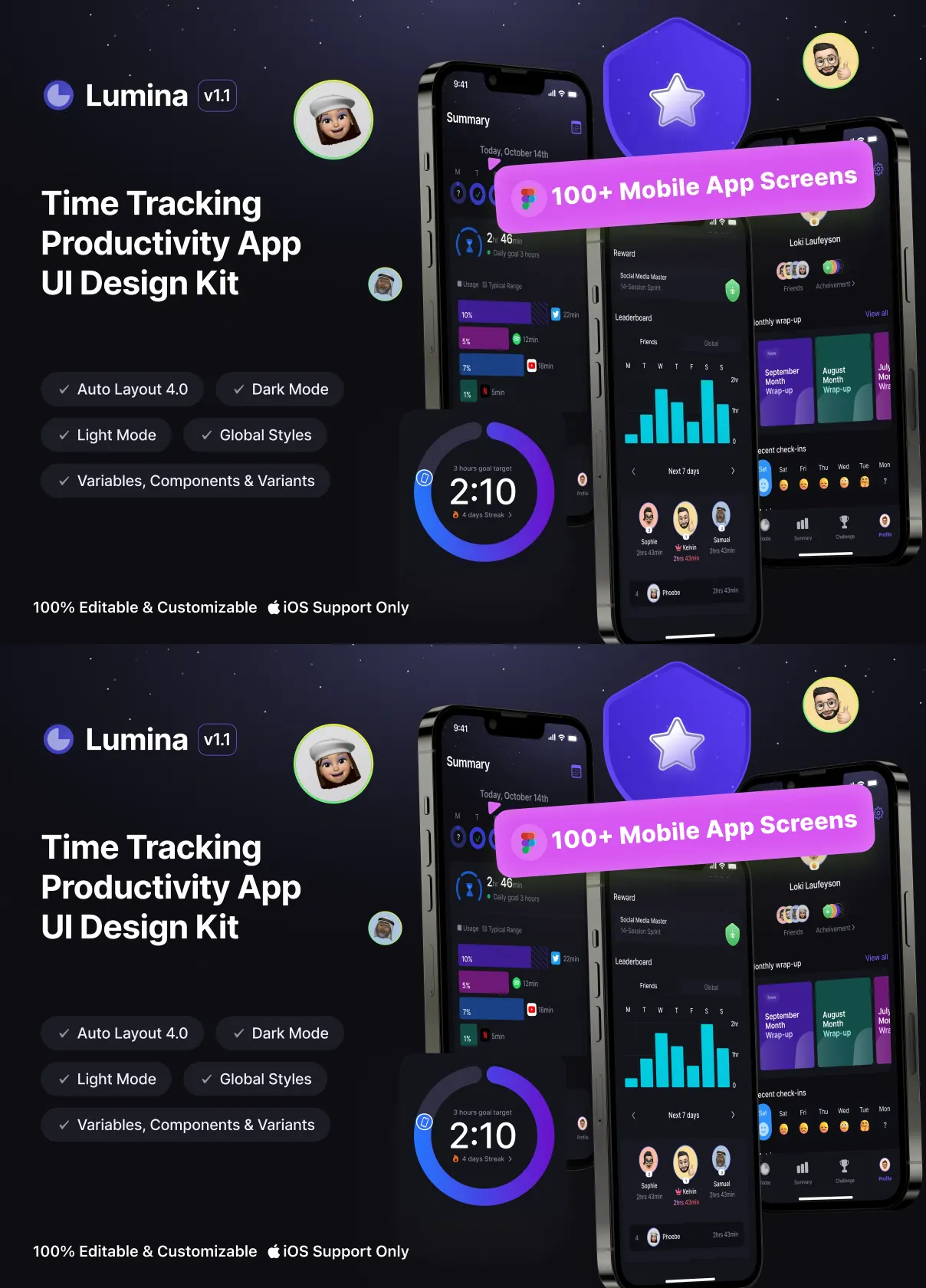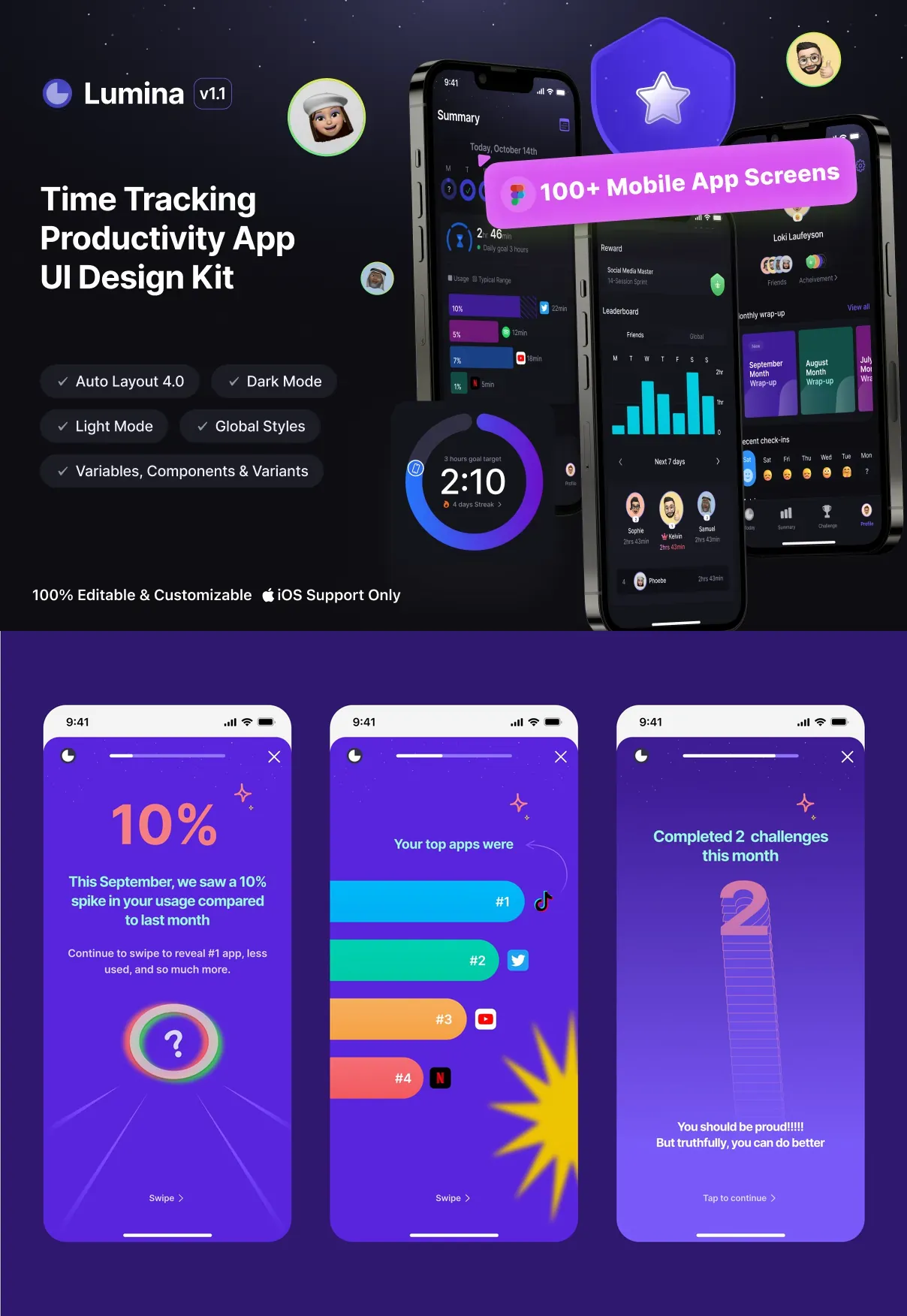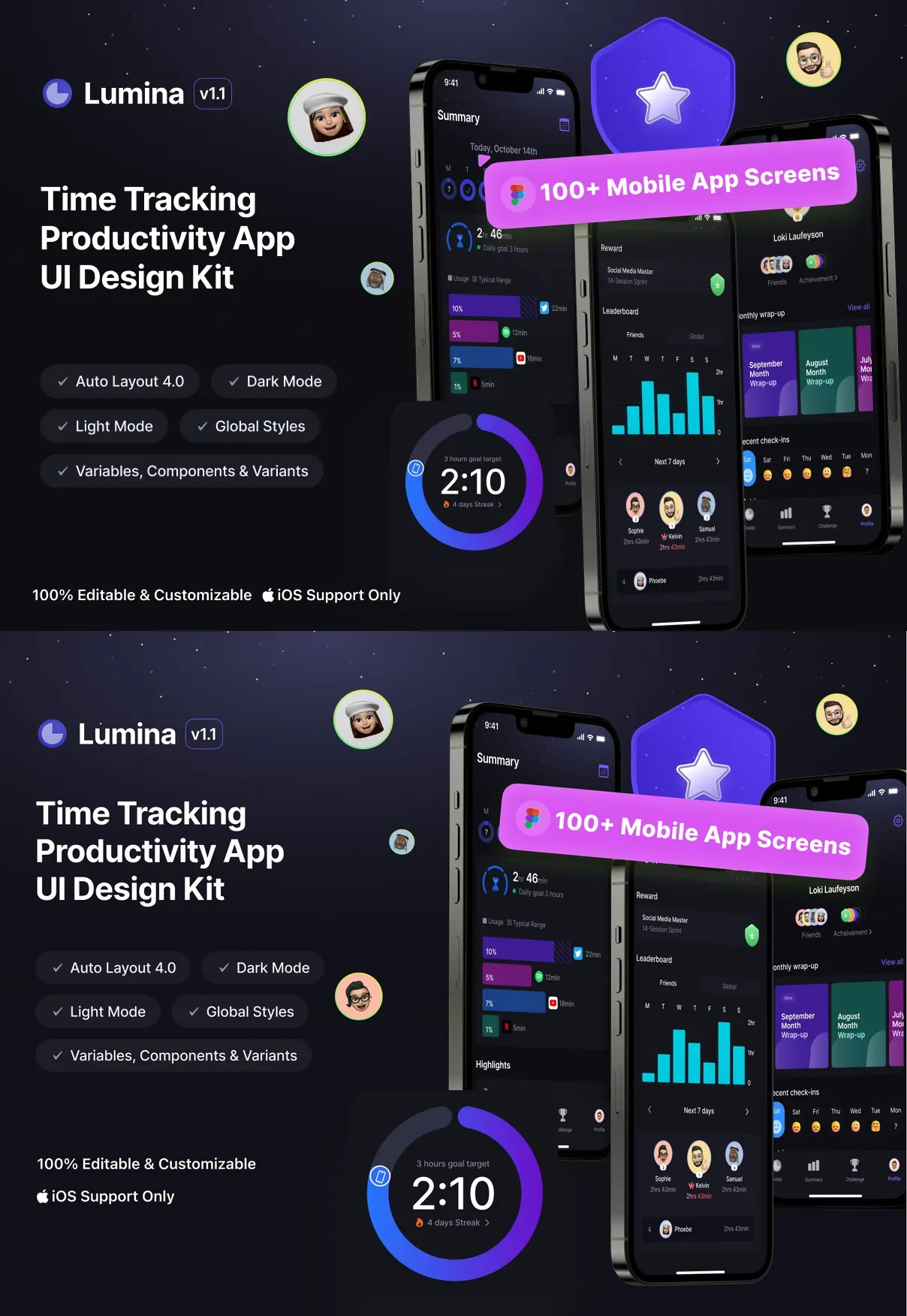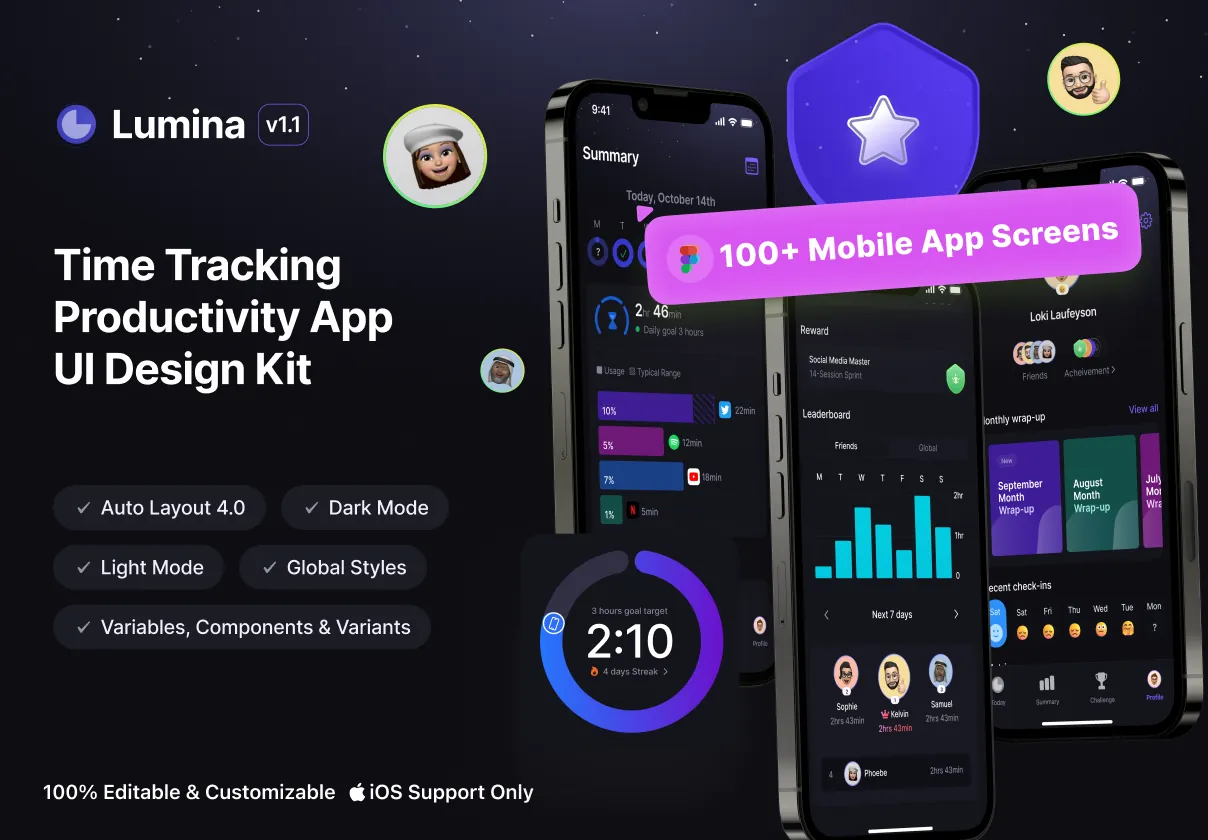

Step into the future of productivity with Lumina, the most advanced, interactive iOS UI Kit designed for time tracking, task management, and workflow optimization. Whether you’re building a freelancer dashboard, team productivity platform, or personal time management app, Lumina delivers a sleek, intuitive, and frictionless experience grounded in user psychology, performance analytics, and Apple’s Human Interface Guidelines. Crafted in Figma with 70+ fully interactive screens, Lumina ensures rapid prototyping, seamless collaboration, and flawless handoff to developers—accelerating your product launch by weeks.
Designed for Peak Focus: Every Interaction Matters
- Real-Time Timer Engine: Dynamic countdown with vibration feedback, pause-resume logic, and auto-save to prevent data loss—perfect for deep work sessions, sprint planning, and hourly billing.
- Smart Task Categorization: AI-assisted tagging (e.g., “Meeting,” “Development,” “Research”) with color-coded labels, effort estimation, and project integration.
- Progress Visualization Hub: Interactive heatmaps showing daily, weekly, and monthly focus patterns; dynamic bar charts, pie graphs, and time allocation breakdowns.
- Daily Focus Mode: Full-screen distraction-free timer with ambient sound selection, pomodoro scheduling, and smart break recommendations based on work intensity.
- Billable Time Auto-Tracker: GPS geolocation, screenshot monitoring (opt-in), and app usage detection—ideal for remote freelancers and consultants.
End-to-End Workflow from Task to Report
Engineer a Seamless Productivity Journey
Lumina structures the complete lifecycle of productive work—from idea to output—with clinical precision:
- Task Creation & Prioritization: Drag-and-drop interface, urgency/impact scoring (Eisenhower Matrix), recurring tasks, deadlines, and assignee tagging.
- Time Entry & Tracking: One-tap start/stop, voice logging for manual entries, and sync with calendar events (iCal, Google Calendar).
- Project Dashboard Overview: At-a-glance summary of time spent, tasks completed, team contributions, and budget burn rates—perfect for agency managers.
- Expense & Billing Module: Convert tracked hours into invoices, apply hourly rates, generate client reports, and export PDF/CSV with a single click.
- Weekly Productivity Reports: AI-powered insights summarizing focus duration, interruptions, top-performing tasks, and suggestions for improvement.
- Team Collaboration Hub: Shared workspaces, progress visibility, task commenting, and real-time status updates with status badges and notification filters.
- Custom Workflows & Automation: Create templates for recurring projects (e.g., “Client Onboarding,” “Content Creation”), trigger actions on time entry, and sync with Slack/Notion.
- Integrations & Sync: Built-in API connectors for Zapier, Trello, Asana, and Microsoft Teams—plus iCloud sync with conflict resolution.
Modular & Brand-Ready Design System
Customize Lumina to Fit Your Company’s Identity
Scale your product’s personality across apps and markets with a fully modular system:
- Dynamic Theme Engine: Built-in light, dark, and high-contrast modes with auto-switch based on system preferences or manual override.
- Typography & Accessibility: Legible sans-serif fonts optimized for small screens, adjustable text size, and high-contrast text for low-vision users.
- Component Library: Fully responsive buttons, input fields, toggles, cards, badges, and progress indicators—all with hover, active, and accessibility states.
- Iconography System: 120+ scalable icons (time, focus, productivity, project, team, money) with consistent stroke weights and vector-based export for any resolution.
- Animated Transitions & Feedback: Subtle micro-interactions on task completion, timer end, and interface navigation—enhancing user satisfaction and engagement.
Developer-Grade Handoff with Production-Ready Export
Turn design into code with minimal friction:
- Fully exportable Figma files with named layers, components, and states for React Native, SwiftUI, and Flutter.
- Auto-generated code snippets with semantic class names, event handlers, and accessibility attributes.
- Ready-to-use API templates for time tracking endpoints, authentication (JWT), and user session management.
- Interactive Figma prototype with key user flows: task creation → timer start → report generation → invoice export.
Lifetime Access & AI-Powered Future Upgrades
One-time purchase. Forever improvements:
- AI Time Analysis Assistant: Predict patterns of procrastination, suggest optimal work hours, and recommend breaks based on biometric data (via wearables).
- Focus Zone Alerts: Notify users when distractions exceed thresholds—e.g., >3 social media app launches in 15 mins.
- Smart Task Suggestions: Based on past work habits, recommend similar tasks or templates for recurring workflows.
- Team Health Score: Monitor team engagement, burnout risk, and focus consistency with aggregated, anonymized metrics.