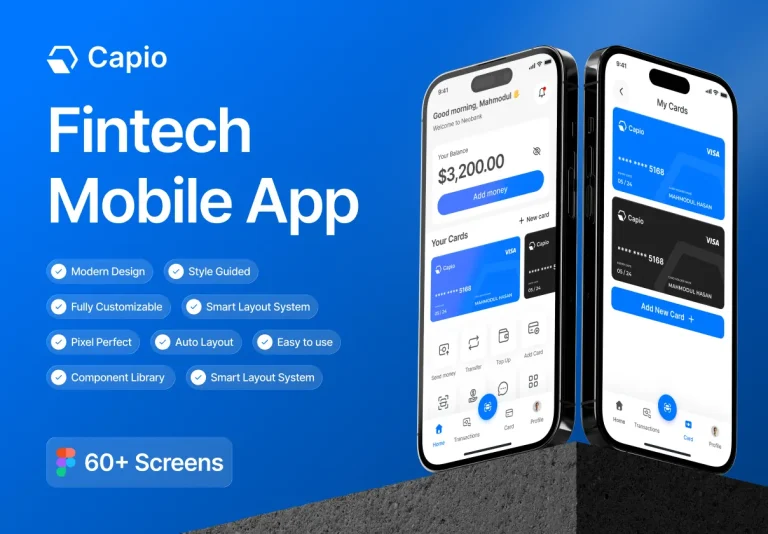
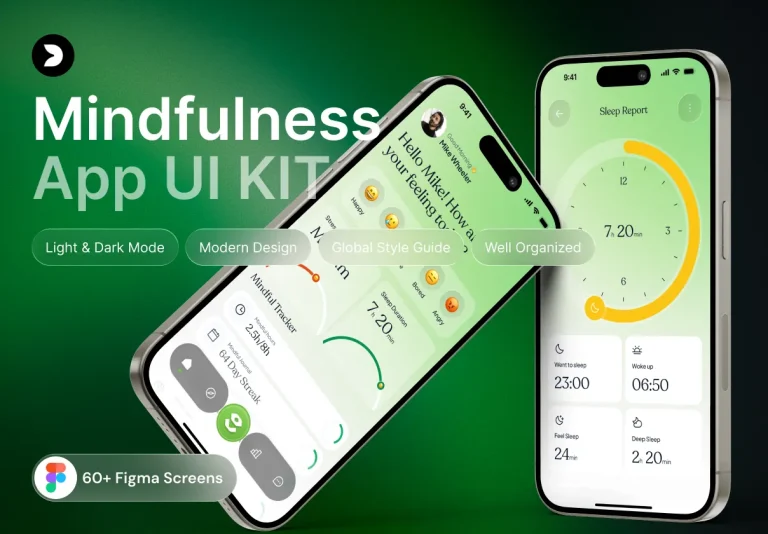
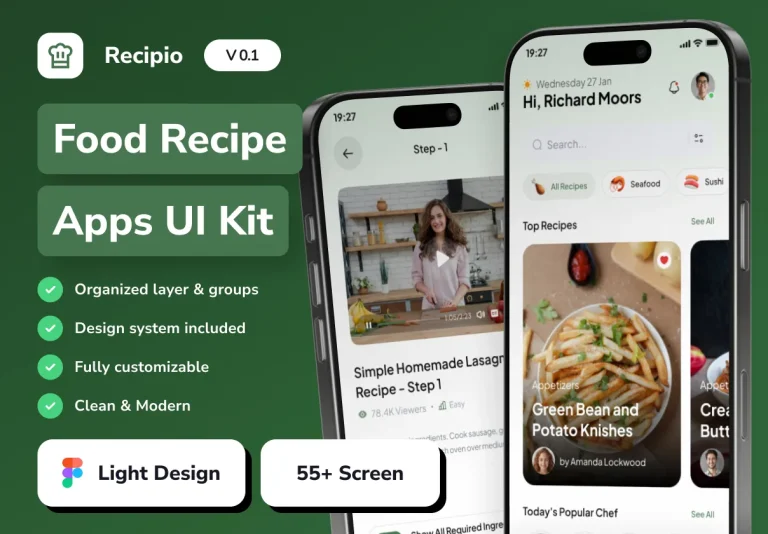
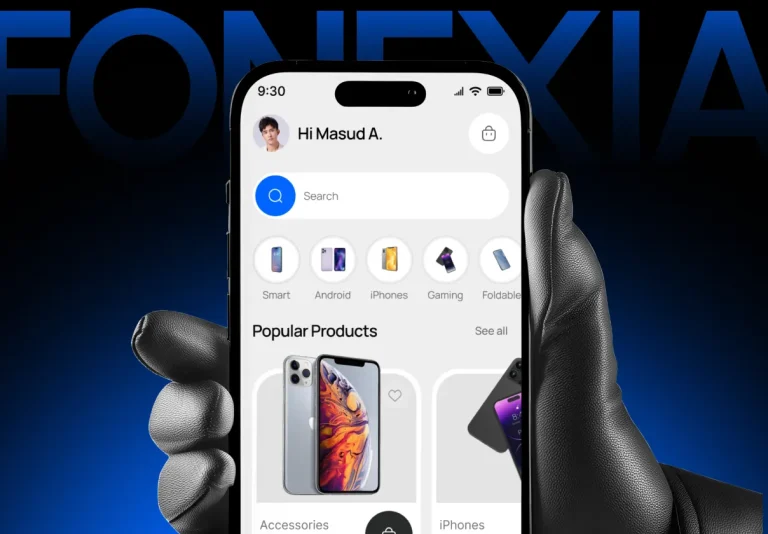
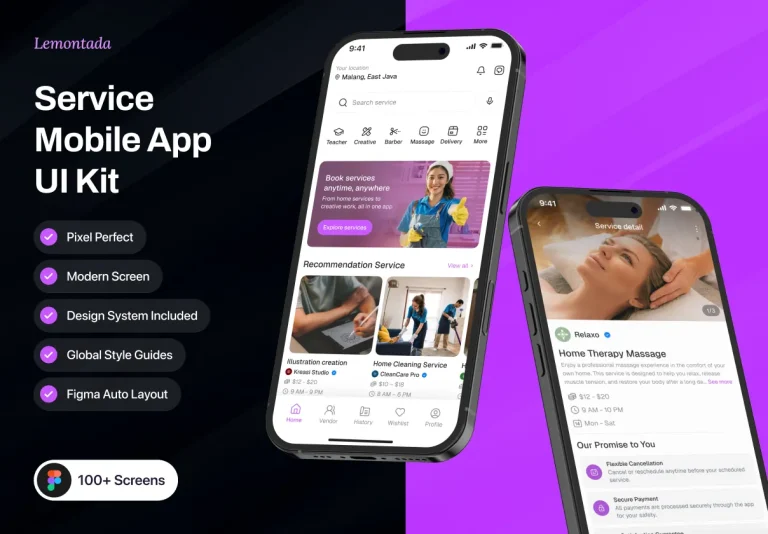
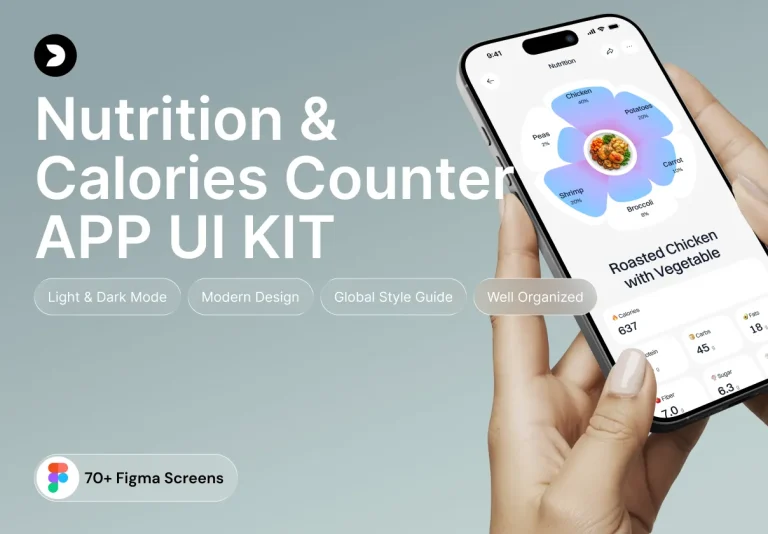
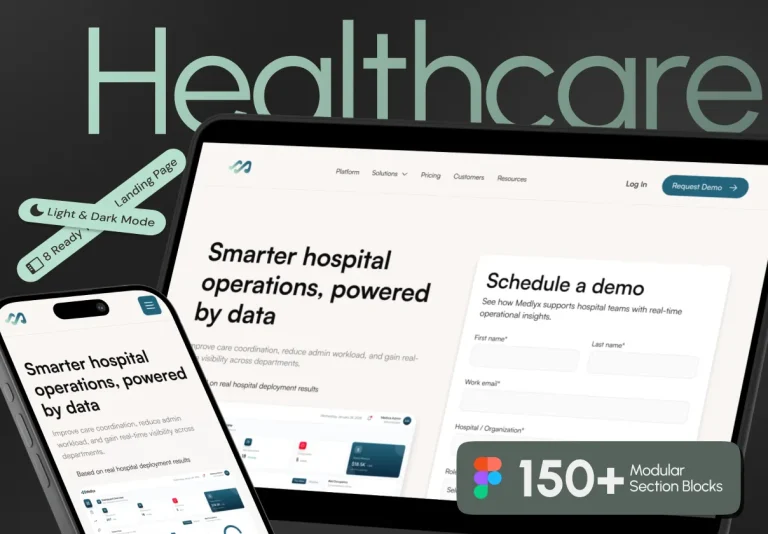
The Fluence Design System is a powerful, ready-to-use toolkit designed to help designers and developers build visually stunning, consistent, and scalable user interfaces without the need to start from scratch. Whether you are launching a new application or enhancing an existing one, Fluence provides a comprehensive set of reusable components, smart color tokens, responsive page templates, and built-in support for light and dark modes. This design system streamlines your workflow, allowing you to focus on delivering exceptional user experiences while eliminating common design challenges.
Why Fluence Design System is Essential for Modern UI Development
In today’s competitive digital environment, speed and consistency are critical to delivering high-quality products. Fluence addresses these demands by offering a flexible and scalable design system that adapts to projects of any size. It empowers teams to accelerate development, maintain brand consistency, and ensure accessibility across all devices.
Reusable Components That Accelerate Your Workflow
Fluence includes a rich library of pre-designed UI components such as buttons, forms, navigation bars, cards, modals, and more. These components are crafted to maintain visual harmony and usability throughout your application. By leveraging these ready-made elements, your team can significantly reduce design and development time, allowing more focus on innovation and functionality.
Smart Color Tokens for Seamless Theming
Maintaining consistent color schemes is vital for brand identity and user experience. Fluence incorporates smart color tokens that centralize color management, supporting both light and dark modes. This feature ensures your interface adapts smoothly to user preferences and environmental conditions, enhancing accessibility and future-proofing your design against evolving trends.
Responsive Page Templates for Optimal User Experience
With the diversity of devices and screen sizes today, responsive design is a necessity. Fluence offers a collection of responsive page templates that automatically adjust layouts to fit desktops, tablets, and mobile devices. This adaptability guarantees a seamless and optimized experience for all users, regardless of how they access your app.
Key Features of the Fluence Design System
| Feature | Description | Benefit |
|---|---|---|
| Reusable Components | Pre-built UI elements including buttons, forms, modals, and navigation bars | Speeds up development and ensures design consistency across projects |
| Smart Color Tokens | Centralized color management supporting both light and dark themes | Maintains brand identity and improves accessibility for all users |
| Responsive Templates | Layouts that adapt fluidly to various screen sizes and devices | Delivers a consistent and optimized user experience on any platform |
| Light/Dark Mode Support | Built-in themes that switch automatically or manually | Enhances usability and user comfort in different lighting environments |
| Easy Customization | Flexible design tokens and component settings for branding alignment | Allows personalized UI design tailored to your project’s needs |
| Scalable Architecture | Designed to grow with your project’s complexity and size | Supports long-term maintenance and feature expansion |
How Fluence Enhances Your Design and Development Workflow
Fluence is more than a collection of UI elements; it is a thoughtfully engineered system that promotes efficiency, collaboration, and consistency. By standardizing design patterns and providing a shared language between designers and developers, Fluence reduces miscommunication and accelerates project timelines.
Organized and Consistent Interface Creation
Every component and template in Fluence follows a consistent design language, ensuring your interfaces look cohesive and professional. This organization helps teams avoid common pitfalls such as inconsistent spacing, mismatched colors, or conflicting typography, resulting in polished and reliable user interfaces.
Focus on User Experience, Not Repetitive Tasks
By eliminating repetitive design work, Fluence allows your team to dedicate more time to refining user interactions and improving usability. The system’s built-in accessibility considerations and responsive design principles ensure your app is inclusive and user-friendly for a broad audience.
Flexible and Easy to Customize
Fluence’s modular architecture enables you to easily tweak components, adjust color schemes, or extend templates to meet your unique project requirements. This flexibility makes it an ideal choice for startups, agencies, and enterprise teams seeking a scalable and adaptable design system.
Conclusion: Empower Your Projects with Fluence Design System
The Fluence Design System is an indispensable tool for anyone aiming to create beautiful, consistent, and scalable user interfaces efficiently. Its extensive set of reusable components, smart color tokens, responsive templates, and built-in light/dark mode support combine to deliver a seamless design and development experience.
By adopting Fluence, your team can accelerate workflows, maintain high-quality standards, and focus on delivering outstanding user experiences. Whether you are building a new app or enhancing an existing one, Fluence provides the tools and flexibility to help your project succeed.