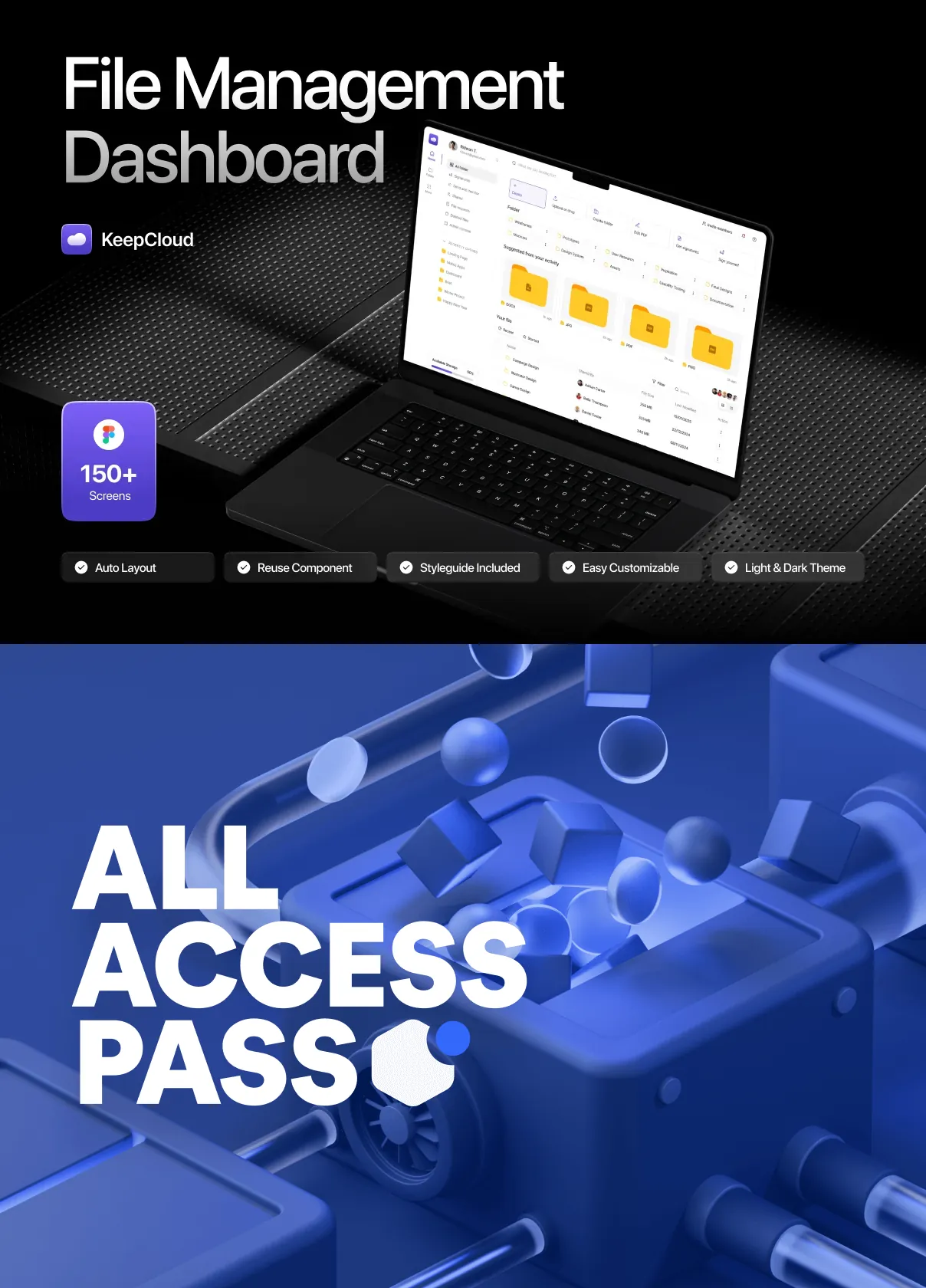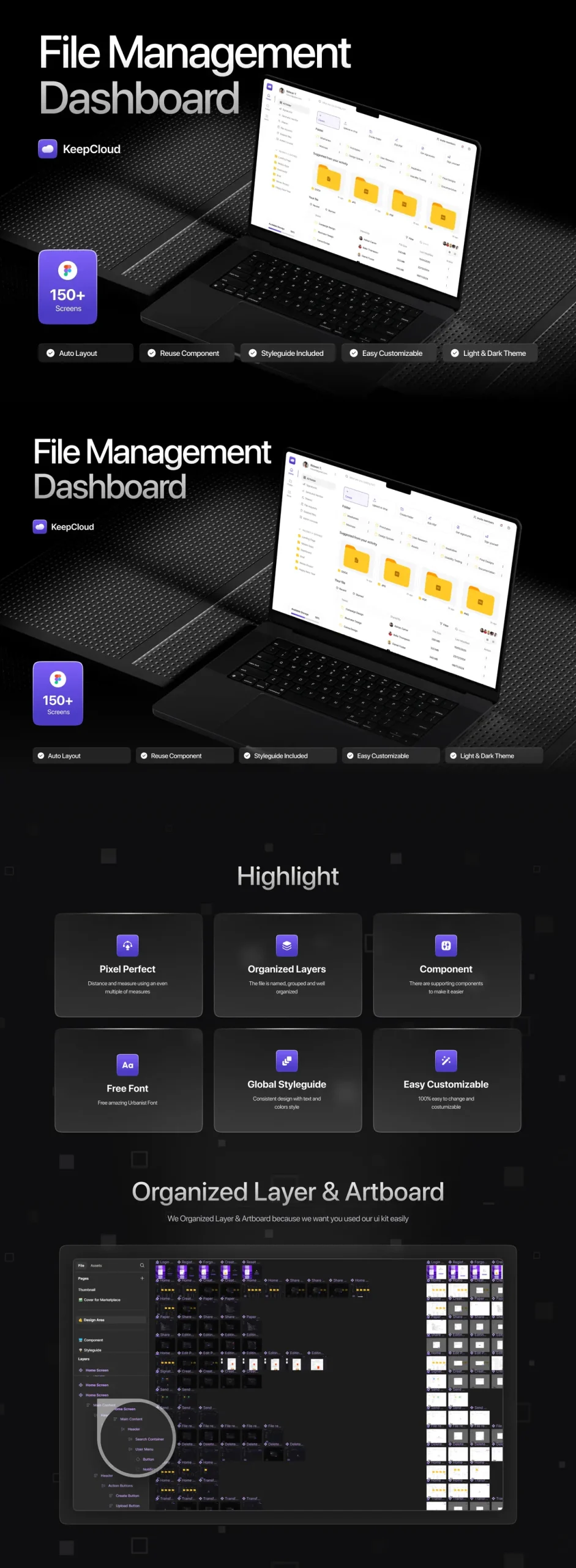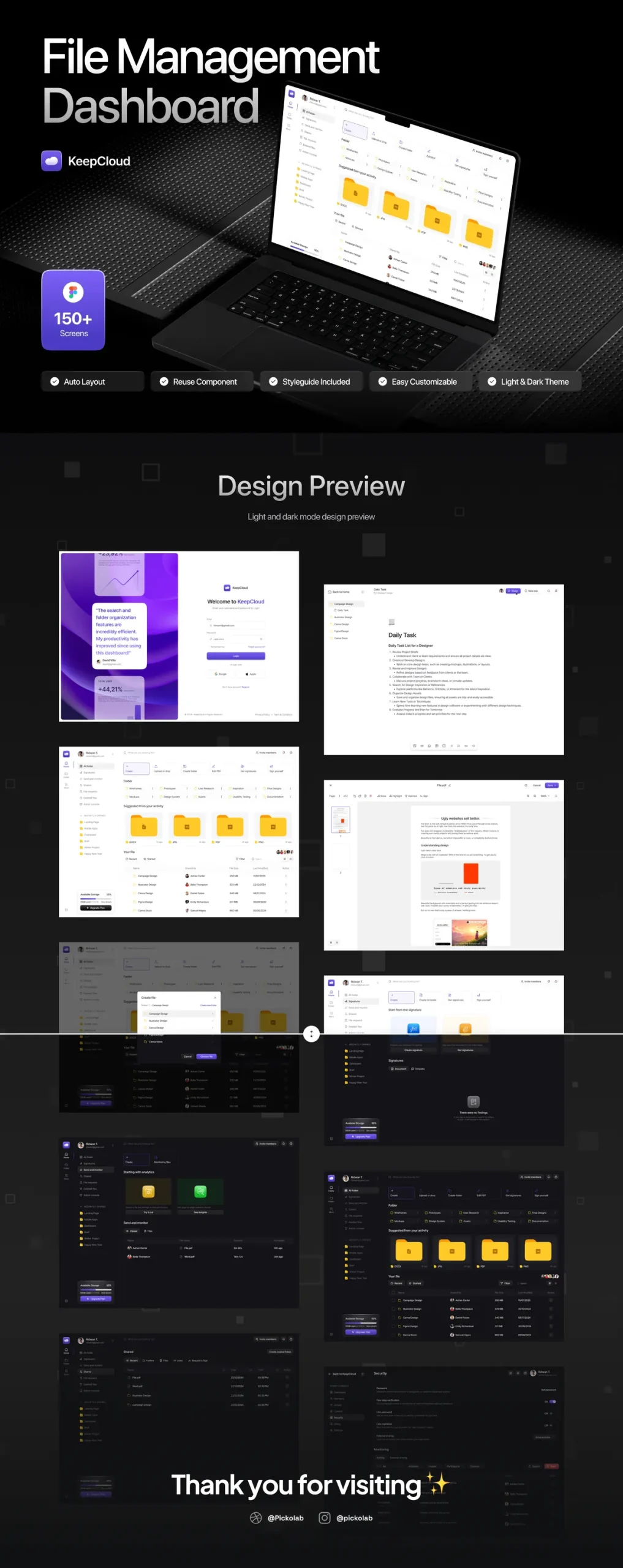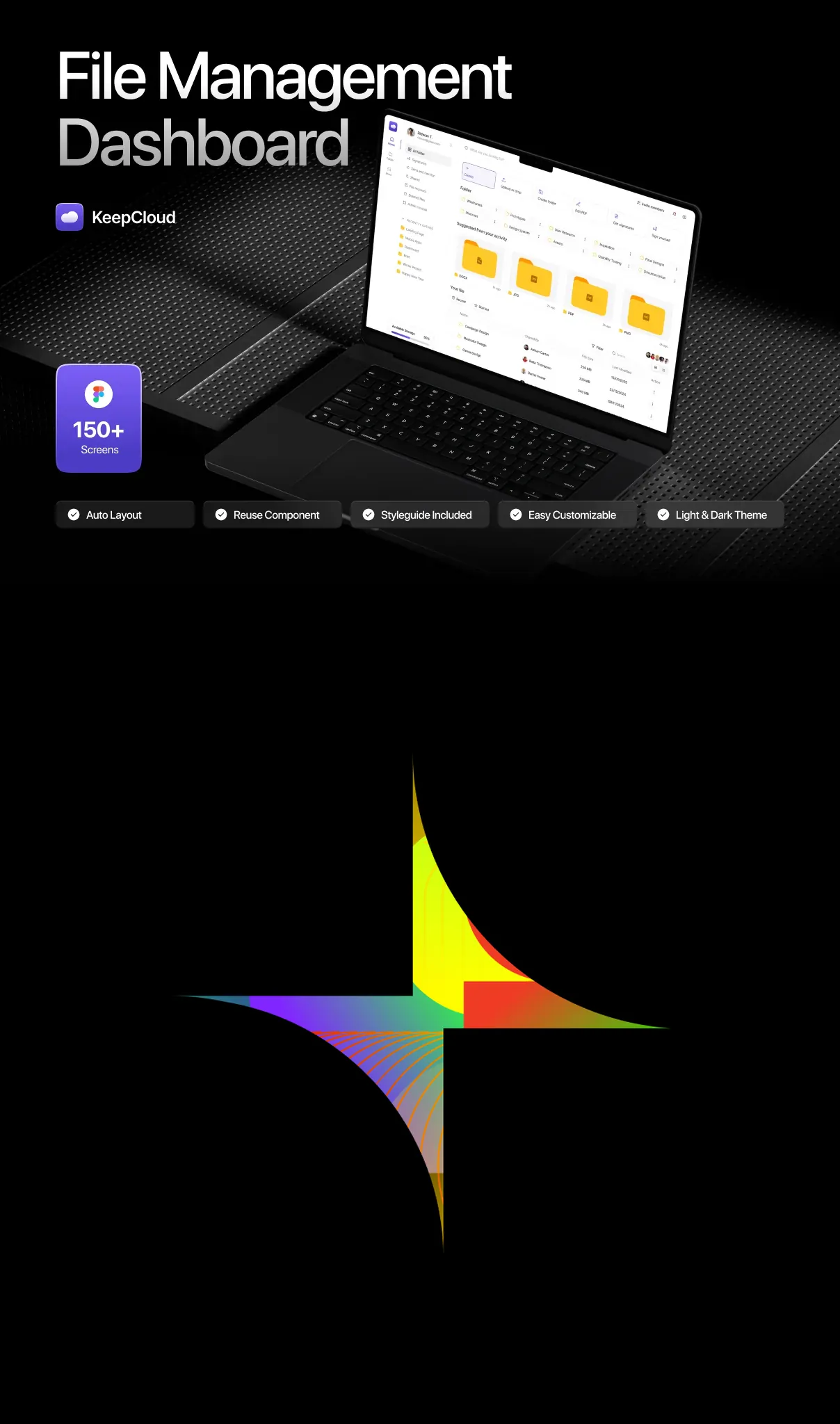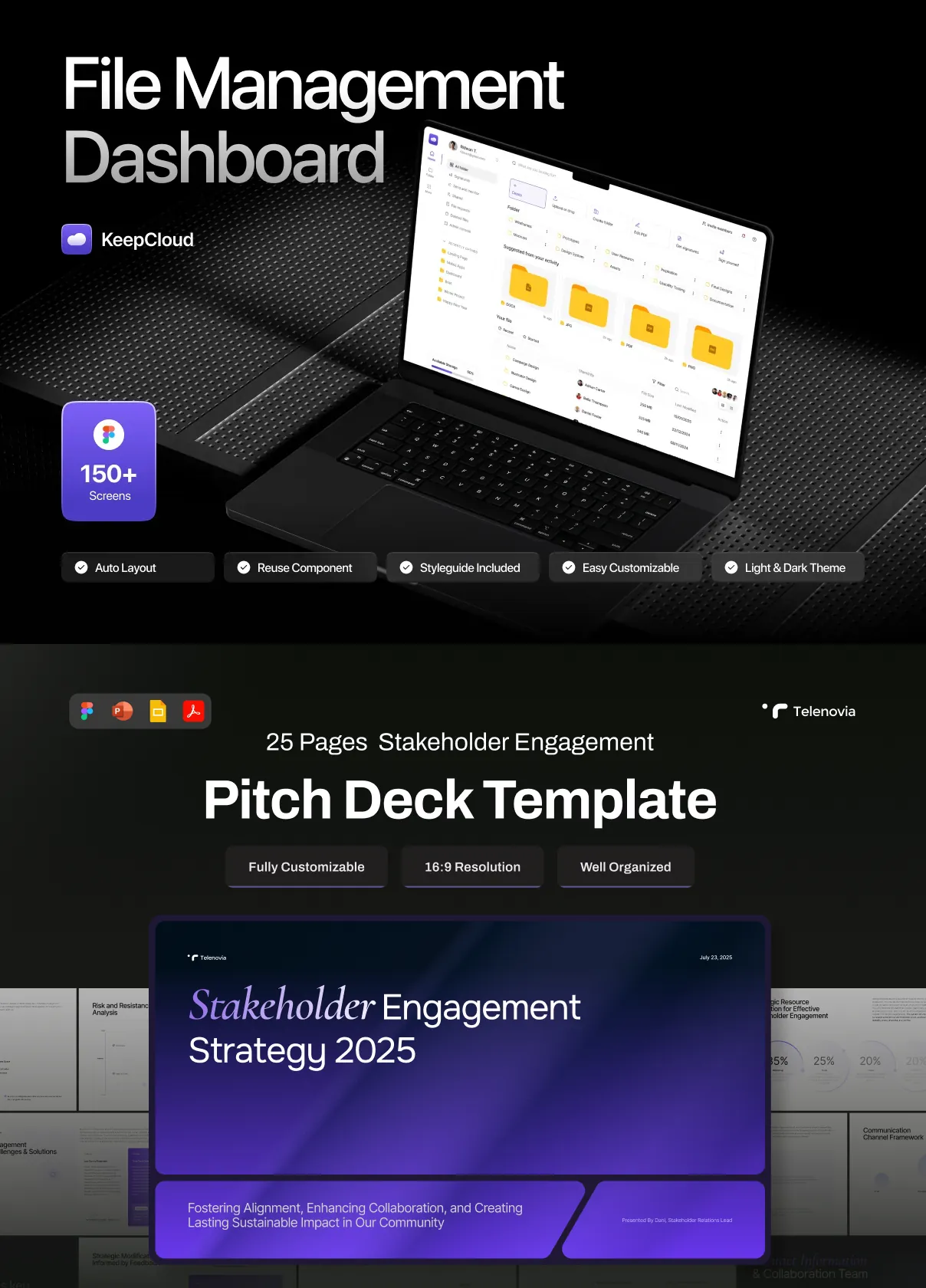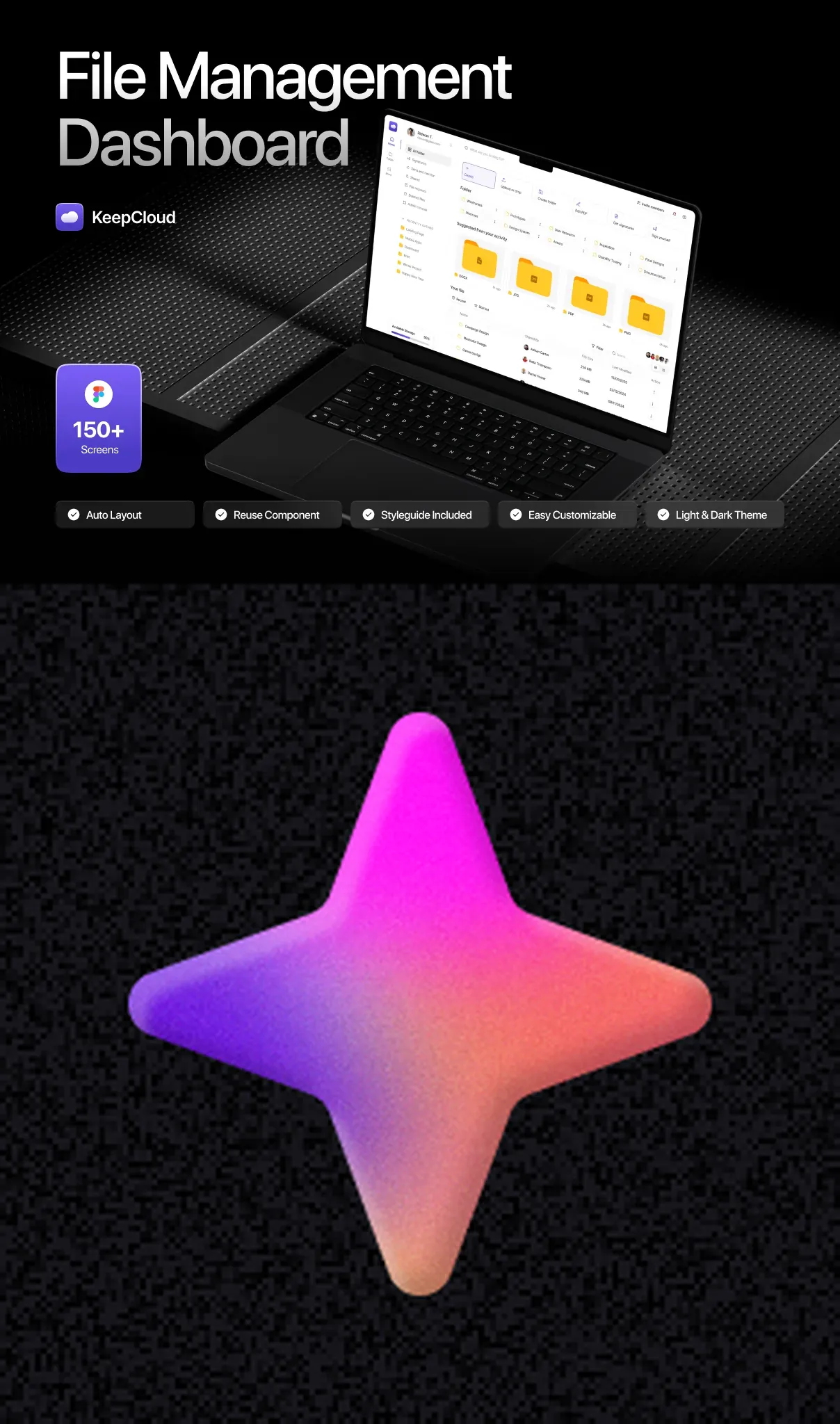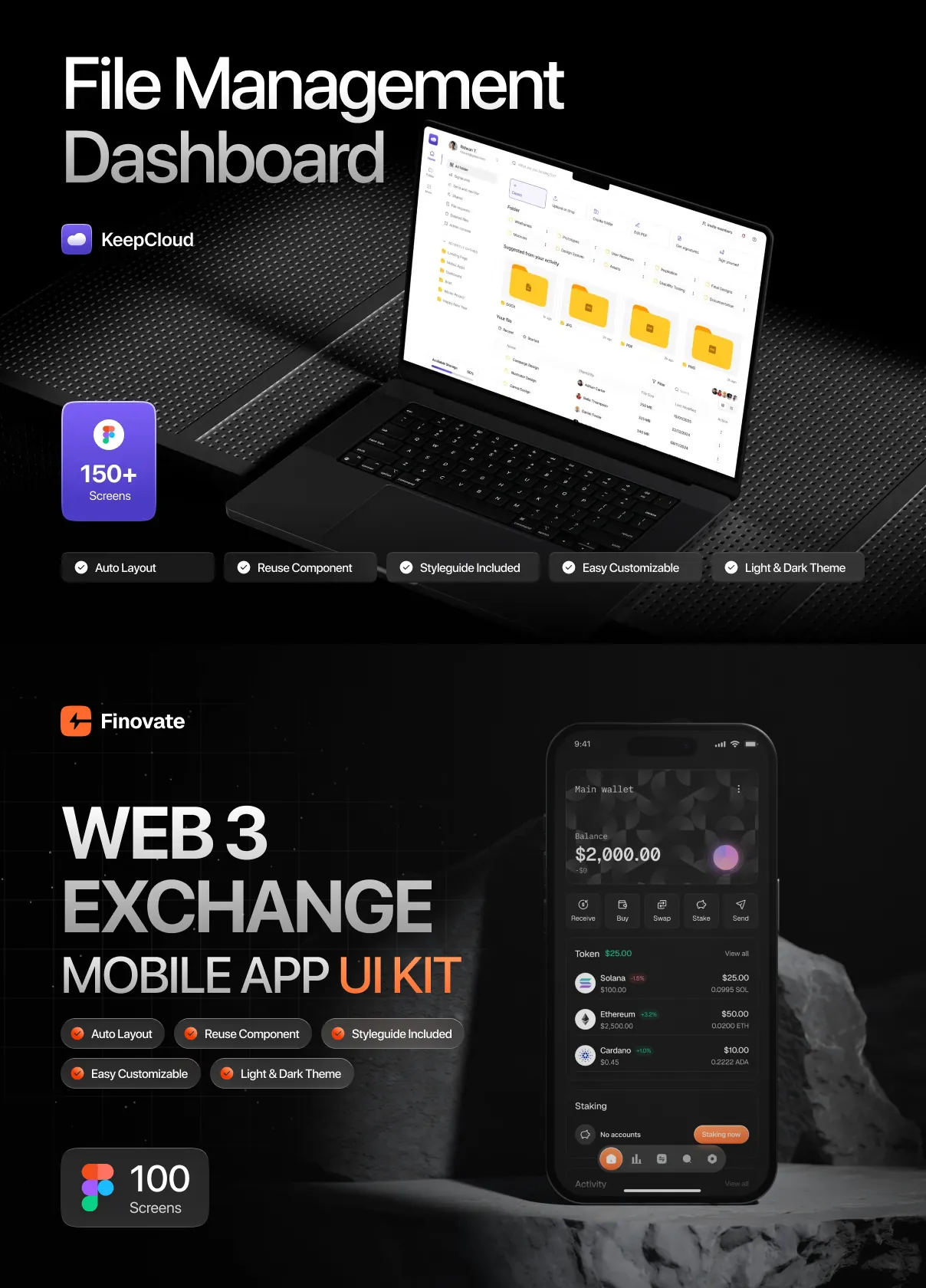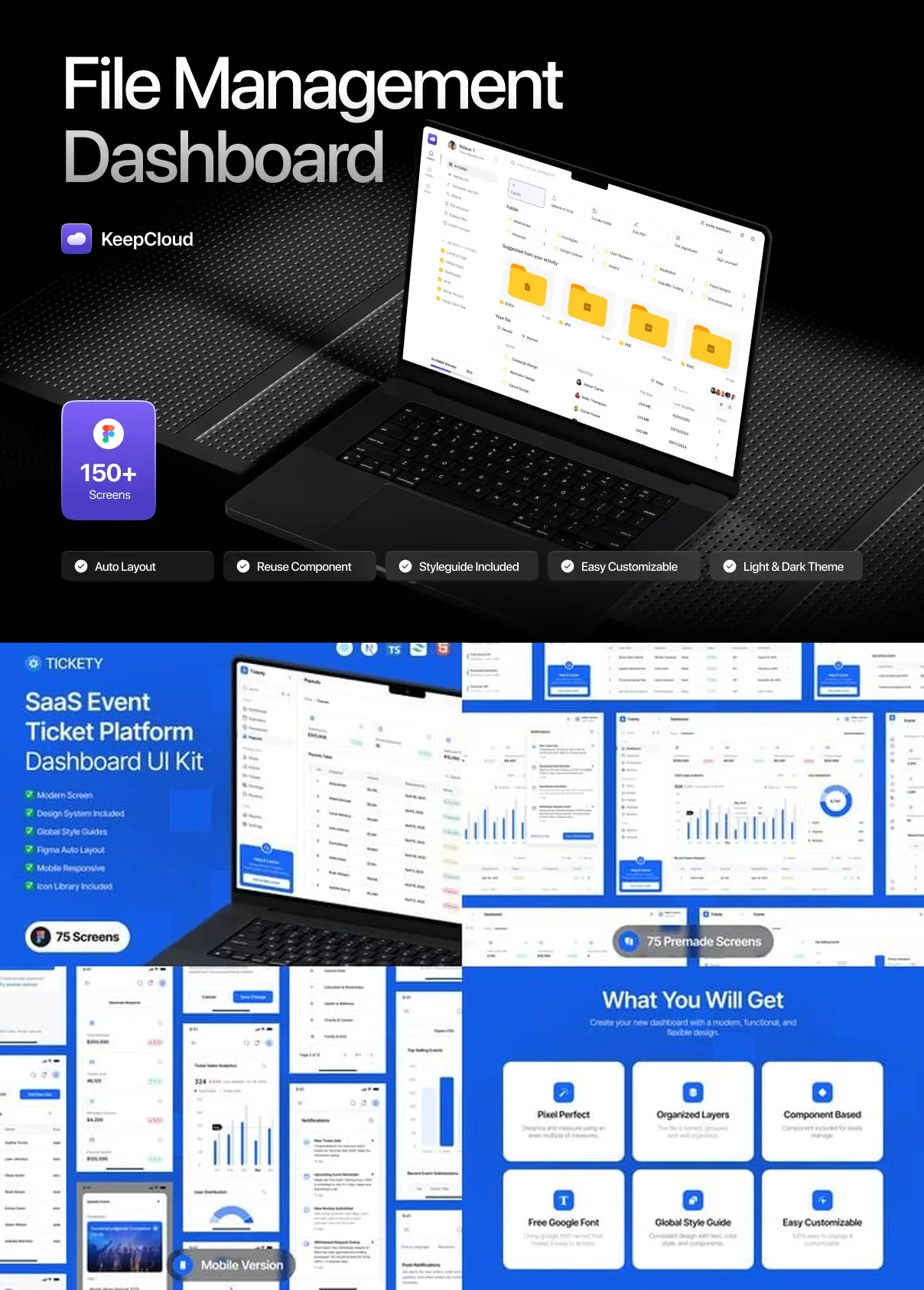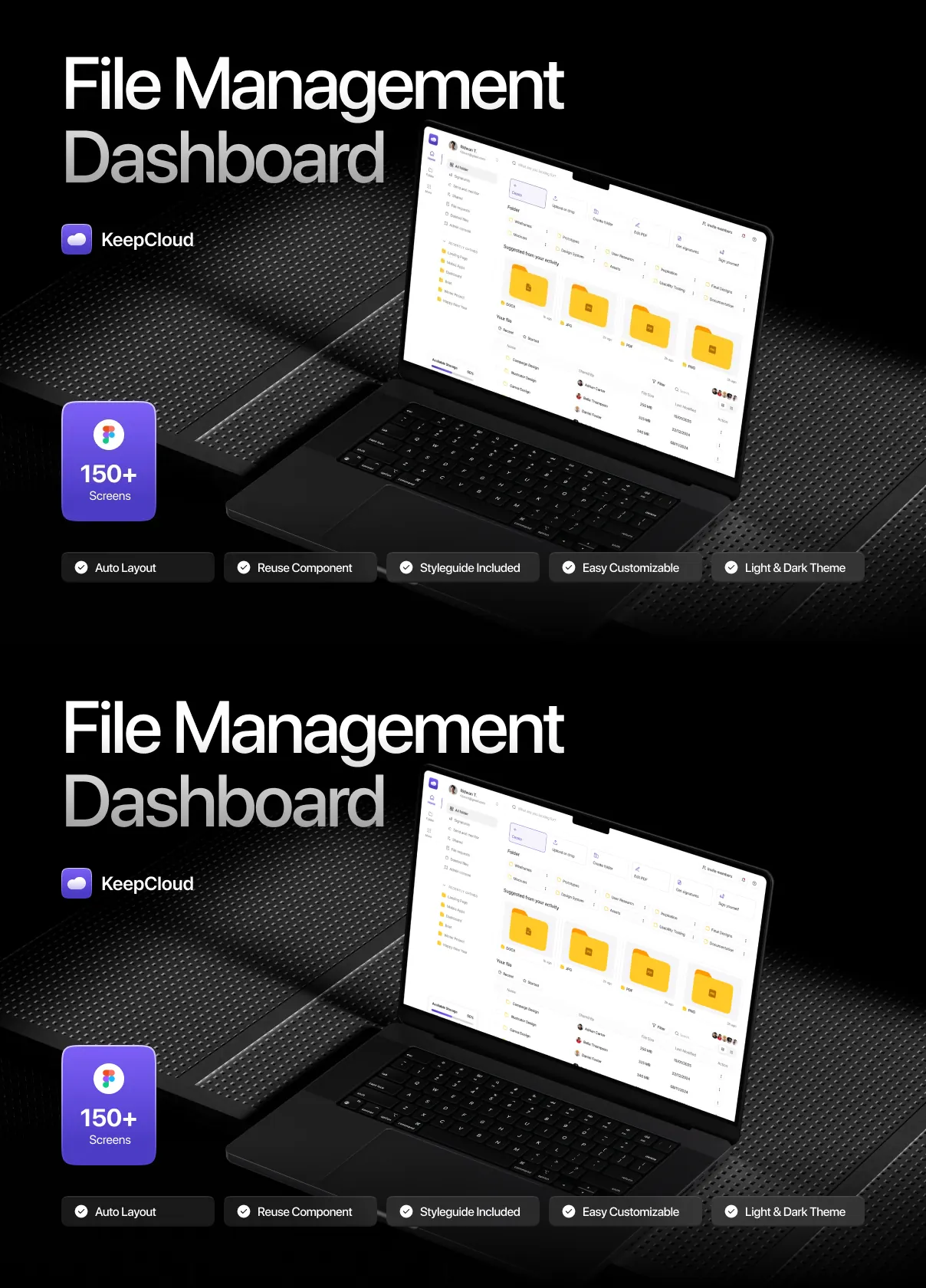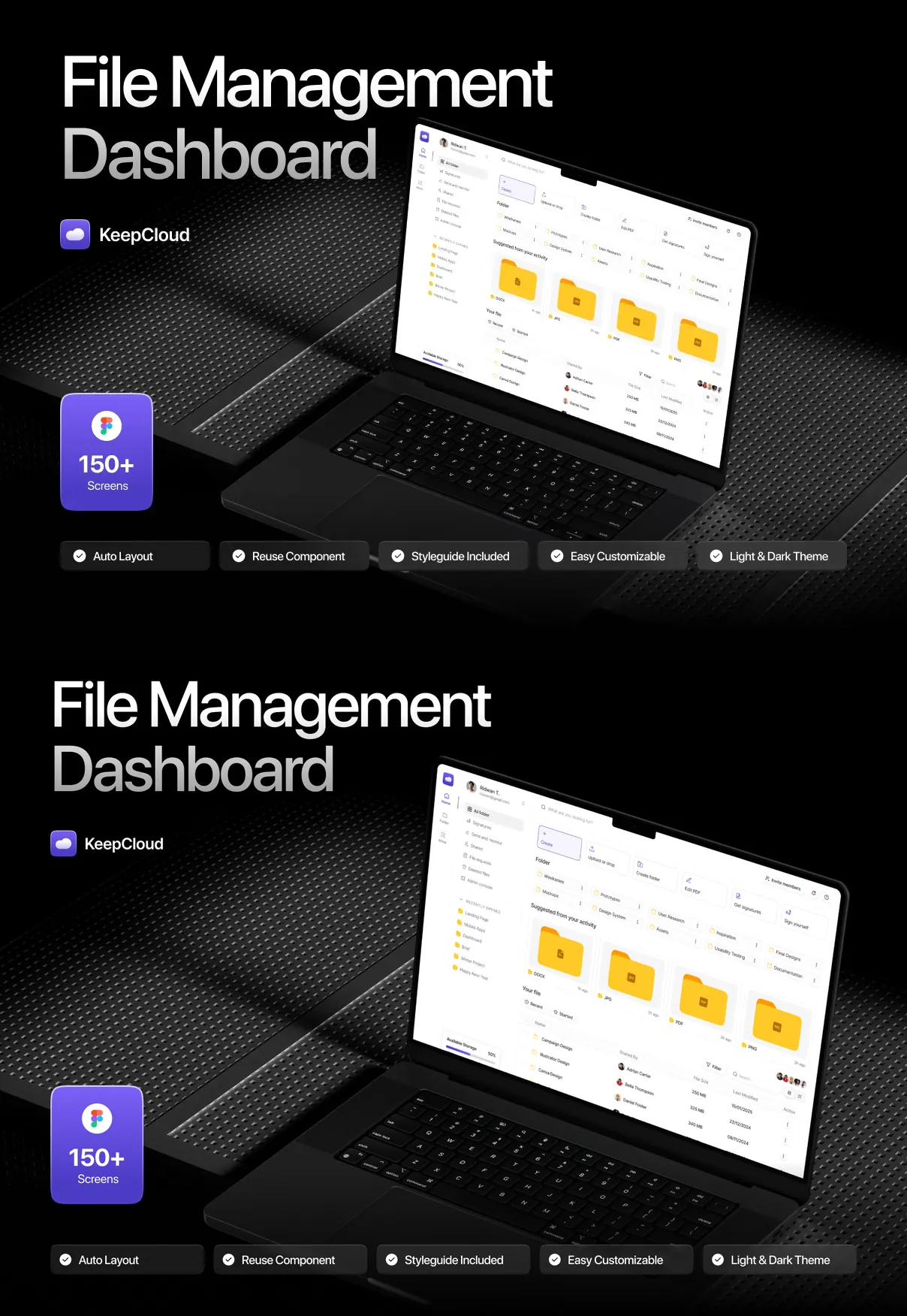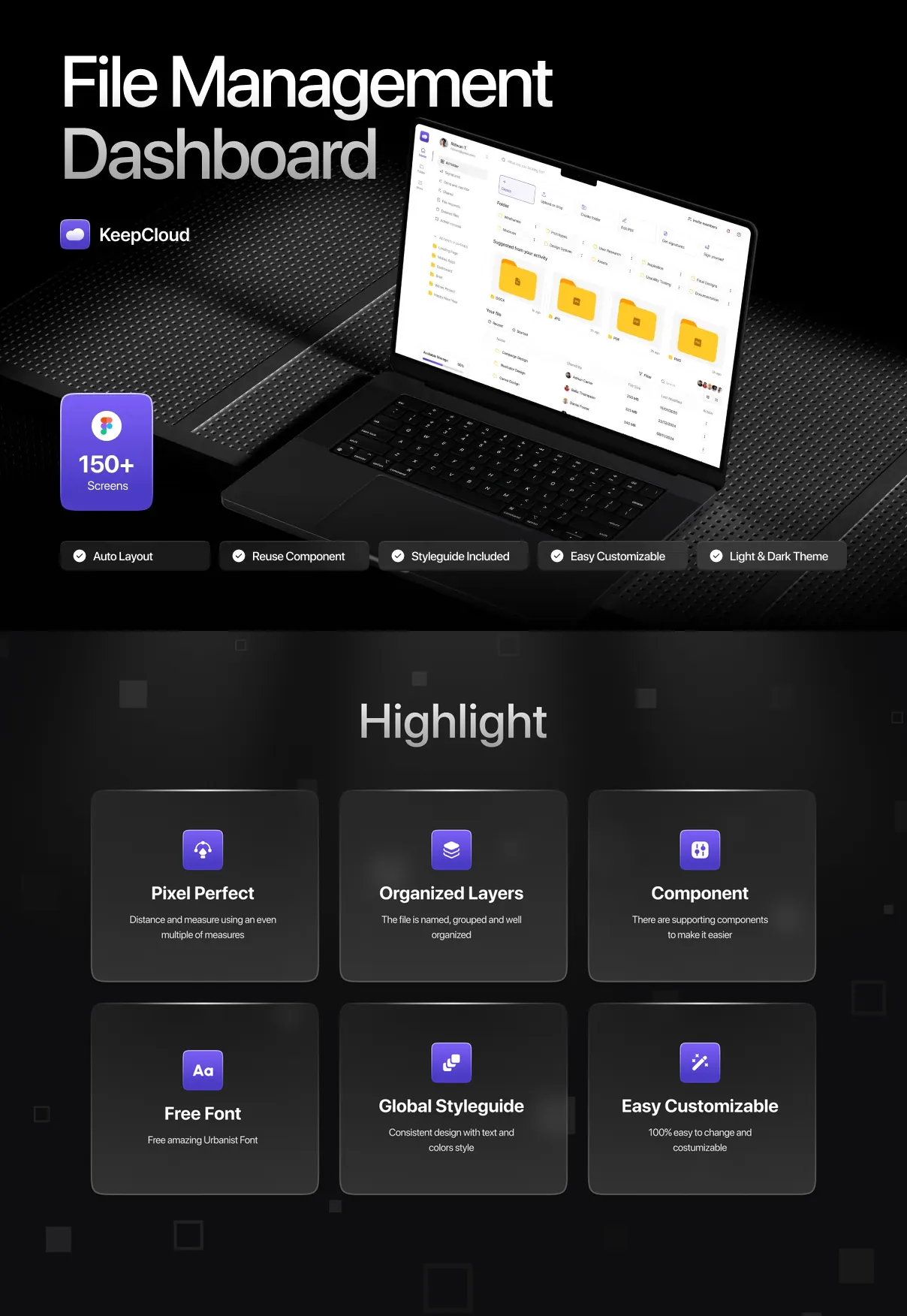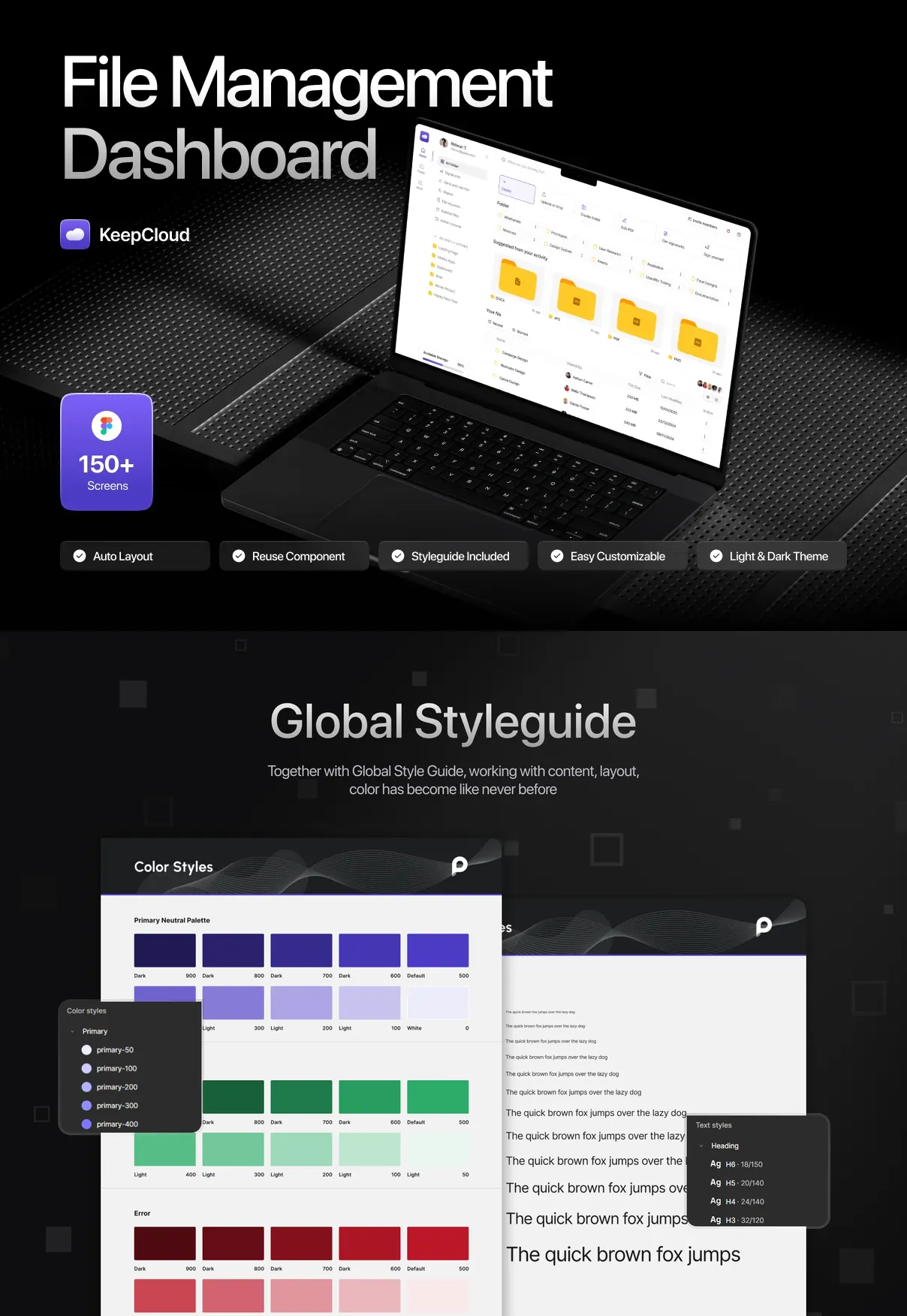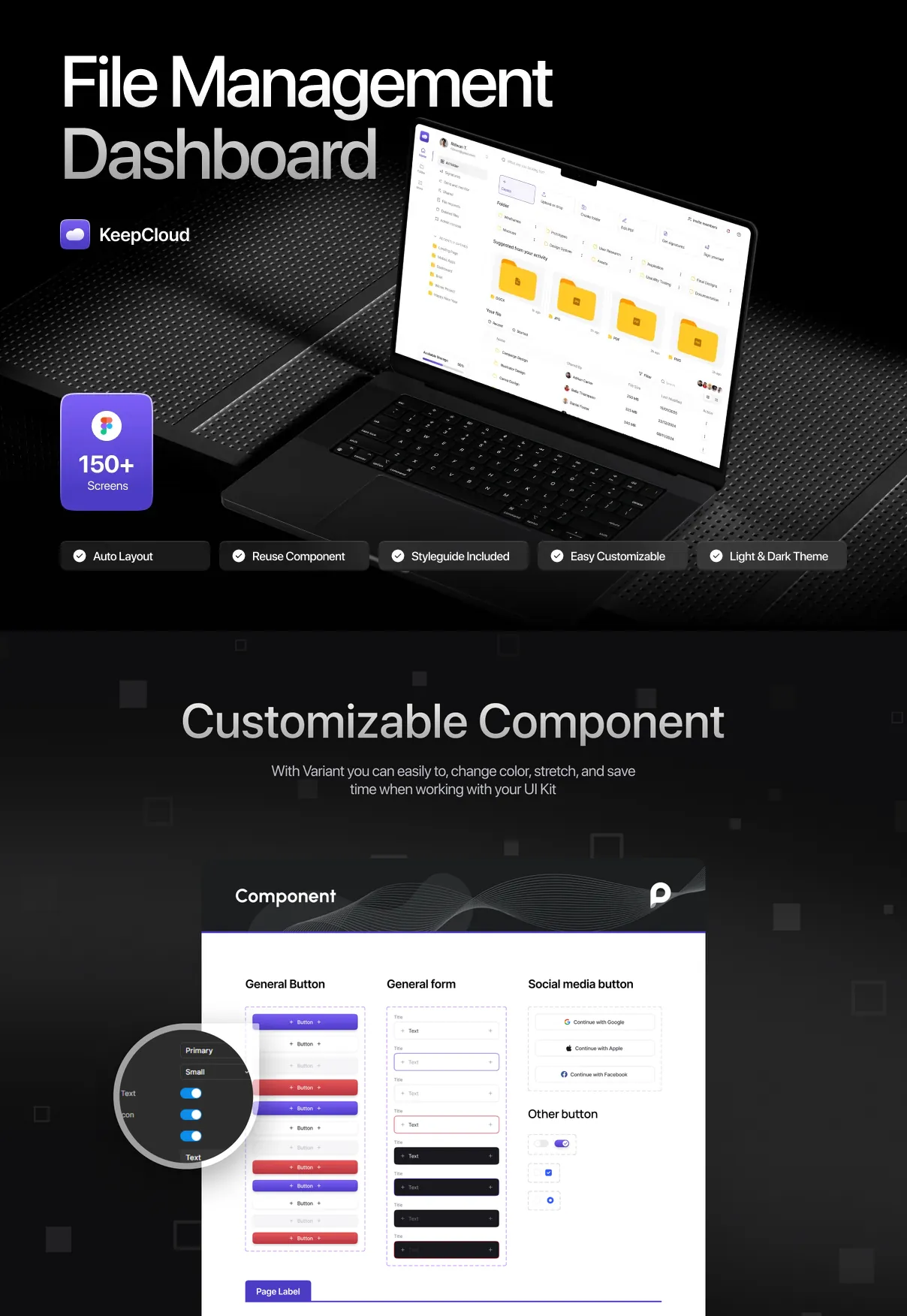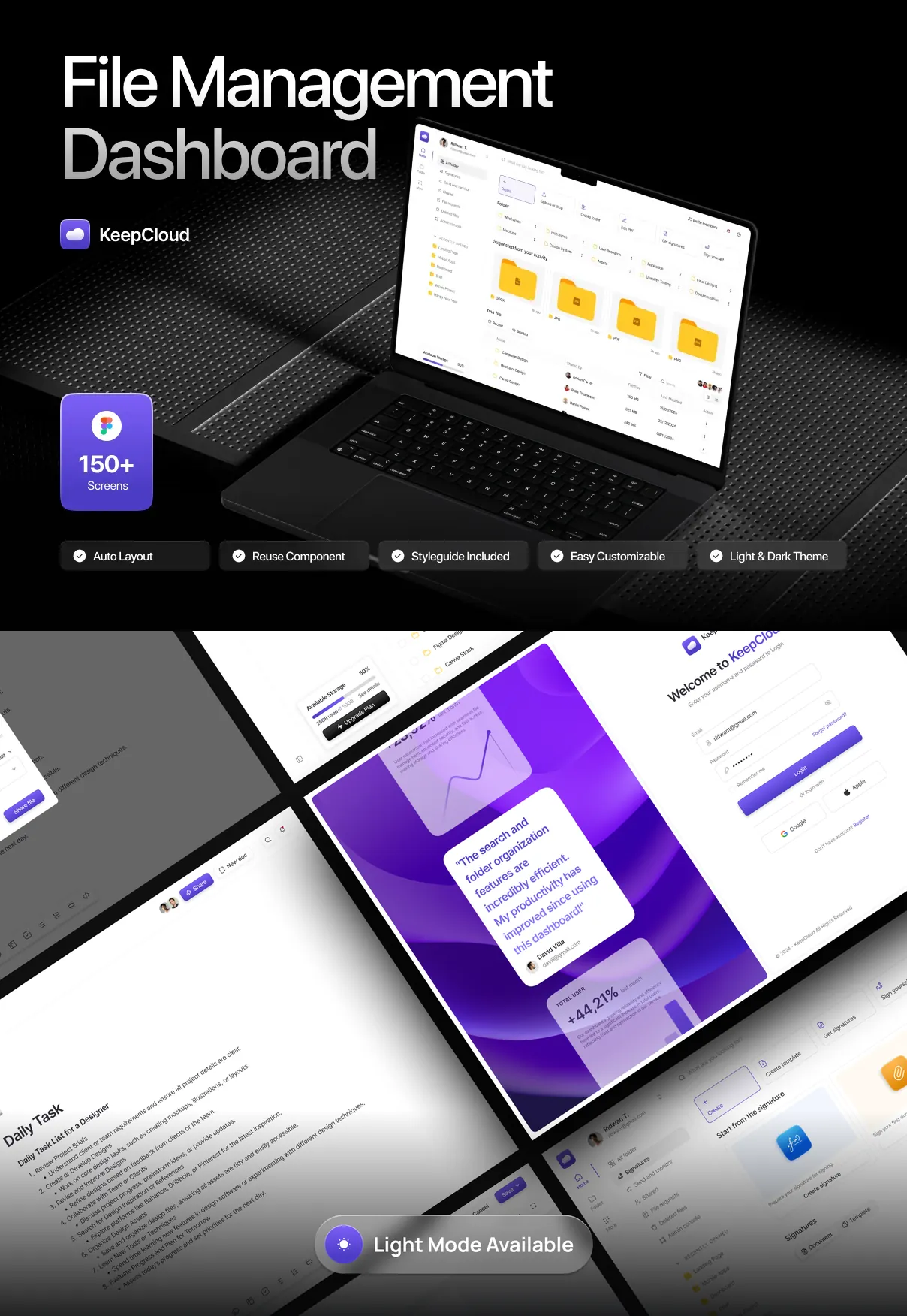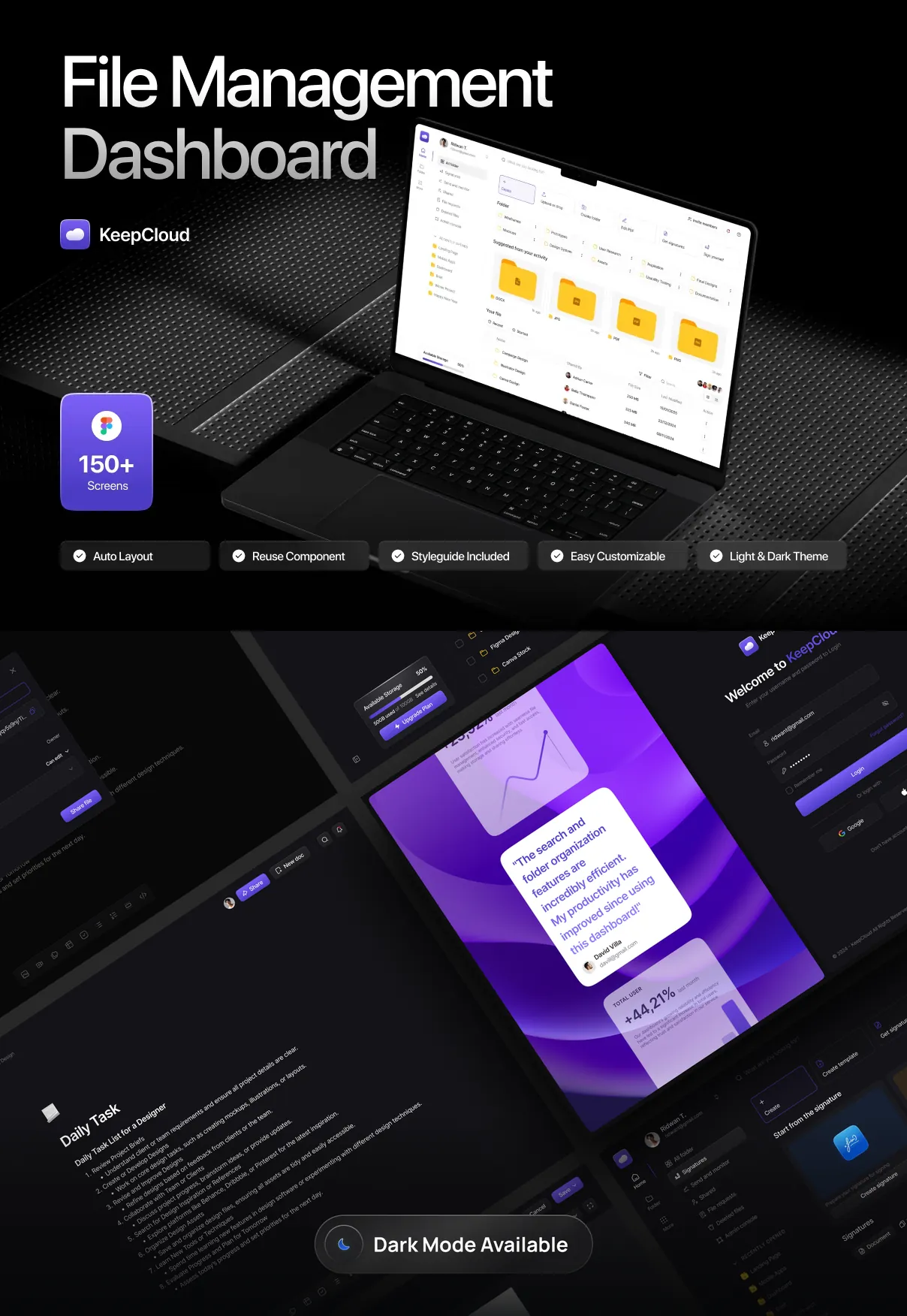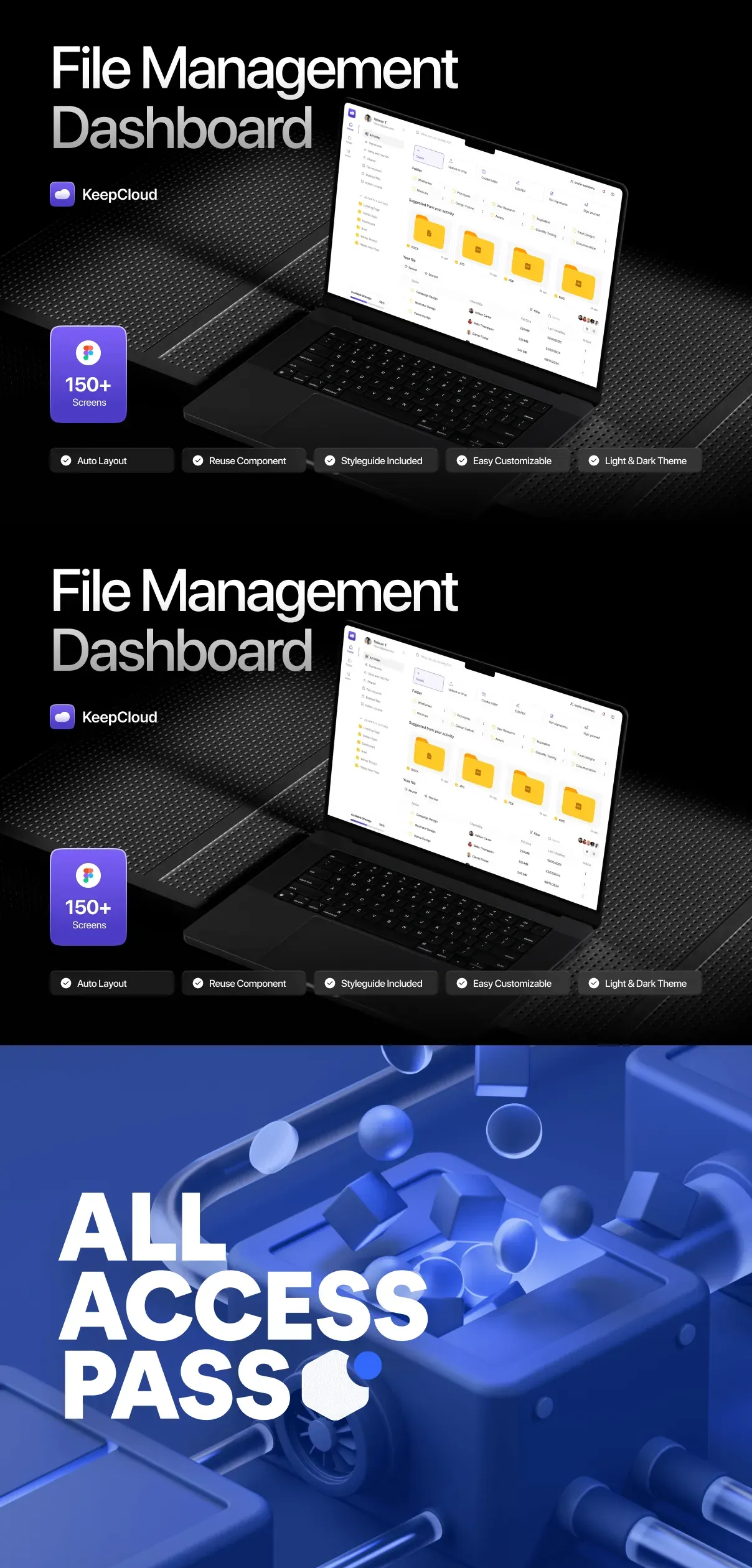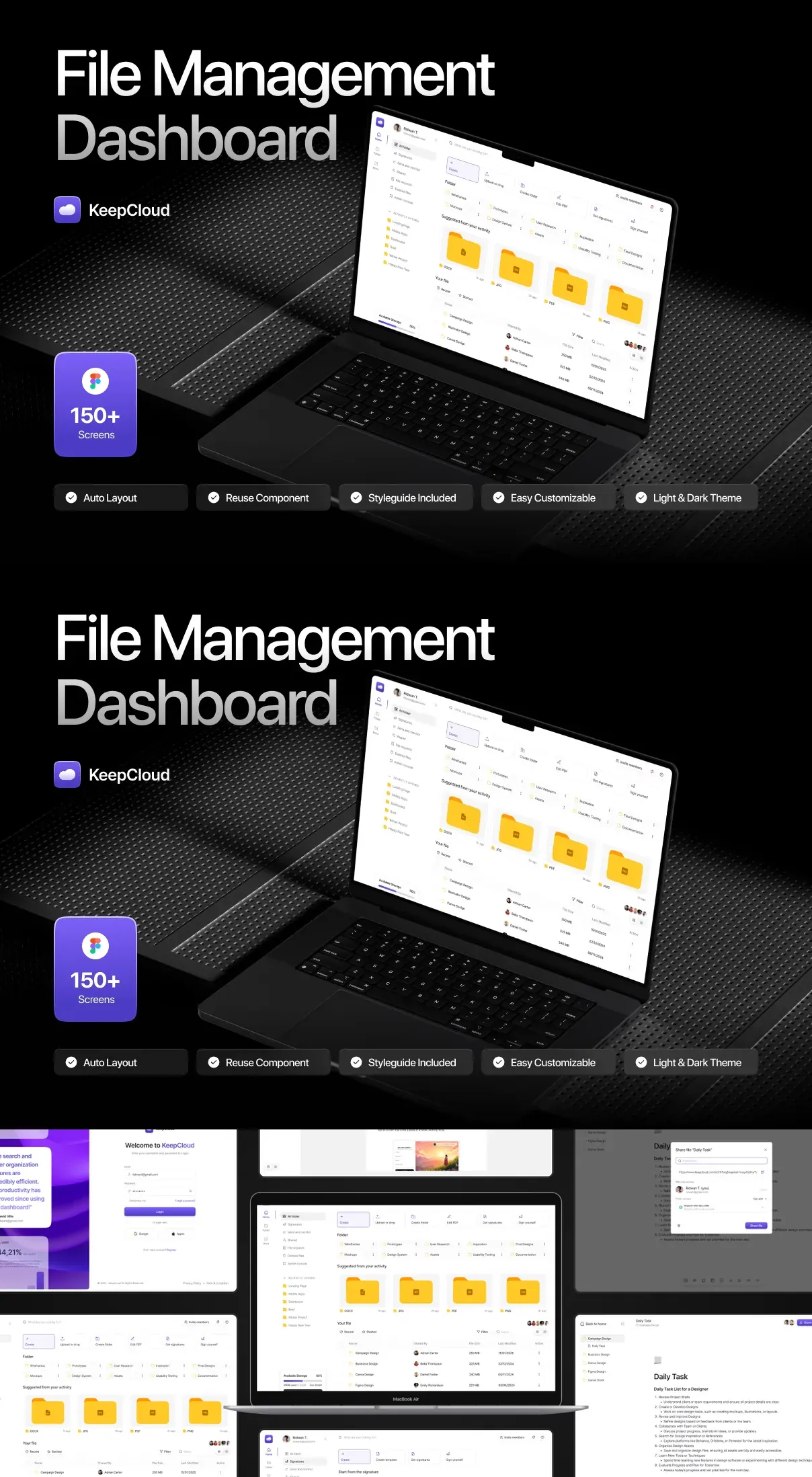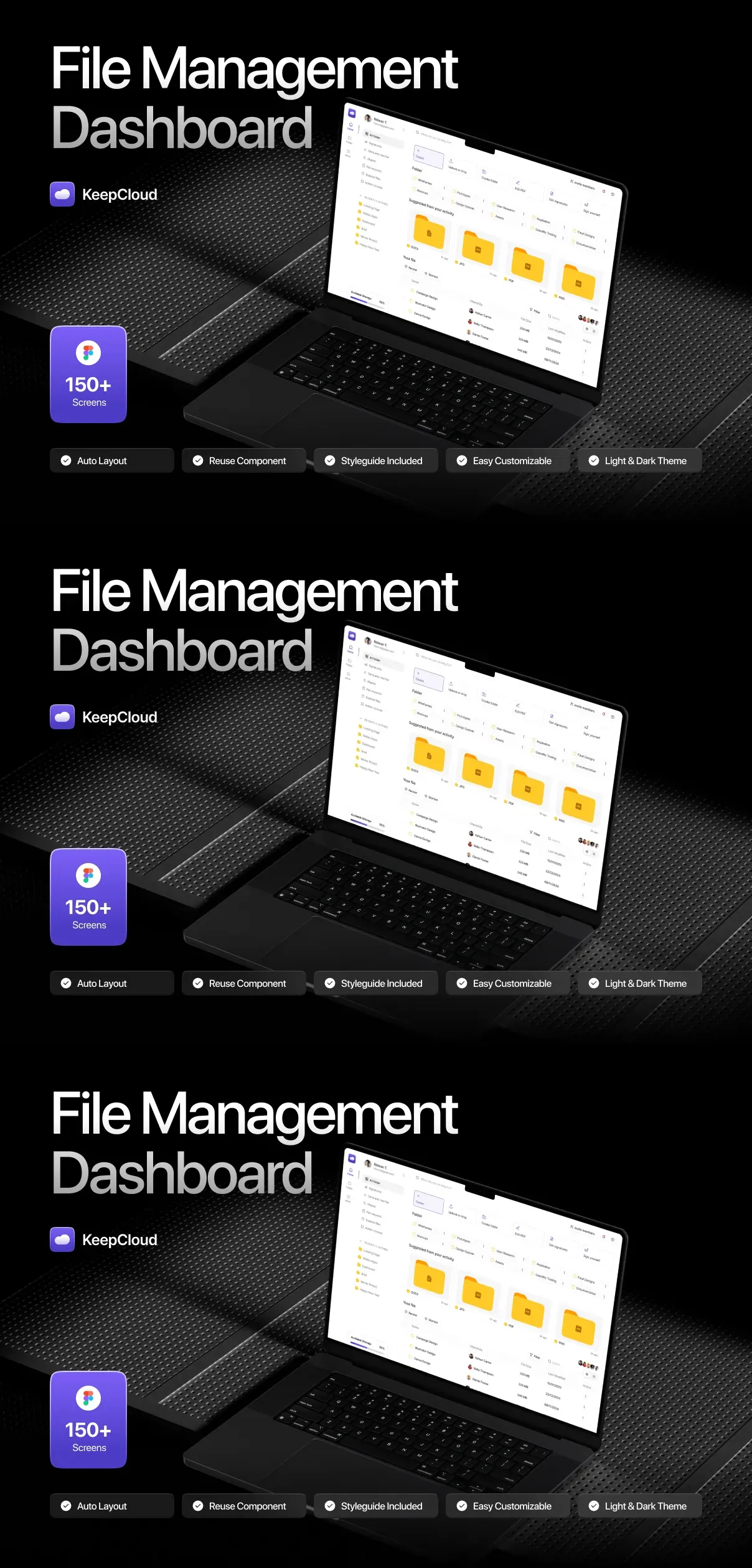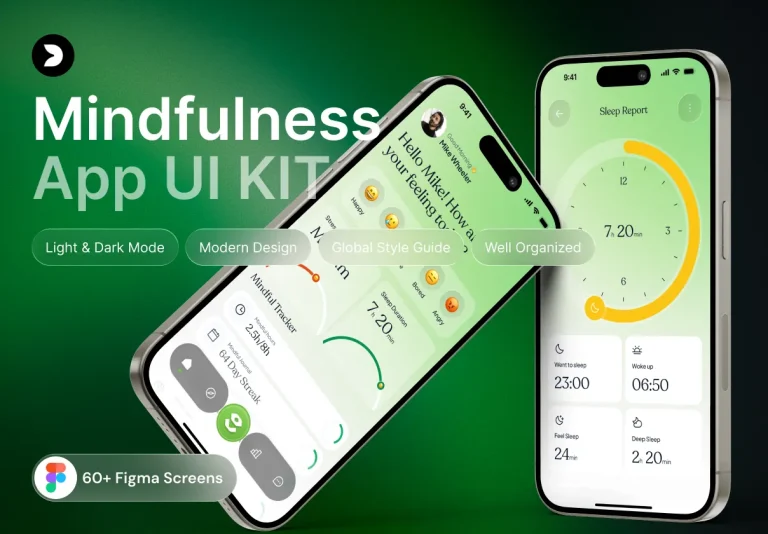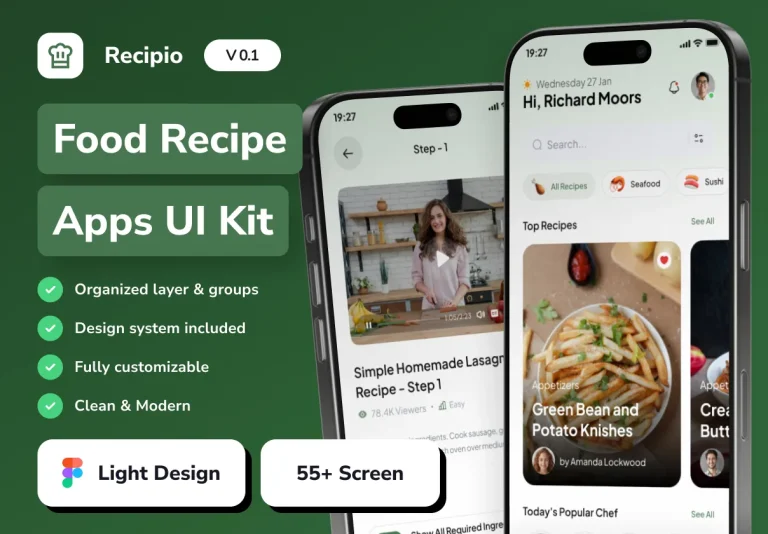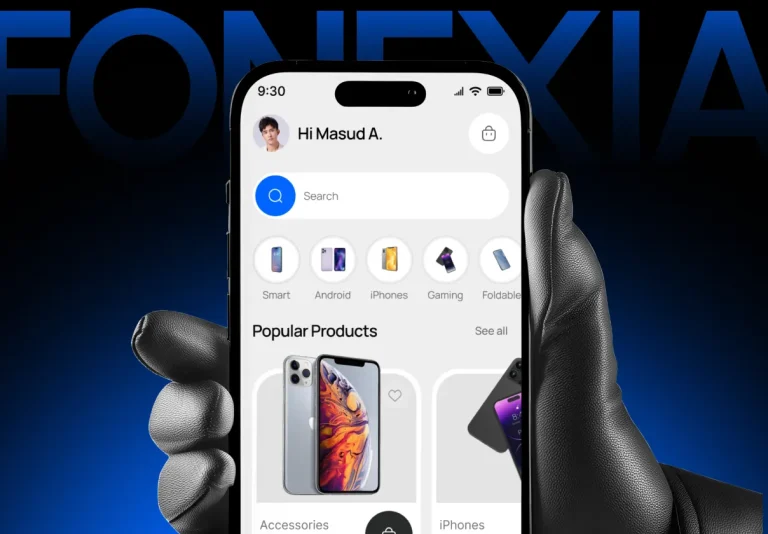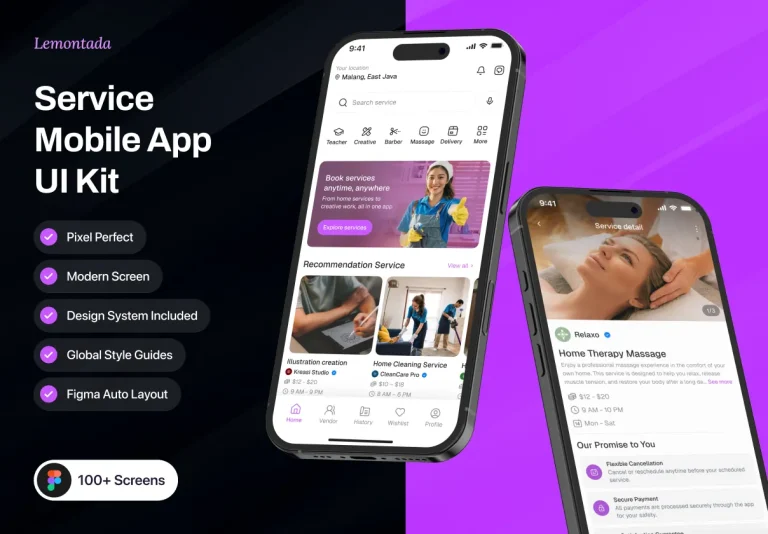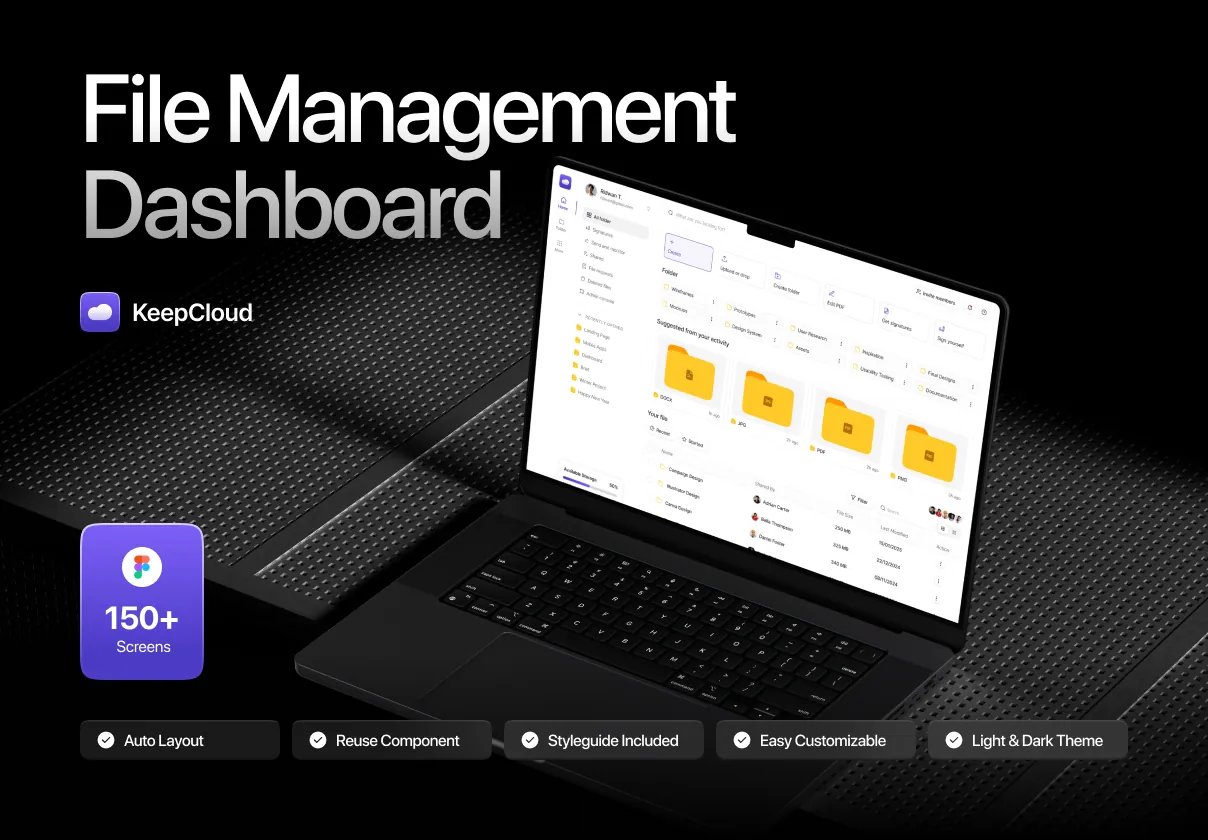

Unlock the full potential of your cloud storage application with KeepCloud – File Management Dashboard UI Kit, the ultimate design solution engineered for speed, usability, and brand impact. This comprehensive UI kit delivers more than 100 meticulously crafted screens—ranging from file browsers and upload dashboards to team collaboration views, permission controls, and real-time sync tracking—so you can launch your product faster than ever before. Ideal for SaaS startups, enterprise file platforms, and collaborative workspace tools, KeepCloud brings a modern, clean, and highly intuitive user interface to every interaction.
Designed around real user workflows, every component emphasizes clarity, efficiency, and visual hierarchy. Whether managing thousands of files, setting granular access permissions, or visualizing storage usage, KeepCloud ensures your users can accomplish tasks in fewer clicks and with less friction. With support for multiple file types, drag-and-drop zones, batch operations, and AI-powered tagging suggestions, your app will stand out with a user experience that feels both powerful and effortless.
Build Faster with Cross-Platform, Ready-to-Use Design Assets
Figma, Sketch, Adobe XD, React, Webflow – Seamless Integration Across Tools
KeepCloud isn’t just a set of screens—it’s an entire design ecosystem built for developers and designers alike. Whether you’re working in Figma with Auto Layout and Variants, Sketch with Symbols and Repeat Grids, Adobe XD with Interactive Components, React with TypeScript, or Webflow with responsive prototypes, this kit delivers flawless compatibility and immediate usability.
- Figma Components: Fully interactive file cards, navigation panels, upload modals, trash recovery flows, and permission settings with animated states (hover, active, disabled) and responsive layouts.
- Sketch & Adobe XD Libraries: Clean vector assets with scalable icons, file type icons (PDF, DOCX, MP4, etc.), folder hierarchies, and user avatars designed for rapid iteration and clean export.
- React & TypeScript UI Stack: Reusable, accessible, and themable components (e.g., FileList, UploadZone, PermissionModal, StorageBar) with built-in state management and SSR-ready architecture.
- Webflow-Optimized Layouts: Responsive, scroll-triggered animations, interactive file galleries, and dynamic dashboard sections that export directly to live websites.
- Design Tokens & Style Guide: A centralized library of color palettes (light/dark mode), typography scales, spacing systems, and iconography that ensure visual consistency across all screens.
Enhance User Experience with Advanced Features & Smart Design Systems
Real-Time Sync, AI Predictions, and Collaborative Workflows
Beyond basic file views, KeepCloud integrates advanced UX patterns that elevate your platform above standard competitors:
- Real-Time Sync Status: Visual indicators showing file synchronization progress, conflict detection, and cloud backup updates—keeping users informed and in control.
- Smart Folder Navigation: Hierarchical views, breadcrumbs, quick-search filters, and AI-driven suggestions for frequently accessed folders.
- AI-Powered File Tagging: Auto-suggestions for metadata (e.g., “Invoice 2025,” “Project Presentation”) based on file content, reducing manual effort and boosting discoverability.
- Team Sharing & Permissions: Granular access controls (view, edit, comment, download) with role-based systems, audit logs, and real-time notification badges for shared files.
- Storage Analytics Dashboard: Interactive charts showing total usage, growth trends, file type distribution, and user activity—all customizable and exportable.
Scale Your Product with Consistency, Quality, and Speed
From MVP to Enterprise – Build with Confidence
KeepCloud is designed not just for quick prototyping, but for long-term, scalable product development. Its modular architecture allows you to:
- Onboard new team members rapidly with well-documented components and behavior guides.
- Maintain a consistent brand identity across web, mobile, and desktop interfaces.
- Streamline design reviews with shared libraries and version-controlled assets.
- Accelerate client demos with polished, interactive prototypes that feel like a final product.
- Reduce development rework by up to 60% with reusable, tested, and proven UI building blocks.
Stop reinventing the wheel. Stop sacrificing quality for speed. With KeepCloud File Management Dashboard UI Kit, you’re not just saving time—you’re building a better product, faster.