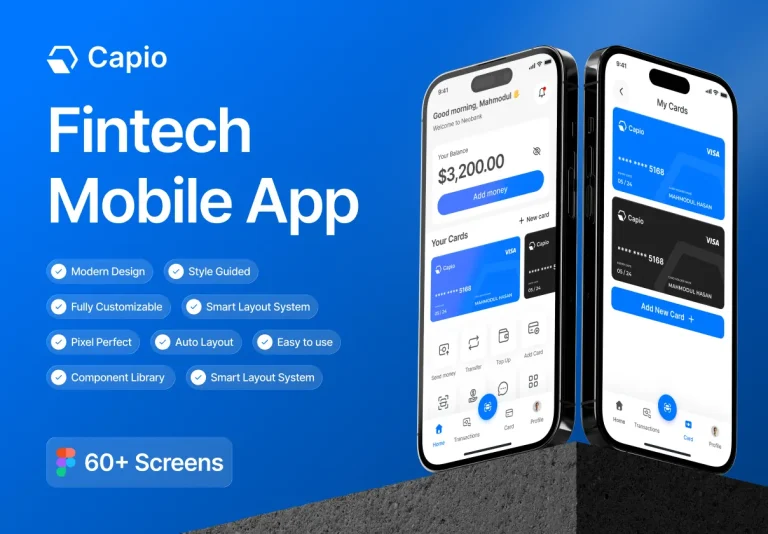
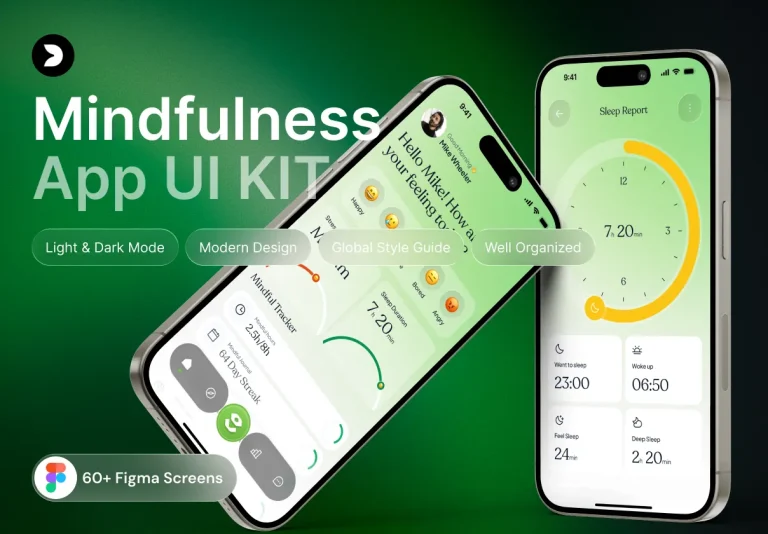
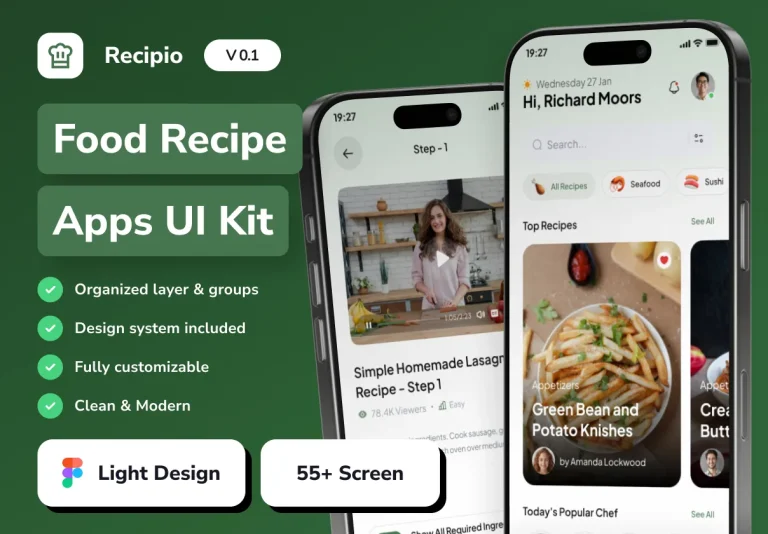
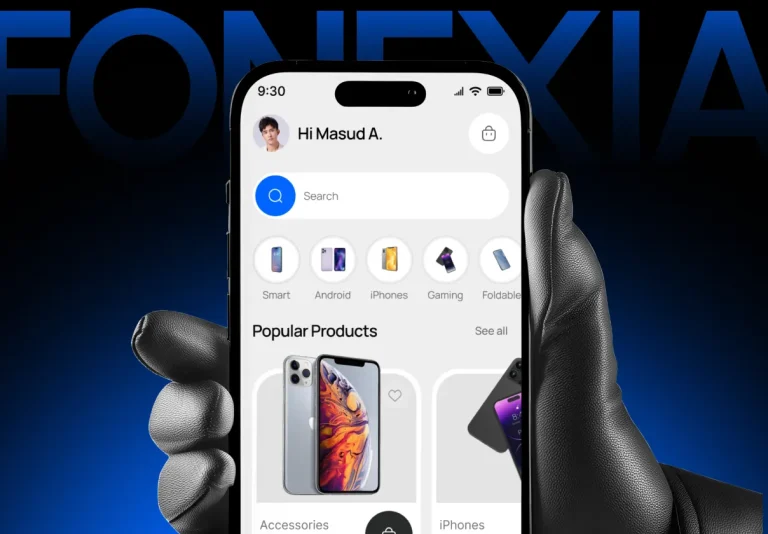
Momentify is a meticulously crafted UI kit designed for modern social‑media mobile applications. Built in Figma, the kit delivers a complete visual system that covers every user journey—from onboarding and content creation to discovery, interaction, and profile management. Its active, dynamic design language encourages users to explore, share, and connect, while providing developers with a clean, component‑driven workflow that speeds up implementation across iOS, Android, and cross‑platform frameworks.
Key Advantages
- Accelerated Time‑to‑Market: All screens are pre‑designed, layered, and ready for Auto‑Layout, allowing teams to assemble full flows in hours instead of weeks.
- Engaging User Experience: Thoughtful micro‑interactions, smooth transitions, and vibrant visuals keep users scrolling and sharing longer.
- Scalable Design System: A modular component library supports dark mode, multilingual text, and future feature extensions without redesign.
- Developer‑Friendly Assets: Exportable SVG icons, optimized PNGs, CSS snippets, and JSON design tokens streamline hand‑off to SwiftUI, Jetpack Compose, React Native, and Flutter.
Screen Library
Comprehensive User Flow Coverage
The kit includes 42+ high‑resolution screens that address every stage of a social‑media experience:
- Onboarding & Authentication: Splash, welcome carousel, email/social sign‑up, password recovery, and biometric login.
- Home Feed & Exploration: Infinite scrolling feed, stories carousel, explore tab with category filters, trending hashtags, and personalized recommendations.
- Content Creation: Photo/video capture, editing toolbox (filters, stickers, text overlay), draft management, and post preview.
- Interaction & Community: Likes, comments, replies, reactions, share sheets, direct messaging, and group chat interfaces.
- Profile & Settings: User profile, editable bio, media gallery, followers/following lists, privacy controls, notification settings, and account management.
Component System
Reusable UI Elements
Every component follows a unified visual language, ensuring consistency across the app:
- Buttons & CTAs: Primary, secondary, outline, disabled, and loading states with auto‑layout constraints.
- Cards & Tiles: Responsive layouts for posts, stories, ads, and suggested users.
- Form Controls: Text inputs, dropdowns, toggle switches, sliders, and date pickers optimized for touch.
- Navigation: Bottom tab bar, side drawer, floating action button, and breadcrumb trails that respect platform conventions.
- Micro‑Interactions: Loading skeletons, button ripples, swipe gestures, and animated transitions that enhance perceived performance.
Design Tokens & Theming
Momentify ships with a full set of JSON design tokens that map colors, typography, spacing, and elevation to CSS variables, SwiftUI themes, or Flutter ThemeData objects. Updating a single token propagates throughout the kit, guaranteeing visual harmony and simplifying brand customization.
Developer Handoff & Export Options
The accompanying handoff guide details how to:
- Export vector icons as SVG for crisp scaling on any screen density.
- Generate optimized PNG assets for bandwidth‑constrained mobile networks.
- Copy ready‑to‑use CSS snippets for buttons, forms, and modal overlays.
- Integrate JSON tokens into iOS (SwiftUI), Android (Jetpack Compose), React Native, and Flutter codebases.
Licensing, Updates, & Support
Purchasing Momentify grants a lifetime license with free updates. Future releases will introduce:
- Additional content packs for niche communities (e.g., fitness, travel, gaming).
- Extended animation library for story transitions and reaction effects.
- AI‑driven recommendation widgets that surface personalized content based on user behavior.
Support includes email assistance and access to a private community forum where designers share customizations and developers discuss integration challenges.