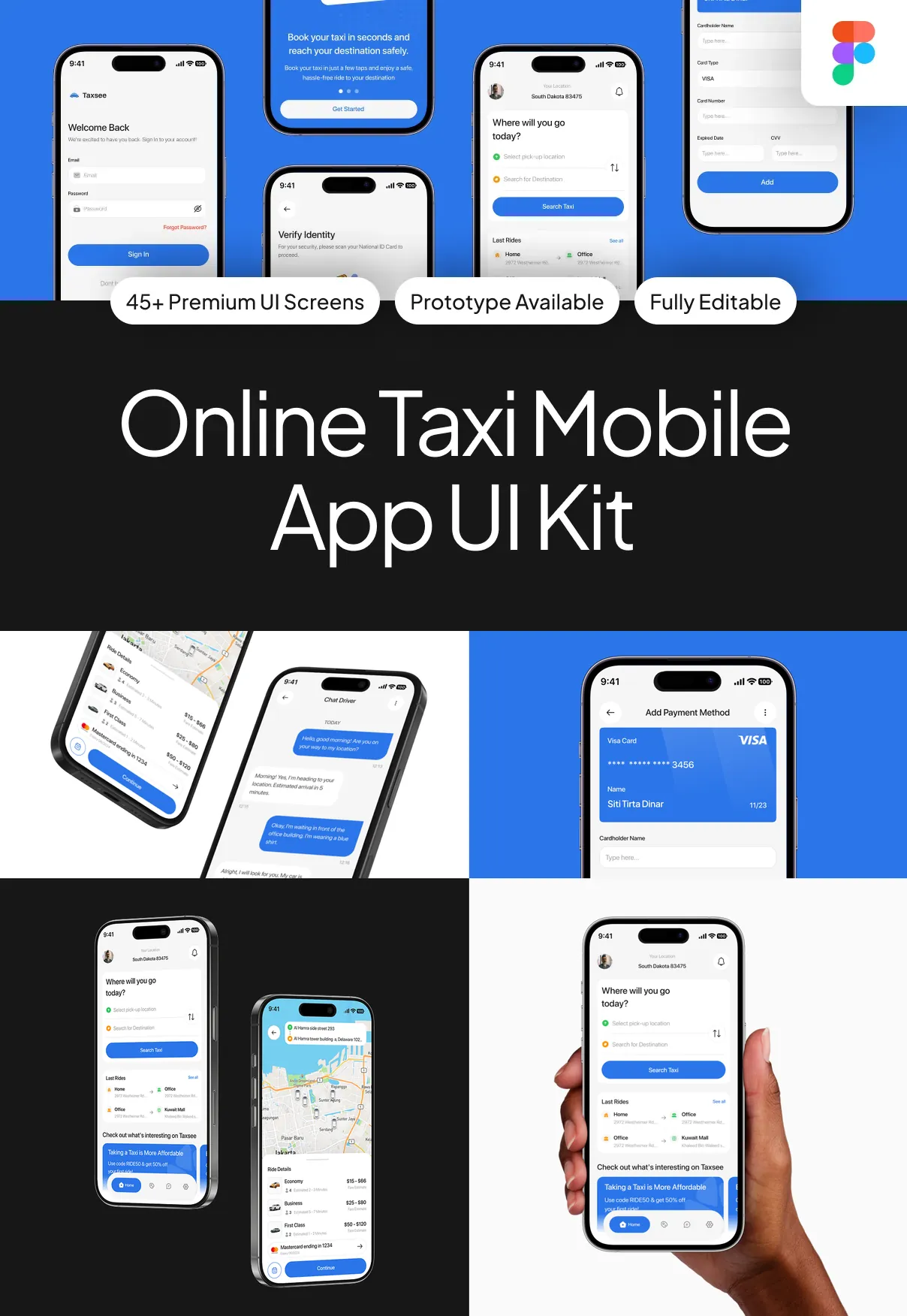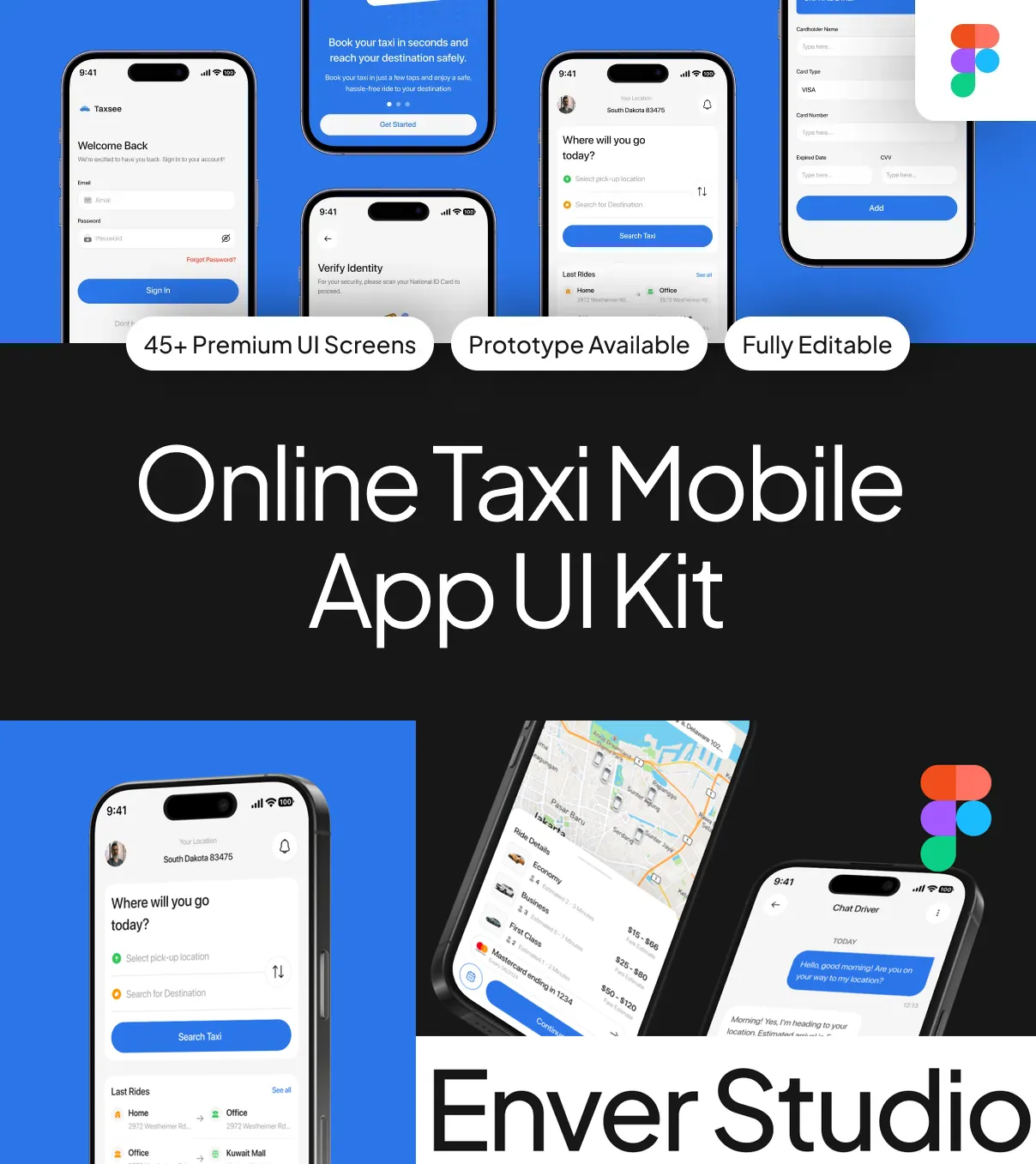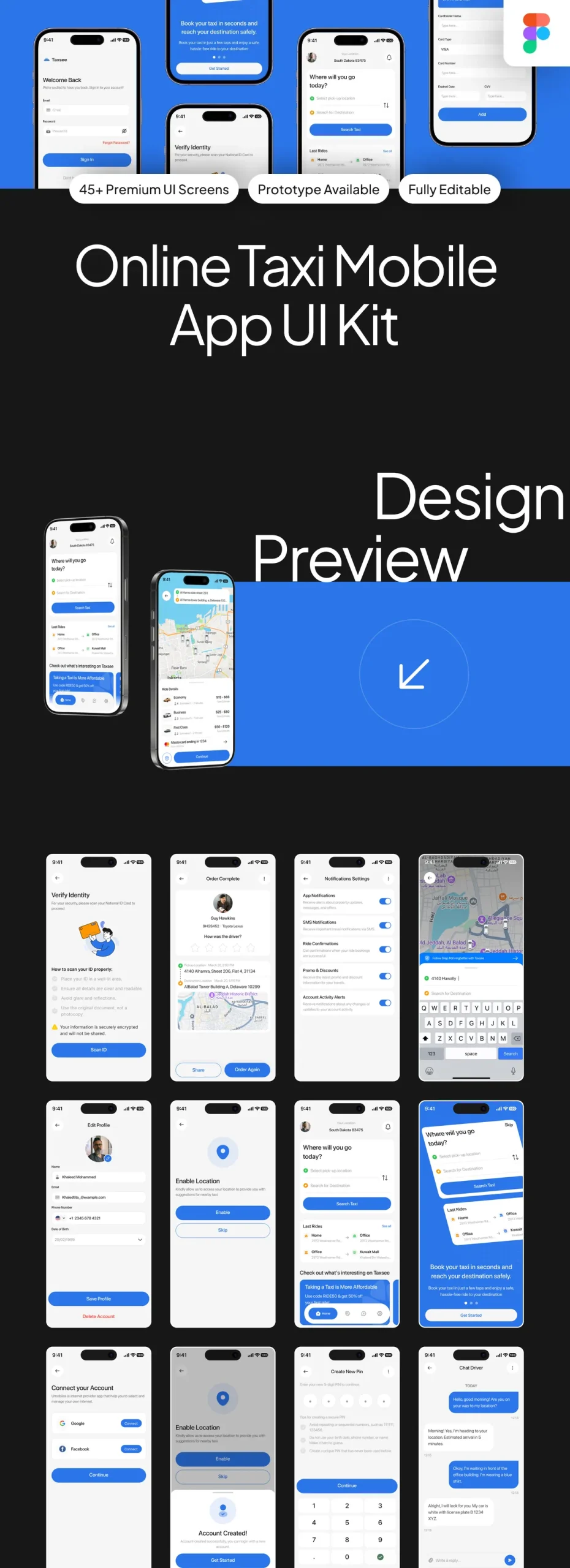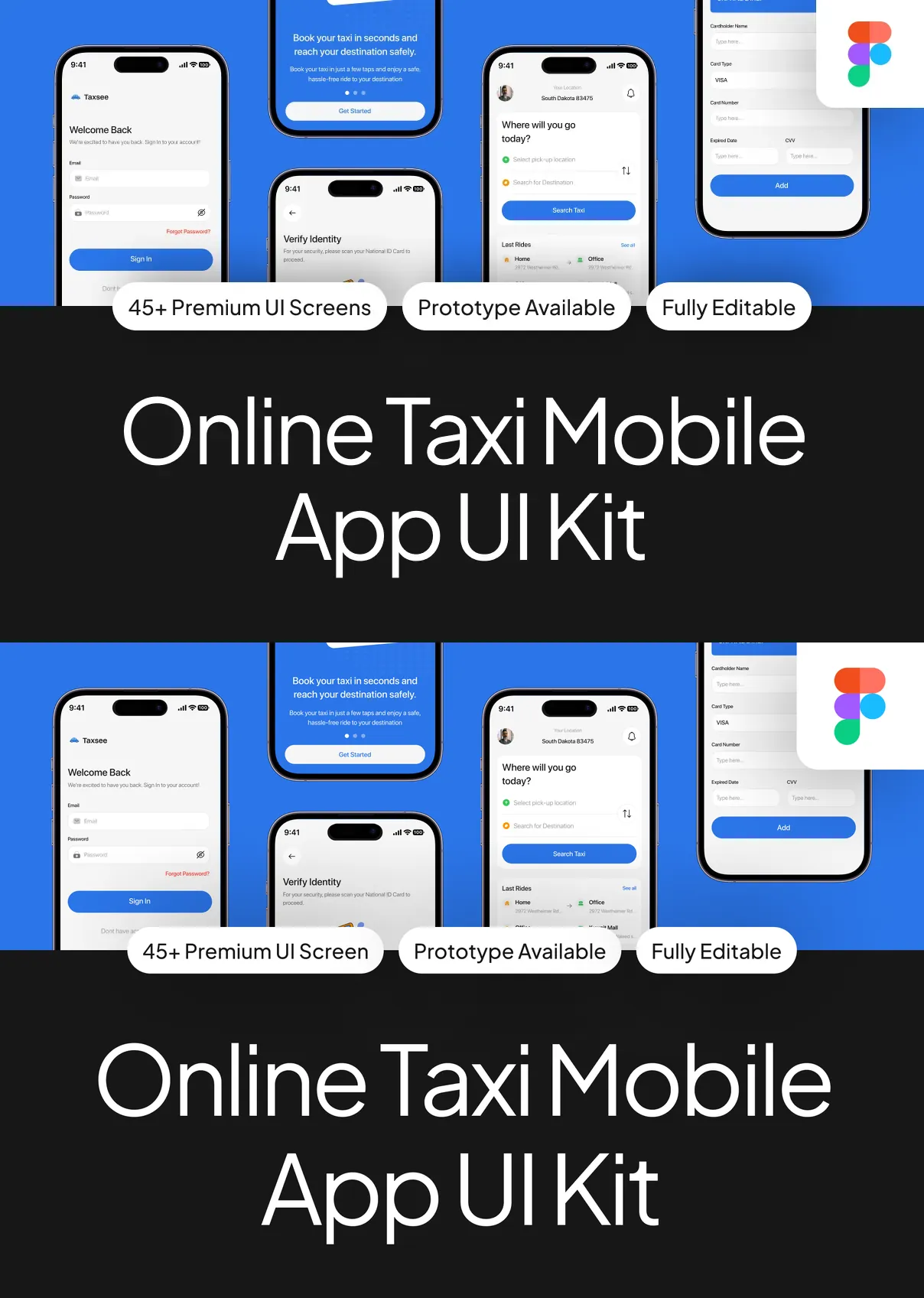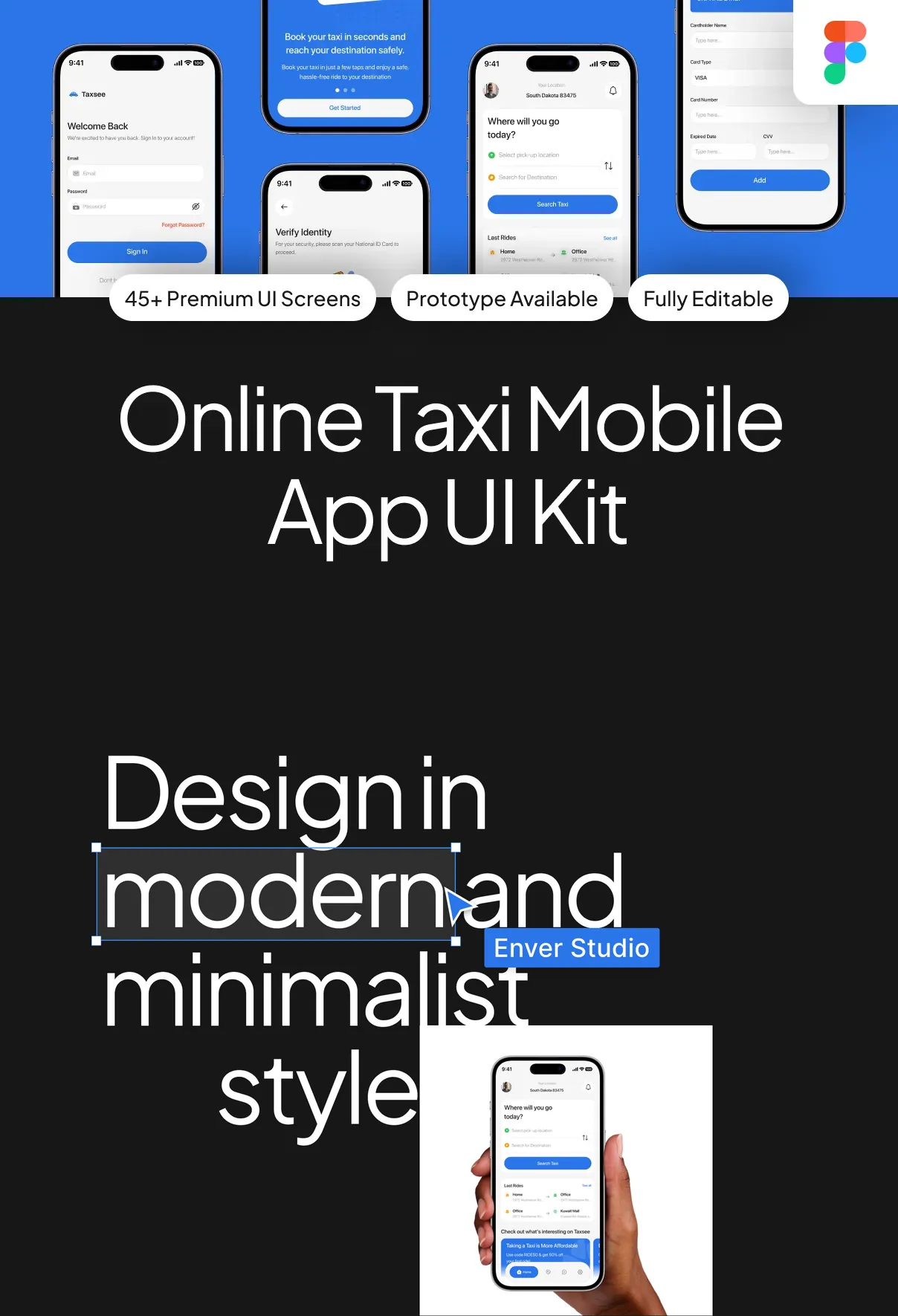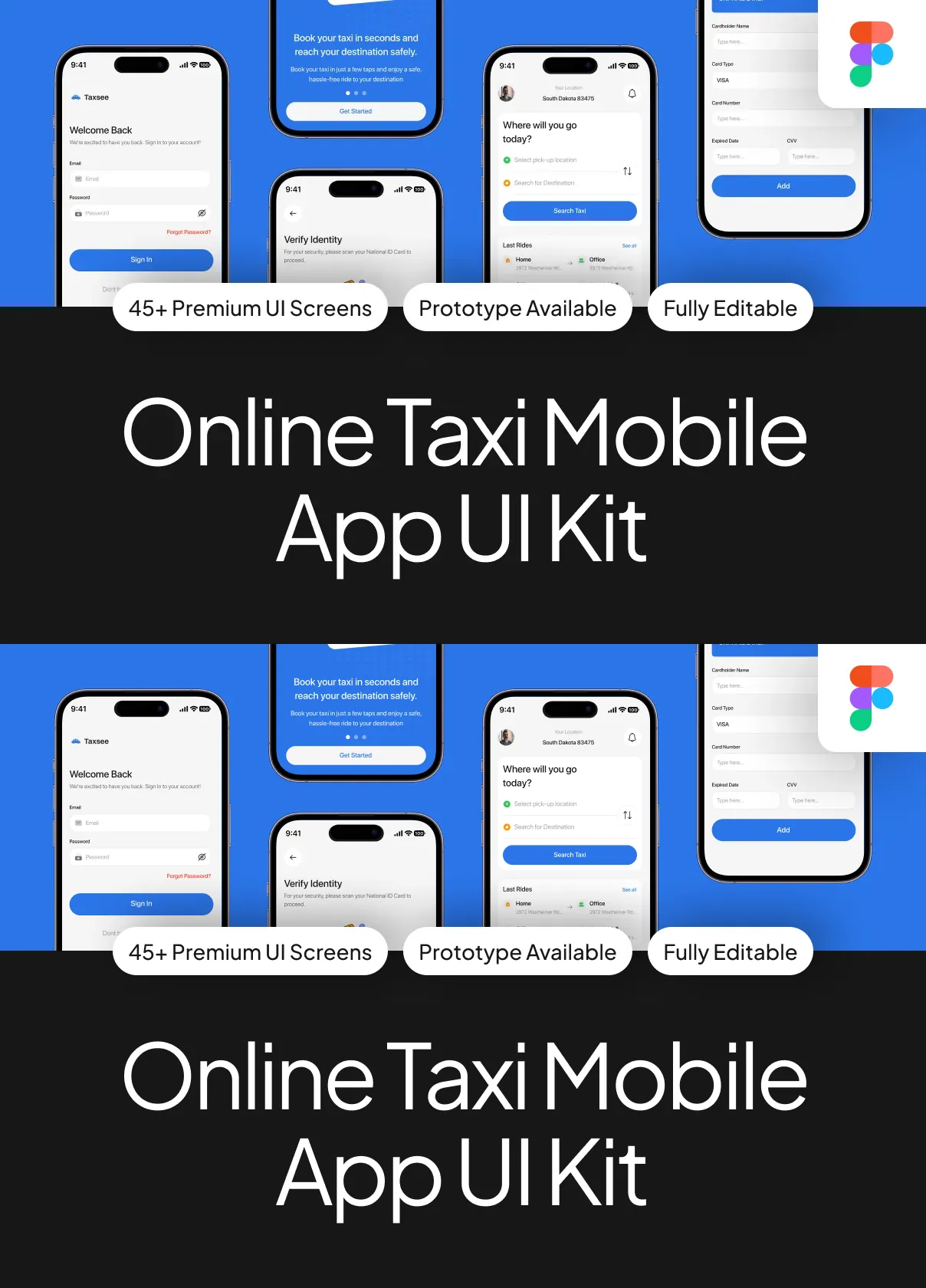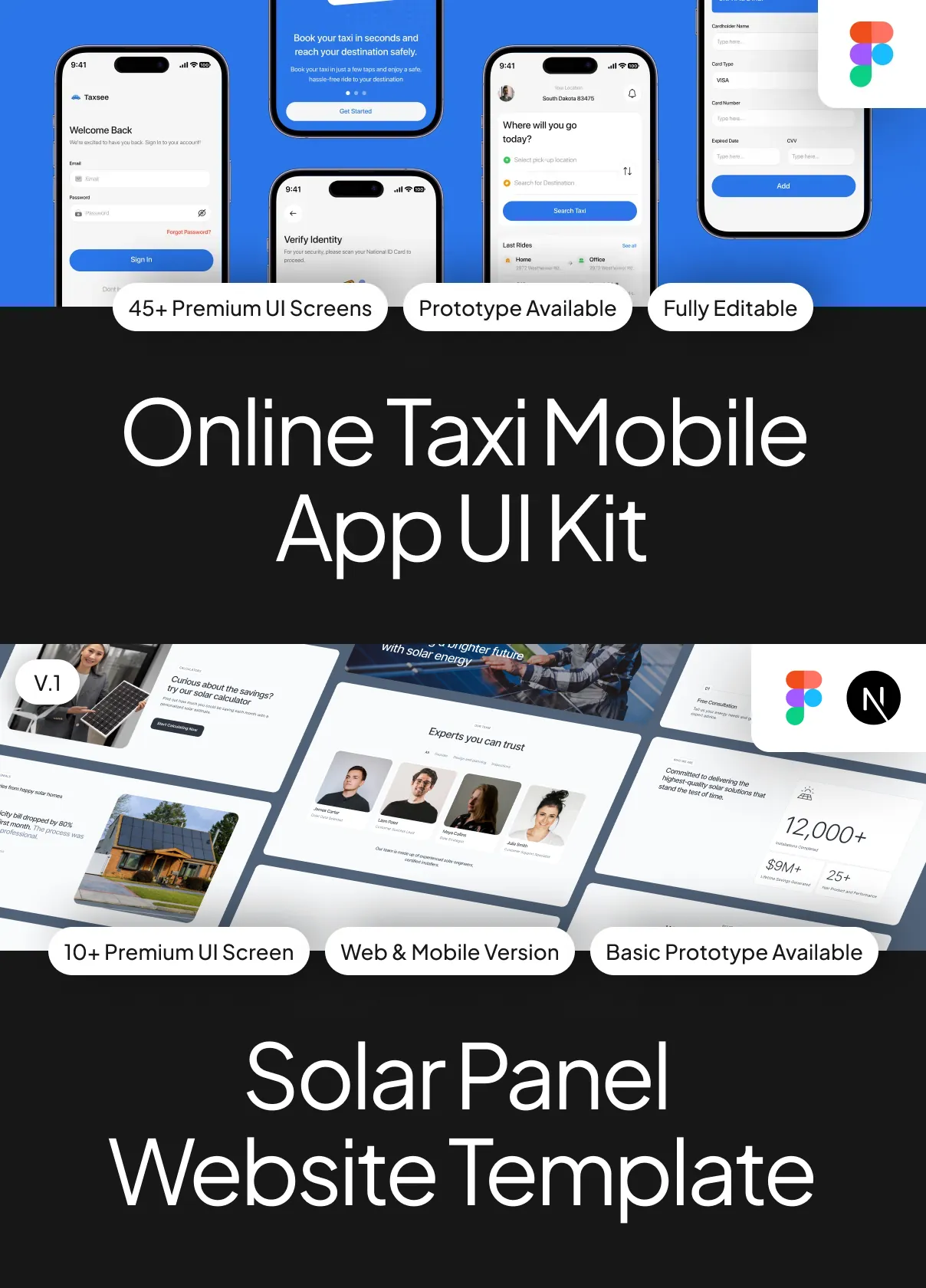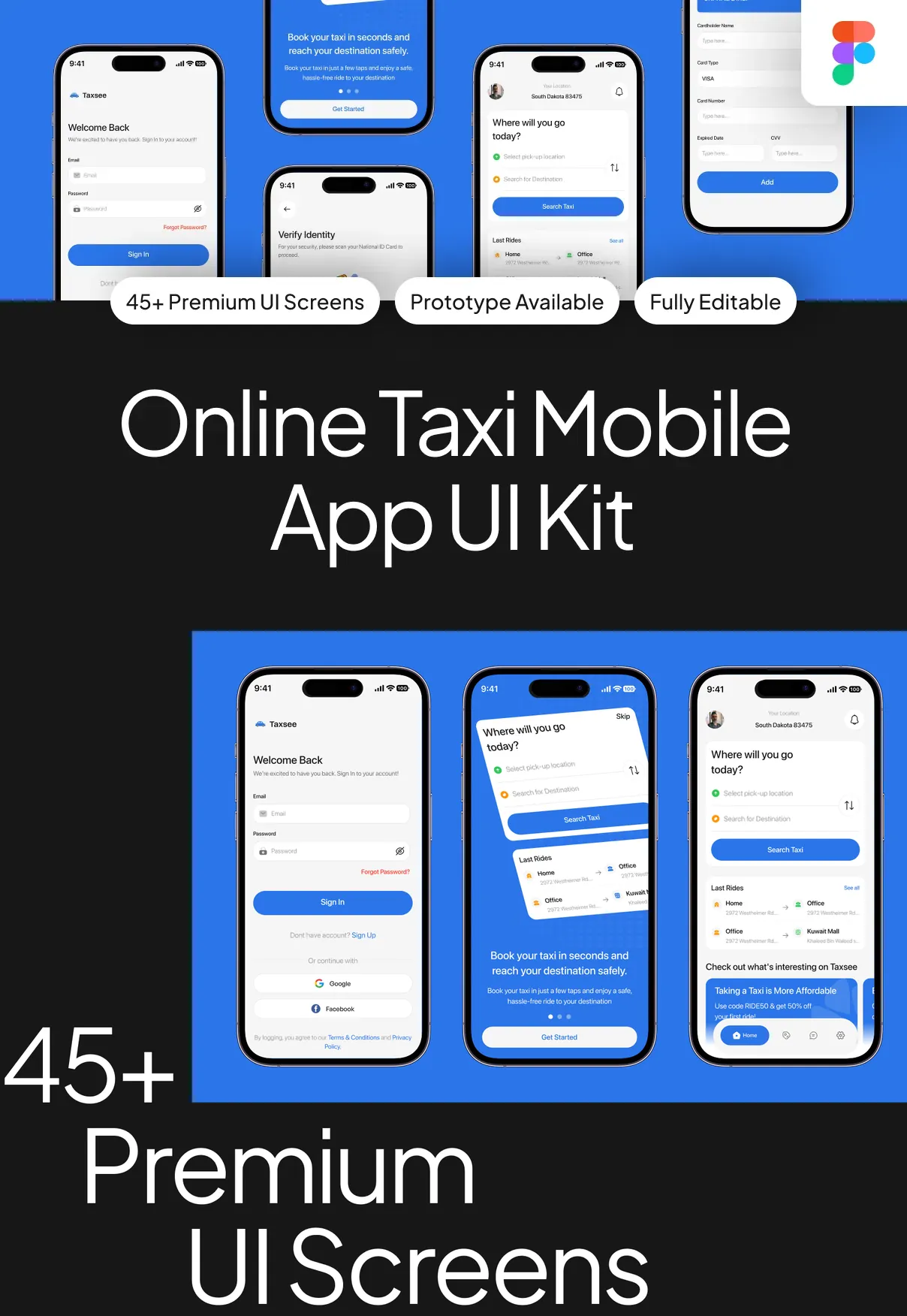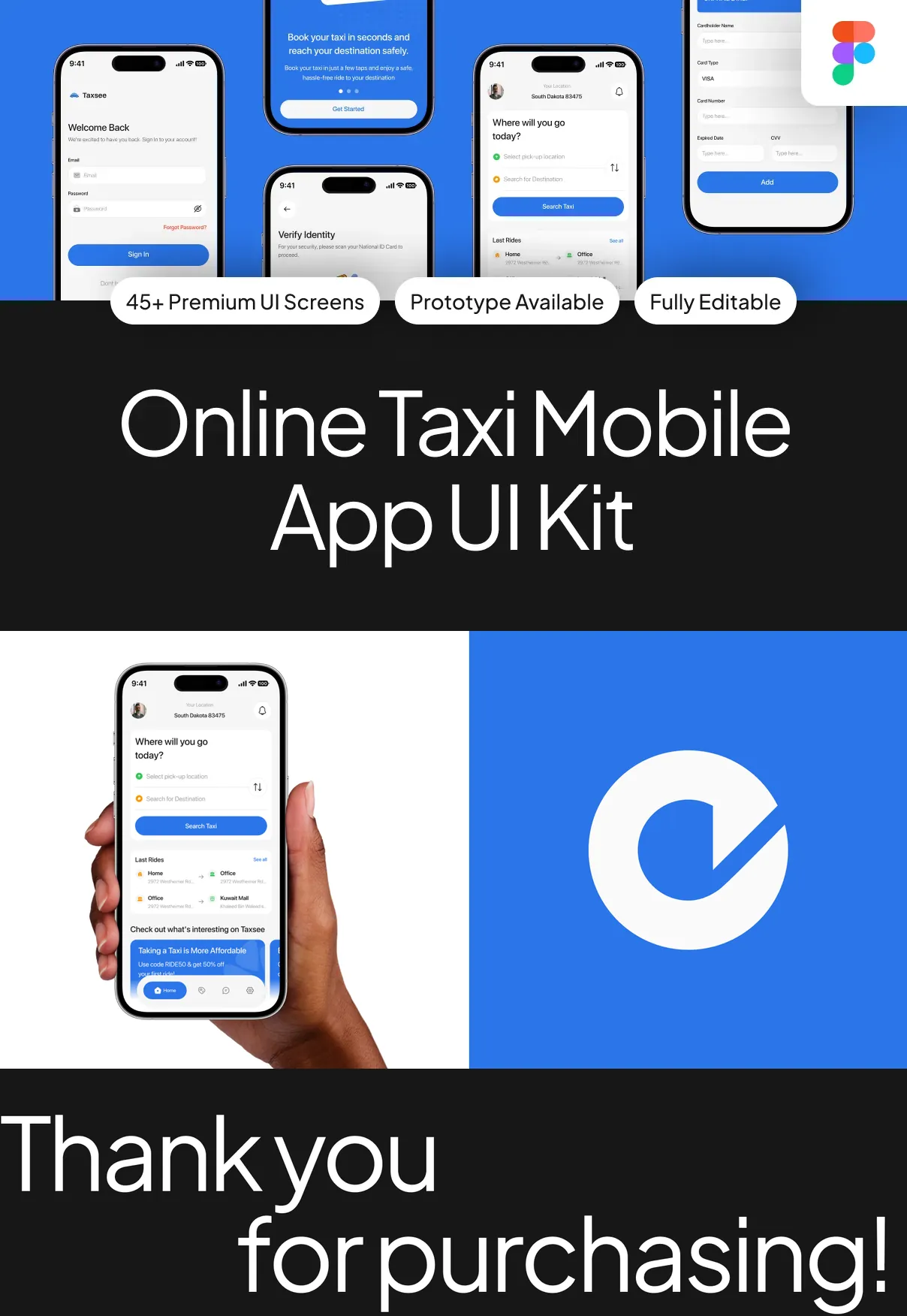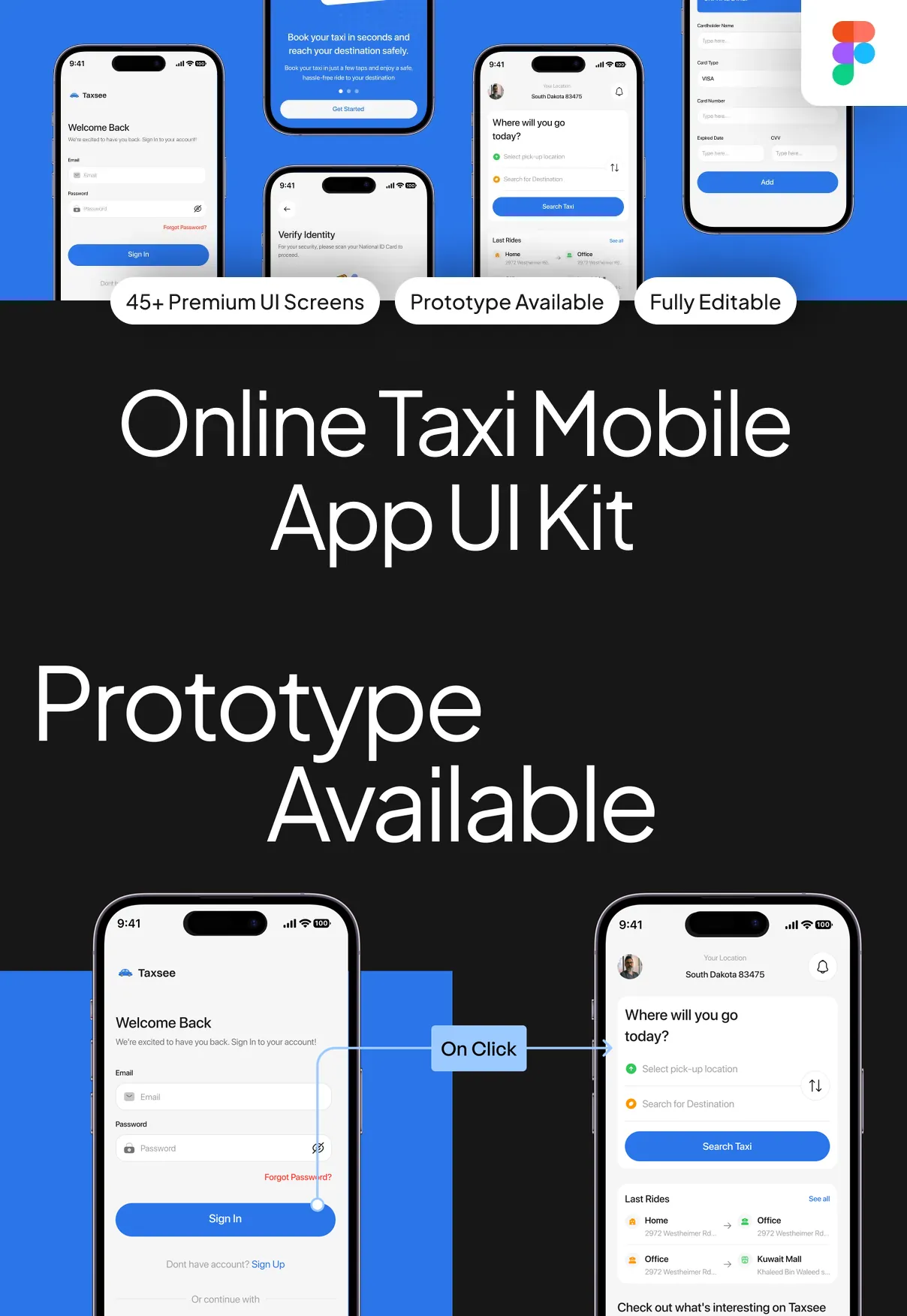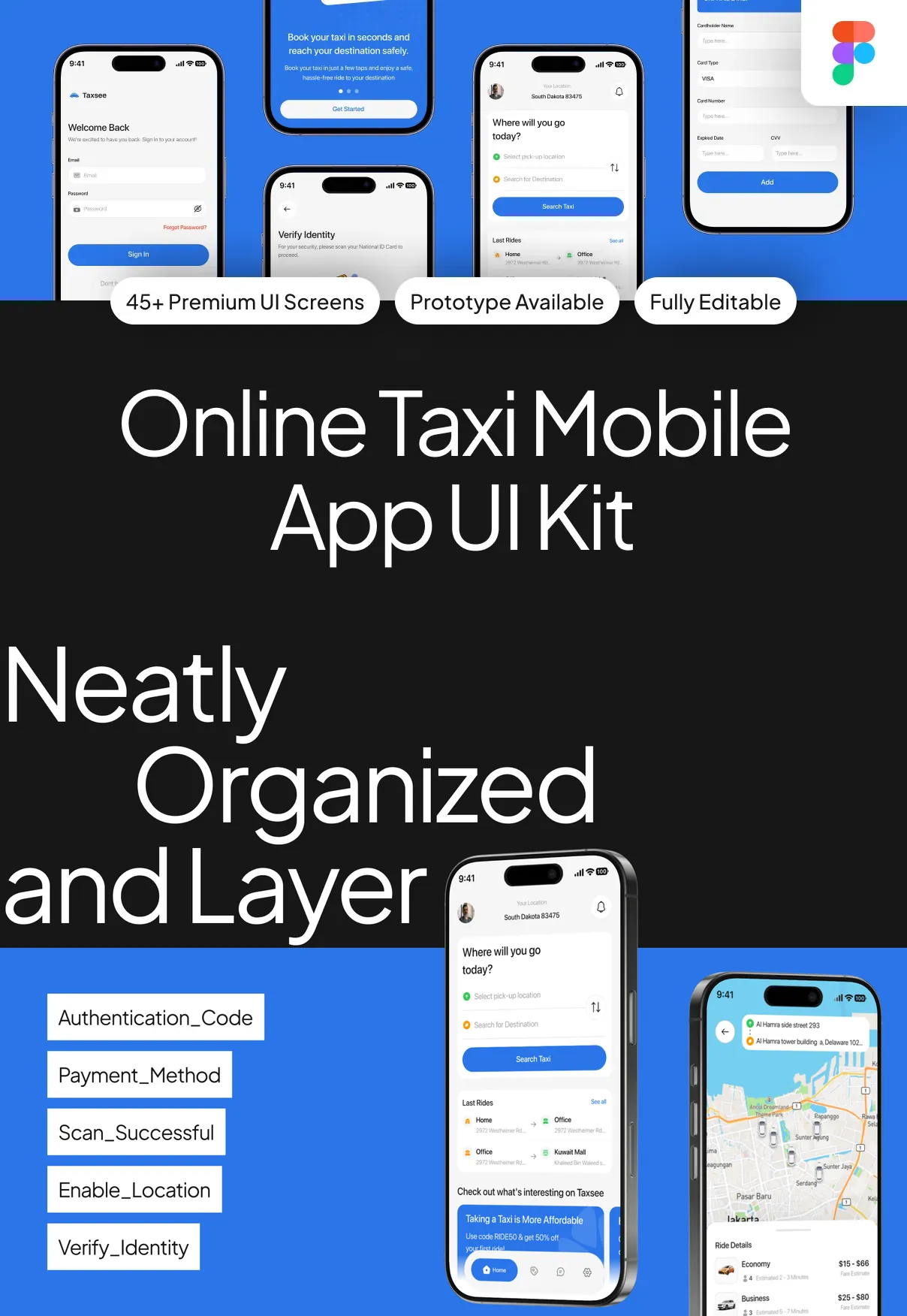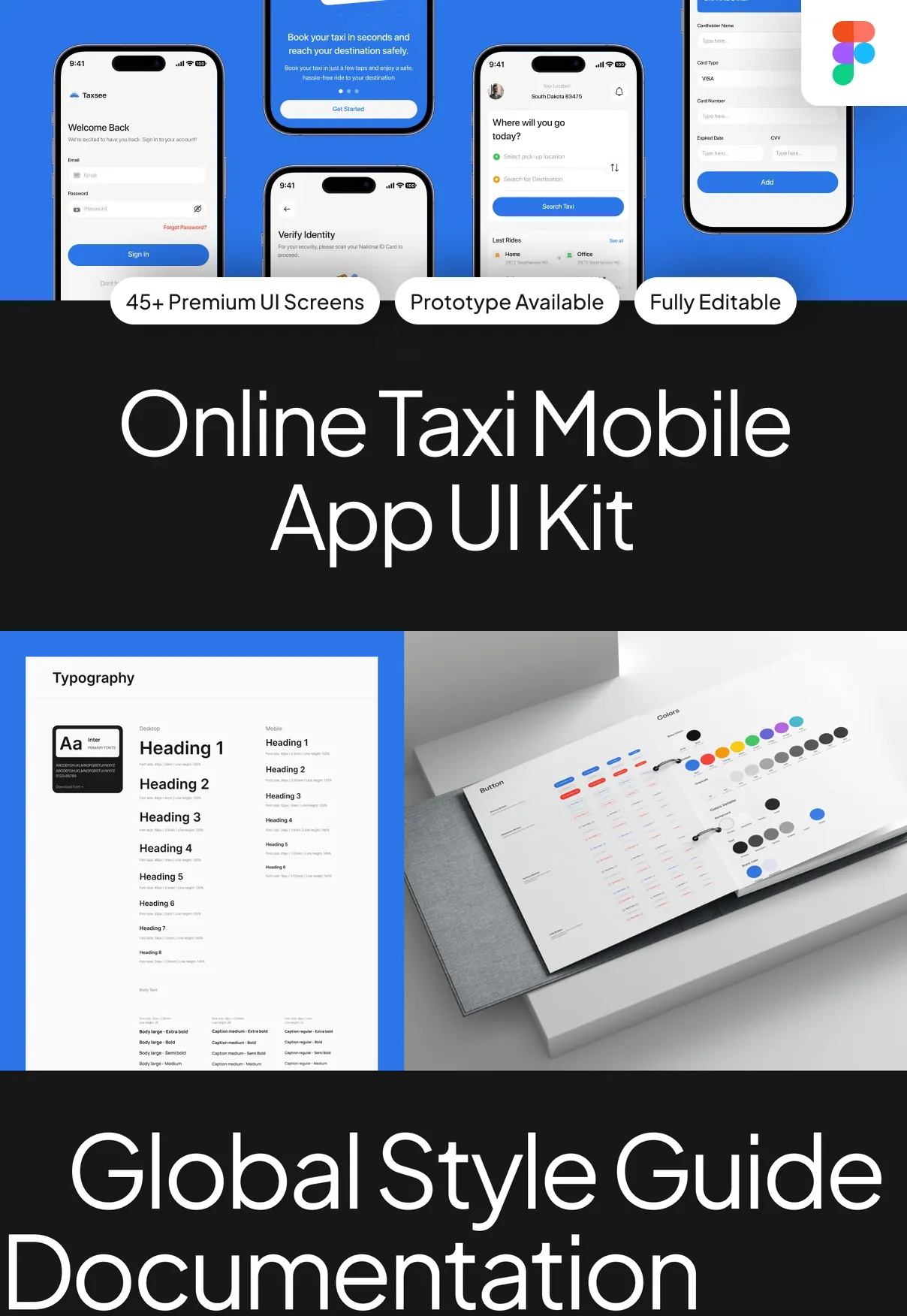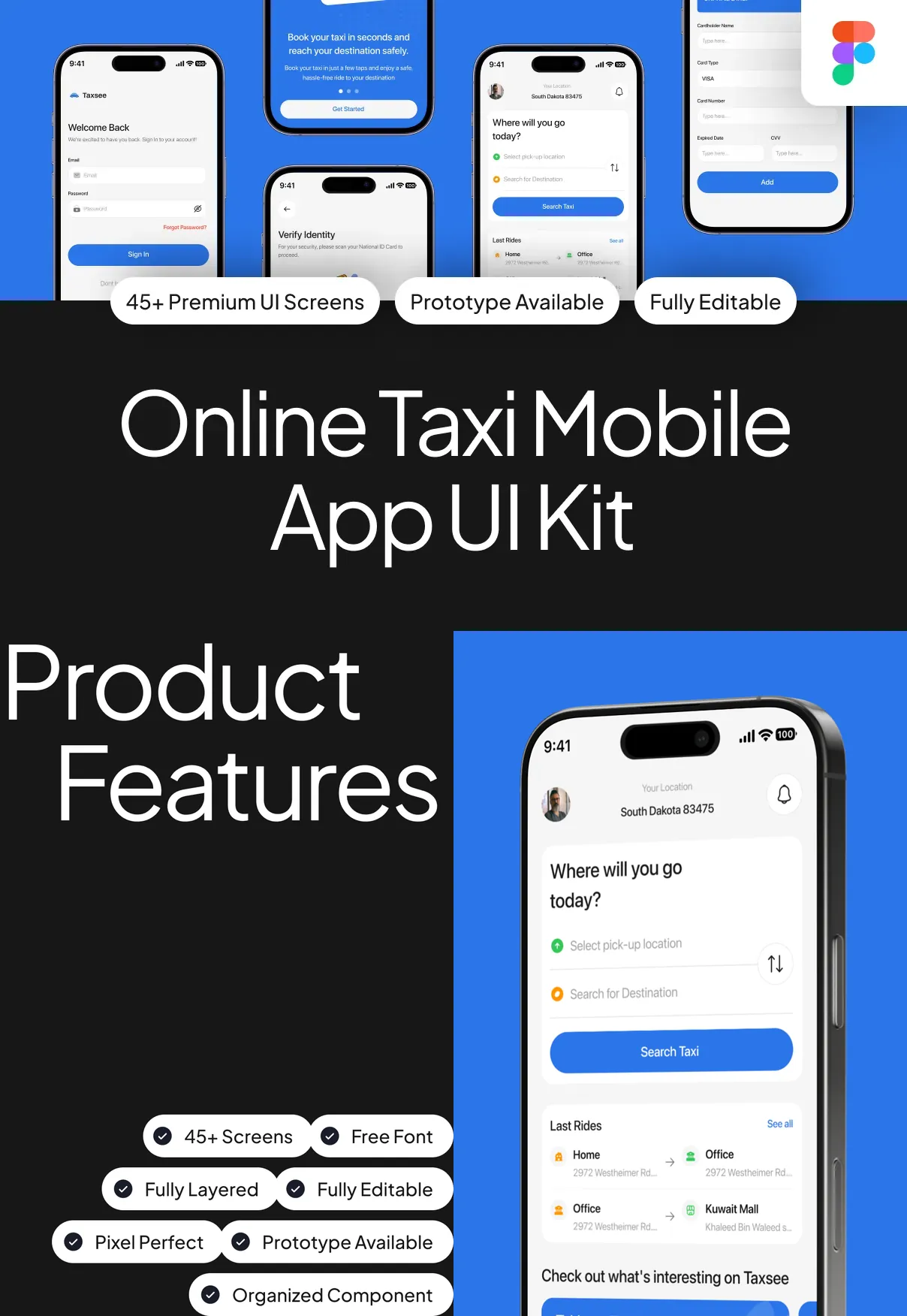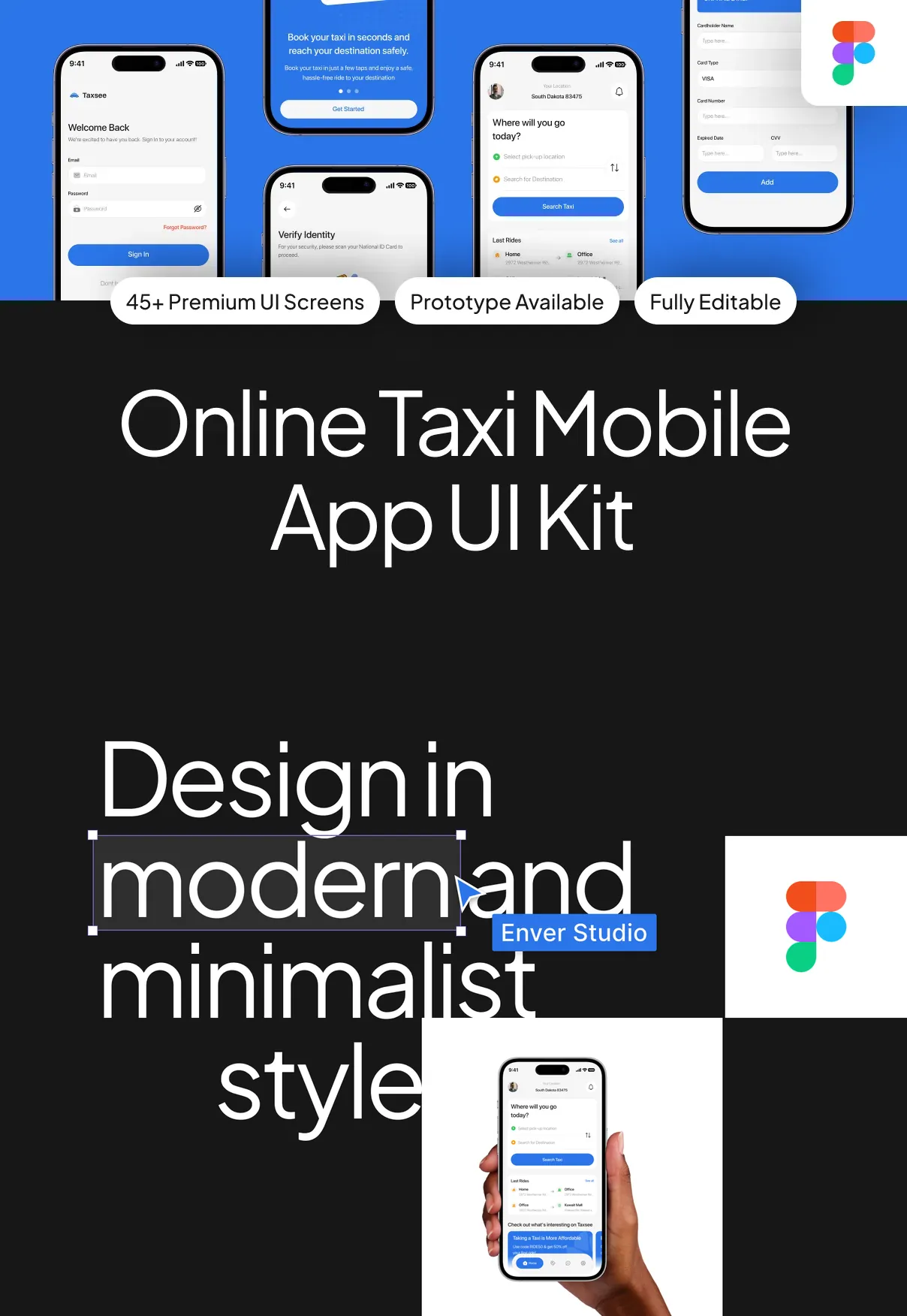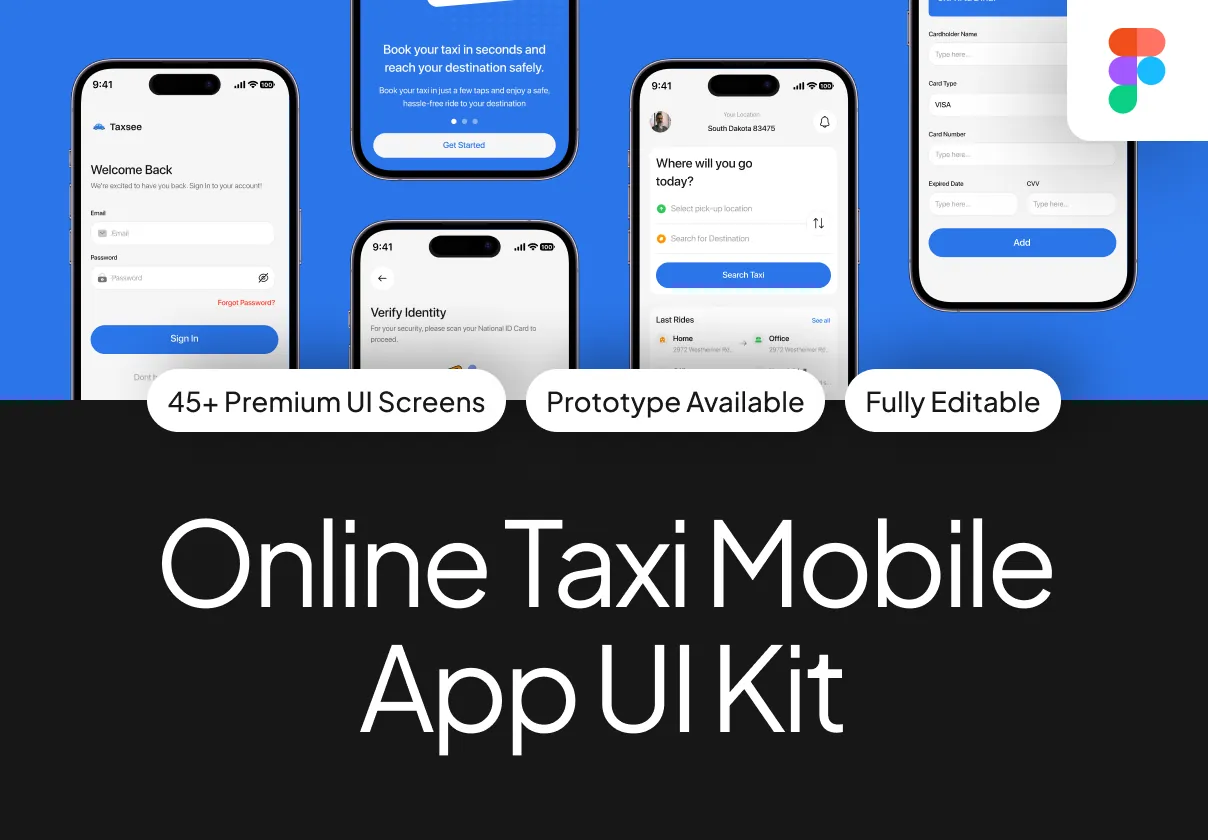

This UI kit delivers a complete, production‑ready design system for building sleek, user‑friendly taxi booking applications. Crafted for designers, product teams, and startups, it provides every visual element needed to launch a high‑performance, brand‑consistent taxi app in days rather than weeks.
Why Choose This Taxi UI Kit?
The marketplace for ride‑hailing services is highly competitive; a polished, intuitive interface can be the decisive factor that converts casual browsers into loyal riders. This kit equips you with:
- 120+ meticulously designed screens covering every user journey—from onboarding and vehicle selection to payment and rating.
- Modern minimalist aesthetic that emphasizes clean typography, ample white space, and subtle color accents for a premium feel.
- Responsive Auto‑Layout components that adapt flawlessly to various screen sizes, ensuring a consistent experience on both smartphones and tablets.
- Dual‑theme support with light and dark modes, allowing you to match any brand identity and improve accessibility.
- Fully editable layers and symbols so you can customize colors, fonts, icons, and imagery without breaking the design system.
- Ready‑to‑export assets in SVG, PNG, and PDF formats, together with CSS snippets, SwiftUI code samples, and JSON design tokens for seamless handoff to developers.
Core Components and Features
Screen Library
The kit includes comprehensive screens for each critical interaction:
- Welcome splash and dynamic onboarding flows
- User registration, login, and social sign‑in options
- Location search with predictive address suggestions
- Vehicle selection grid with pricing tiers and real‑time availability
- In‑app map view with live driver tracking
- Ride confirmation, fare breakdown, and payment integration
- Trip summary, rating, and review screens
- Profile management, ride history, and support center
- Push notification templates and promotional banners
Component System
All UI elements are built using Figma Auto‑Layout (compatible with Sketch), enabling designers to:
- Resize buttons, cards, and lists while preserving spacing and alignment.
- Swap content blocks—such as vehicle icons or price tags—without manual adjustments.
- Apply global style changes through shared color and text styles, updating the entire kit instantly.
Design Tokens & Export Options
Design tokens for colors, typography, shadows, and spacing are provided in JSON, allowing developers to map them directly into CSS variables or theme files for React Native, Flutter, or native iOS/Android projects. Exportable assets include:
- Vector icons (SVG) for crisp scaling.
- Raster images (PNG) optimized for mobile bandwidth.
- PDF style guide for offline reference.
- Code snippets for button states, input fields, and map markers.
Design Philosophy
The kit follows a clean, modern, minimalist philosophy that prioritizes usability and speed. High‑contrast typography guides the user’s attention to primary actions such as “Book Now” or “Confirm Ride,” while subtle micro‑interactions—like button ripple effects and map pin animations—enhance perceived responsiveness without compromising performance.
User Journey Mapping
Each screen is organized to mirror the natural flow of a taxi‑hailing experience:
- Discovery: Users launch the app, view a welcoming splash, and are guided through a quick onboarding.
- Location Input: Predictive address fields reduce friction when entering pickup and drop‑off points.
- Vehicle Selection: Clear visual cards present options with pricing, ETA, and vehicle image.
- Ride Confirmation: Transparent fare breakdown, payment method selection, and a single‑tap “Confirm” button.
- Live Tracking: Real‑time map updates keep riders informed of driver location.
- Post‑Ride: Rating prompts, receipt download, and option to schedule future rides.
Collaboration & Handoff
The file structure employs intuitive page naming and component grouping, making cross‑functional collaboration straightforward. A dedicated developer handoff guide outlines how to export assets, translate design tokens into code, and integrate with popular backend APIs for ride‑matching and payment processing.
Support, Updates, and Licensing
Purchase grants you lifetime access to updates. Future releases will introduce:
- Additional vehicle categories and regional branding variations.
- Expanded micro‑interaction libraries for smoother animations.
- AI‑driven predictive pricing widgets.
Support includes email assistance and access to a private community forum where designers share customization tips and developers discuss integration challenges.
Ideal Users
- Startup founders needing a market‑ready UI to accelerate product launch.
- Design agencies seeking a reusable foundation for multiple ride‑hailing projects.
- Product managers looking to prototype and test new features quickly.
Getting Started
Download the kit, open the Figma (or Sketch) file, and explore the layered page hierarchy. Duplicate any screen, adjust colors, fonts, and imagery to align with your brand, then export the assets for development. Follow the built‑in style guide to maintain visual consistency, and you’ll be ready to launch a sleek, high‑conversion taxi app that delights riders and drives revenue.