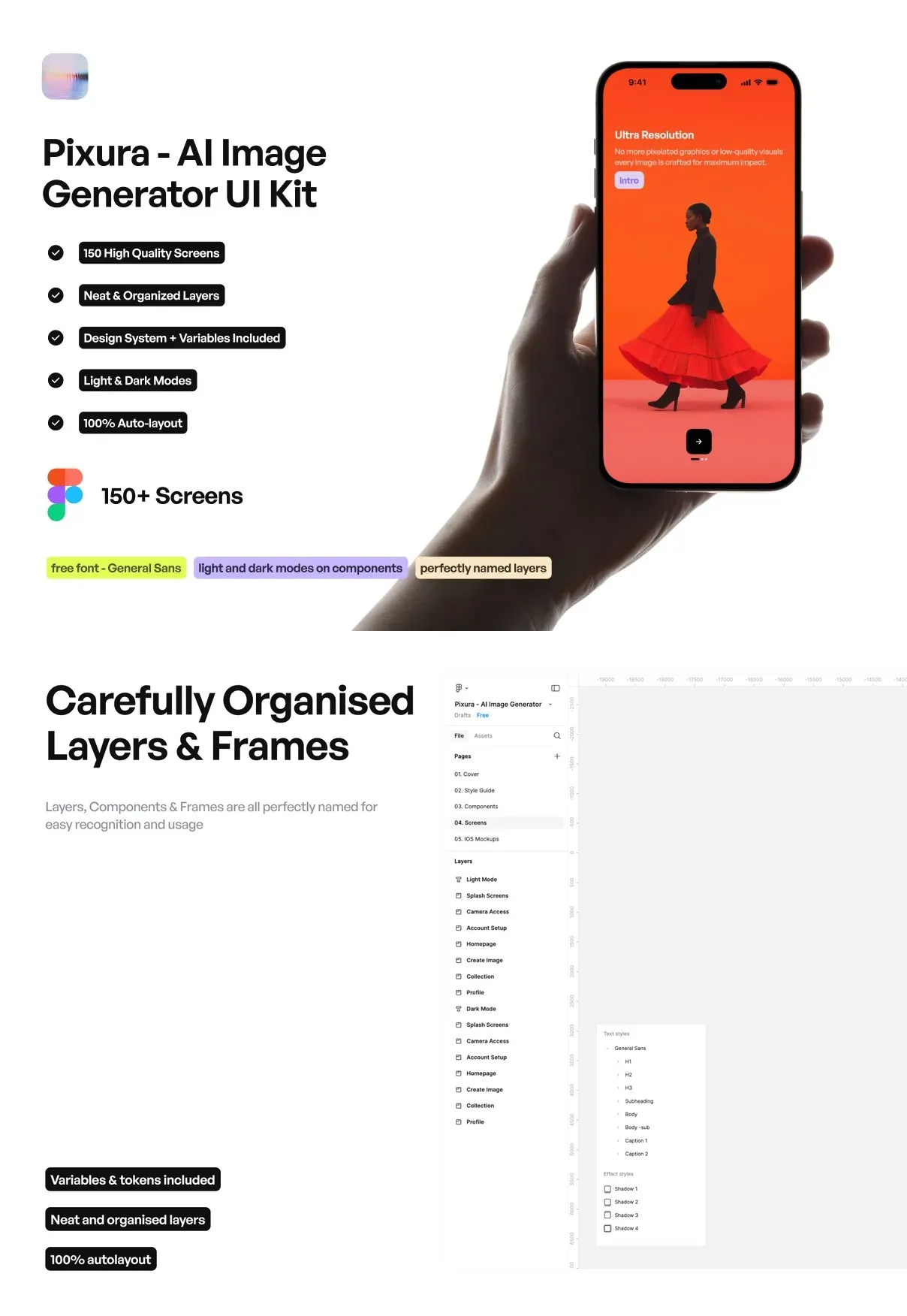
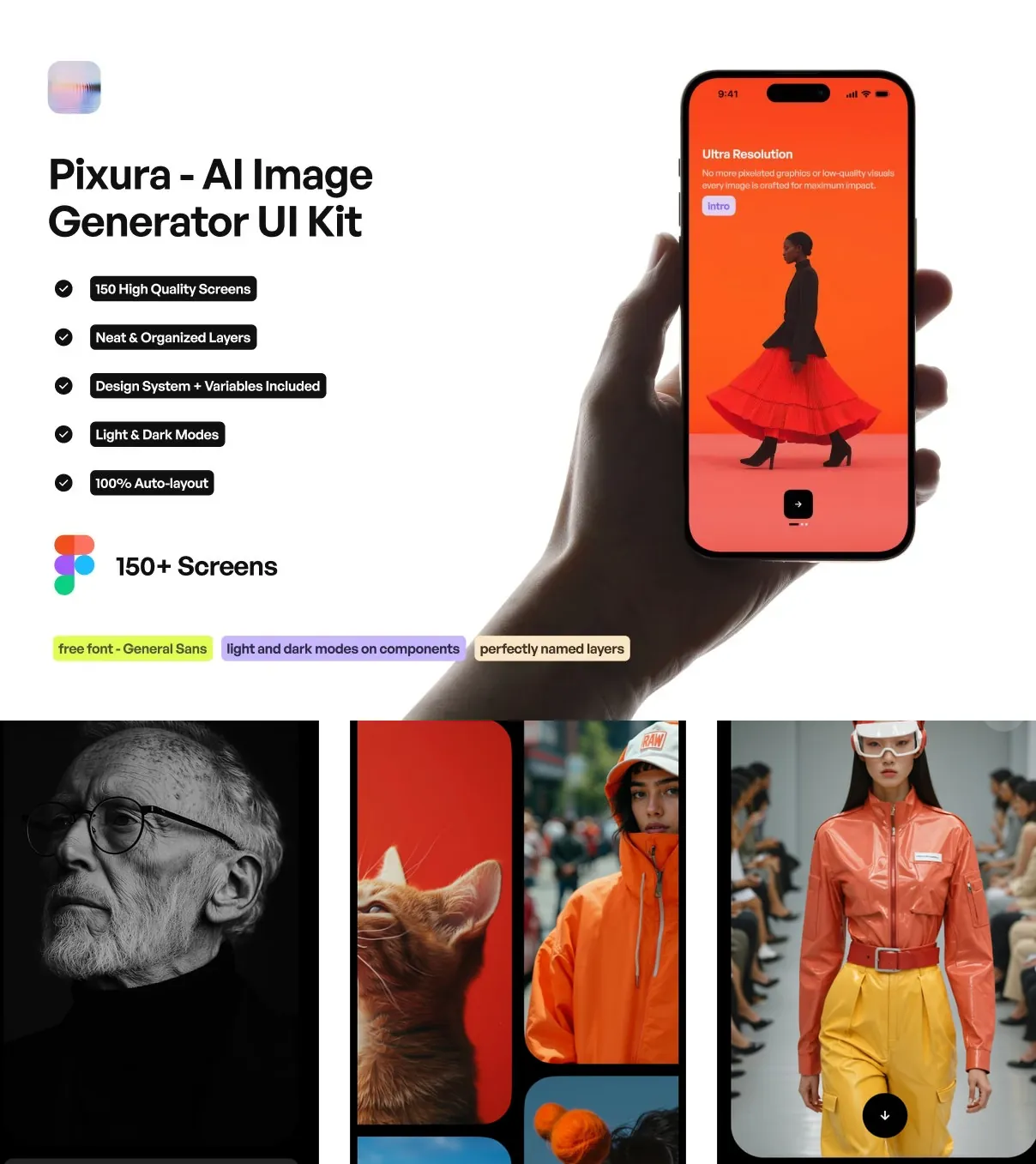
Meet Pixura AI Image Generator UI Kit, the definitive design system for developers, product teams, and creative studios building next-generation AI-powered image generation platforms. With **150+ fully interactive, high-fidelity screens** meticulously crafted for iOS and Android, Pixura delivers a seamless, immersive experience—from initial prompt input to final high-resolution export. Every screen is engineered to reduce friction, boost creativity, and increase user retention, making it the ideal foundation for apps targeting artists, marketers, content creators, and product designers.
Engineer the Ultimate AI Image Creation Experience from Prompt to Masterpiece
Every Stage of the Creative Journey is Purposefully Designed
Pixura maps the complete creative lifecycle with intelligent, user-centered workflows:
- Advanced Prompt Engineering Panel: AI-assisted prompt builder with autocomplete suggestions, negative prompt support, style tags (e.g., “cyberpunk,” “watercolor”), and real-time grammar checking to generate clearer, more effective inputs.
- Real-Time Style Blending: Drag-and-drop interface to mix multiple artistic styles (e.g., “Van Gogh + Anime” or “3D Render + Oil Painting”) and see instant visual previews with blending intensity sliders.
- Custom Model Selector: Choose between different AI engines (e.g., Stable Diffusion XL, DALL·E 3, Midjourney v6) with dedicated input formats, speed/quality trade-off sliders, and history-based recommendations.
- Batch Generation Mode: Queue multiple prompts and styles simultaneously, set custom resolution, aspect ratio, and iteration count, then generate in the background without interrupting workflow.
- AI-Powered Image Editing Suite: In-app tools for image inpainting, outpainting, color correction, object removal, and detail enhancement—each powered by a lightweight AI model trained on visual consistency and coherence.
- Dynamic Image Preview Grid: Interactive grid with zoom-on-hover, side-by-side comparisons, rotation, and quick-save to a favorites library or project folder.
- Smart Export Options: One-tap export to PNG, JPG, WebP, or PDF with resolution presets (1080p, 4K, Print), automatic metadata tagging, and optional AI watermarking.
- Social Sharing Integration: Direct sharing to Instagram, Pinterest, Twitter/X, Dribbble, and TikTok with auto-caption generation based on the prompt and visual content.
Visual Excellence Meets Intuitive Interaction for Maximum Creativity
Design That Inspires and Engages Every Time You Tap
Pixura doesn’t just display images—it creates an emotional connection between user and creation:
- Animated AI Progress Tracker: Real-time bar indicating generation progress, with visual cues (e.g., “Sketch phase,” “Colorization,” “Detail refinement”) and estimated time remaining.
- Gradient Glow Transitions: Smooth, fluid motion between screens and states—including screen transitions, button presses, and modal pop-ups with subtle light diffusion effects.
- Interactive Style Gallery: Curated collection of trending styles with hover previews, user ratings, and “Try This Style” quick buttons for instant inspiration.
- AI Voice Prompt Input: Voice-to-text integration with natural speech recognition, letting users describe their vision aloud with natural phrasing and contextual understanding.
- Dark Mode with Eye Protection: Low-contrast night mode with reduced blue light emission and optimized screen brightness for late-night creation sessions.
- Personalized Home Dashboard: Customizable feed showing recent creations, trending prompts, saved styles, AI tips, and “Daily Challenge” creative prompts to boost productivity.
- Undo/Redo Timeline: Visual timeline that tracks every edit, regeneration, or style change, allowing full rollback with confidence.
Modular, Scalable, and Built for Diverse Creative Needs
Customize for Any Audience, Any Project, Any Business Model
Pixura is a true design system—flexible, maintainable, and future-ready:
- Brand Theme Variants: One-click theme switching between “Minimalist White,” “Vibrant Creator,” “Pro Artist,” and “Enterprise” modes using Figma variables and layer overrides.
- Reusable Component Library: Over 180 pre-built UI components: style chips, prompt inputs, export modals, model cards, edit toolbars, and error states—each with built-in accessibility features.
- Multi-Device Design System: Responsive layouts adapted for tablets and foldable screens, including split-window generation and dual-panel editing.
- High-Resolution Asset Export: All icons, illustrations, and UI assets exported at 2x and 3x resolution for crisp rendering on all modern devices.
- Animation Framework: Pre-built micro-interactions and timing curves for button feedback, card flips, loading states, and transition sequences.
Developer-Ready Export for Rapid App Development
Turn concept to production faster than ever with code-friendly exports:
- Figma files with auto-layout, nested components, semantic naming, and version history—ideal for React Native, Flutter, and SwiftUI.
- Code-ready snippets with semantic class names, event handlers, and ARIA accessibility labels.
- Mock API endpoints for prompt submission, image generation status, and export requests.
- Interactive prototype with core flows: prompt → generate → edit → export → share.
Future-Proof Innovation with Lifetime Access
One-time purchase. No subscriptions. Always updated:
- Multi-Language Support: Auto-detect user language and display UI in 10+ languages with context-aware prompt translation.
- AI Safety Filters: Built-in content moderation with customizable sensitivity levels to block inappropriate or harmful outputs.
- Offline Generation Mode: Generate images locally using pre-downloaded models, ideal for privacy-focused users and remote work.
- Project & Version History: Keep full archive of every image, prompt, and edit—perfect for client portfolios and team collaboration.
- Community Integration: Built-in link to share creations with the Pixura creator community and access user-generated style packs.