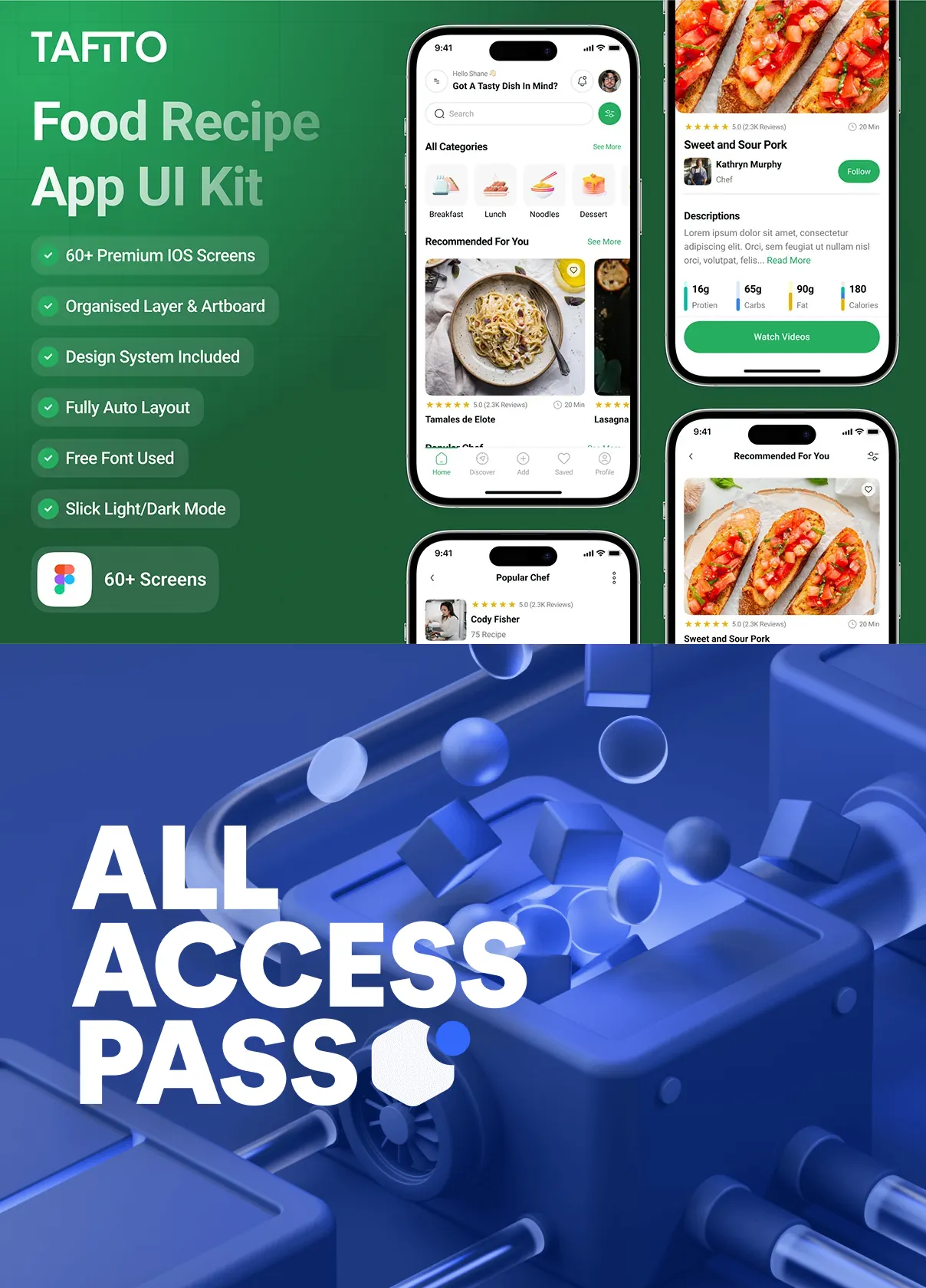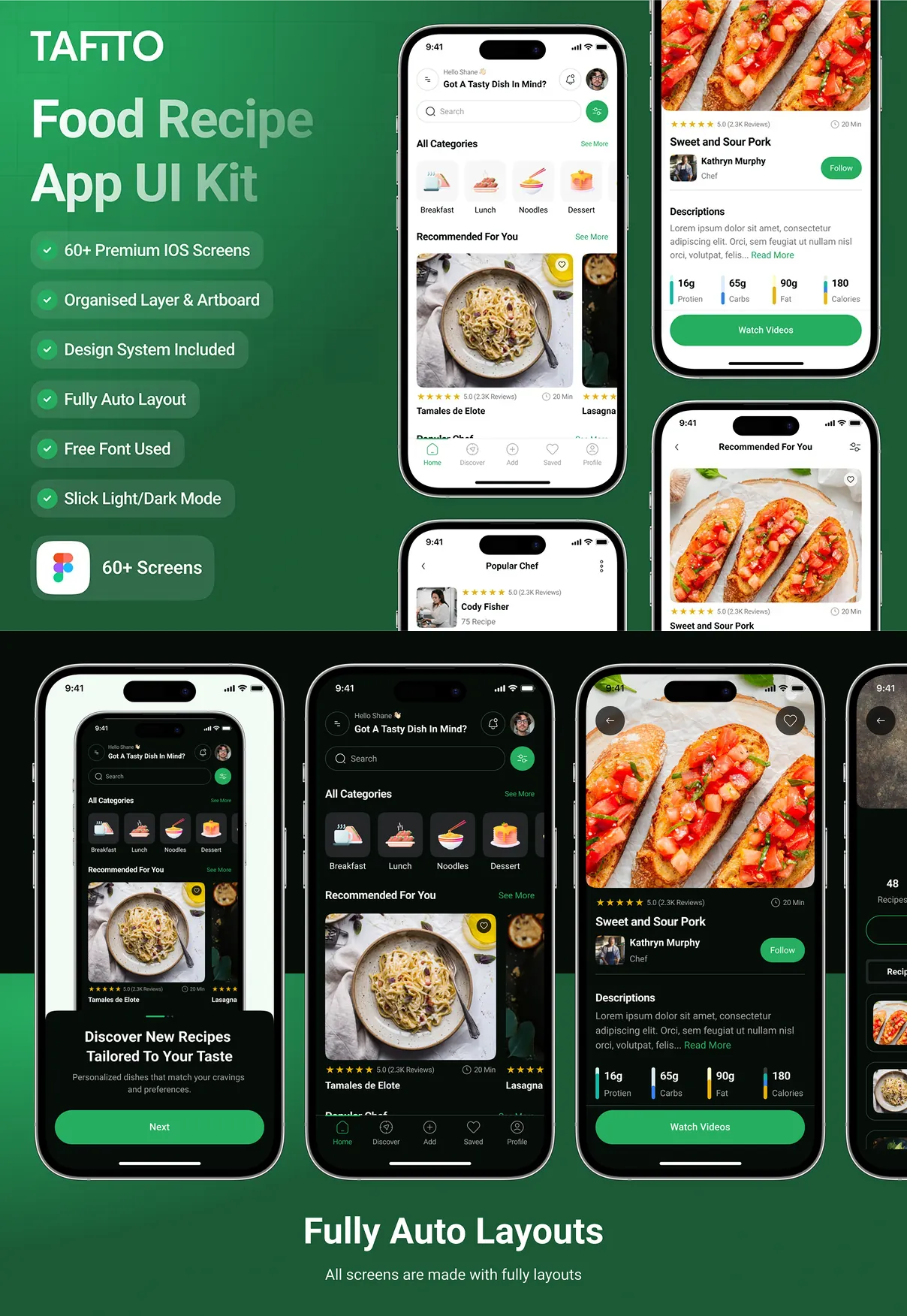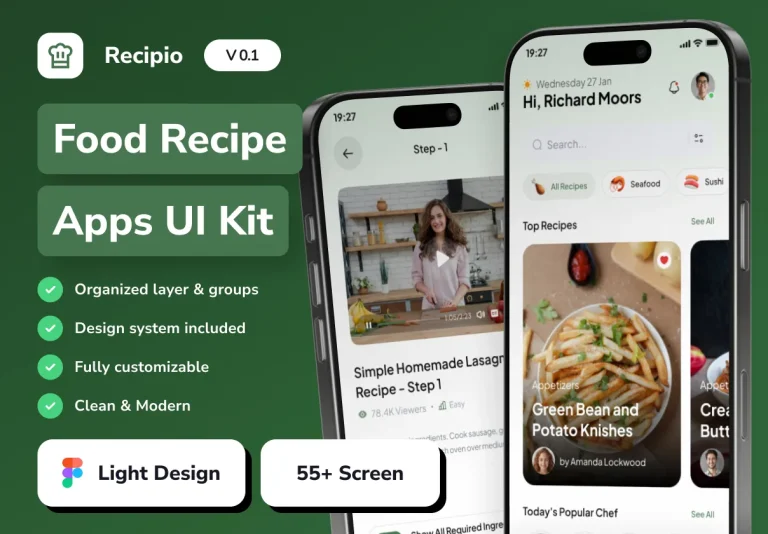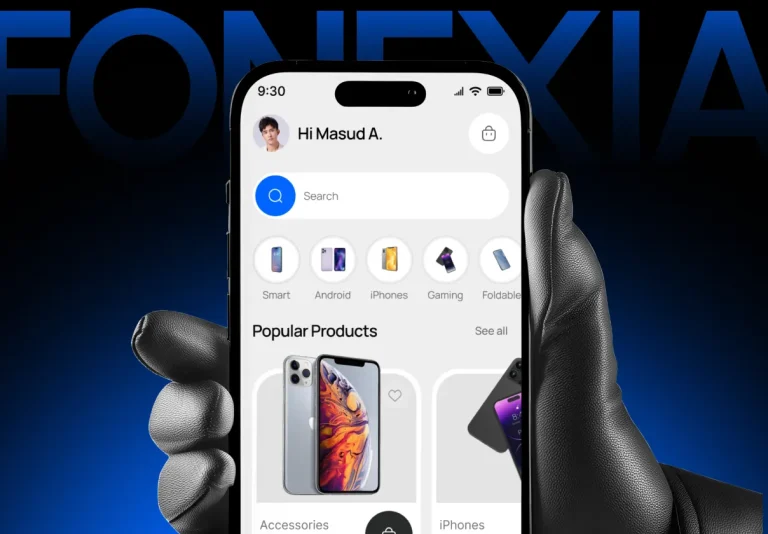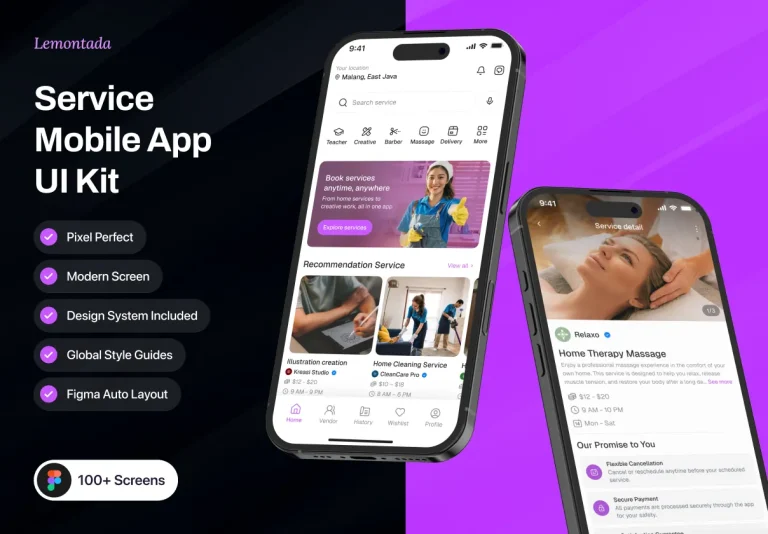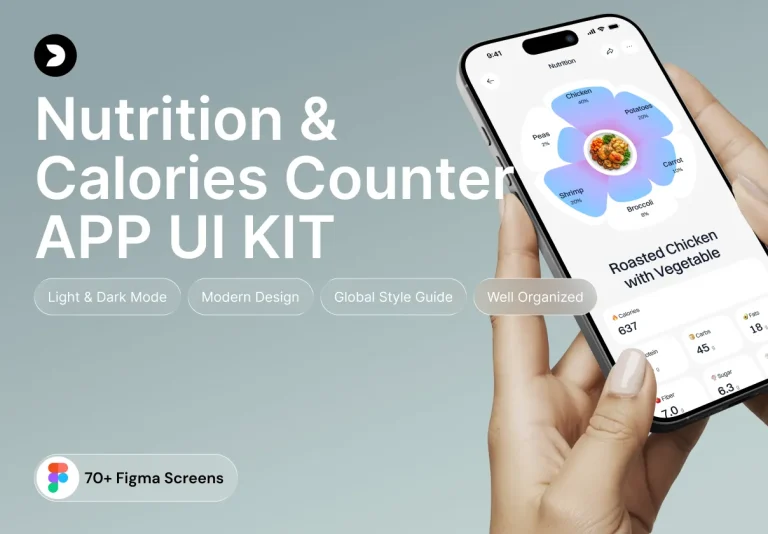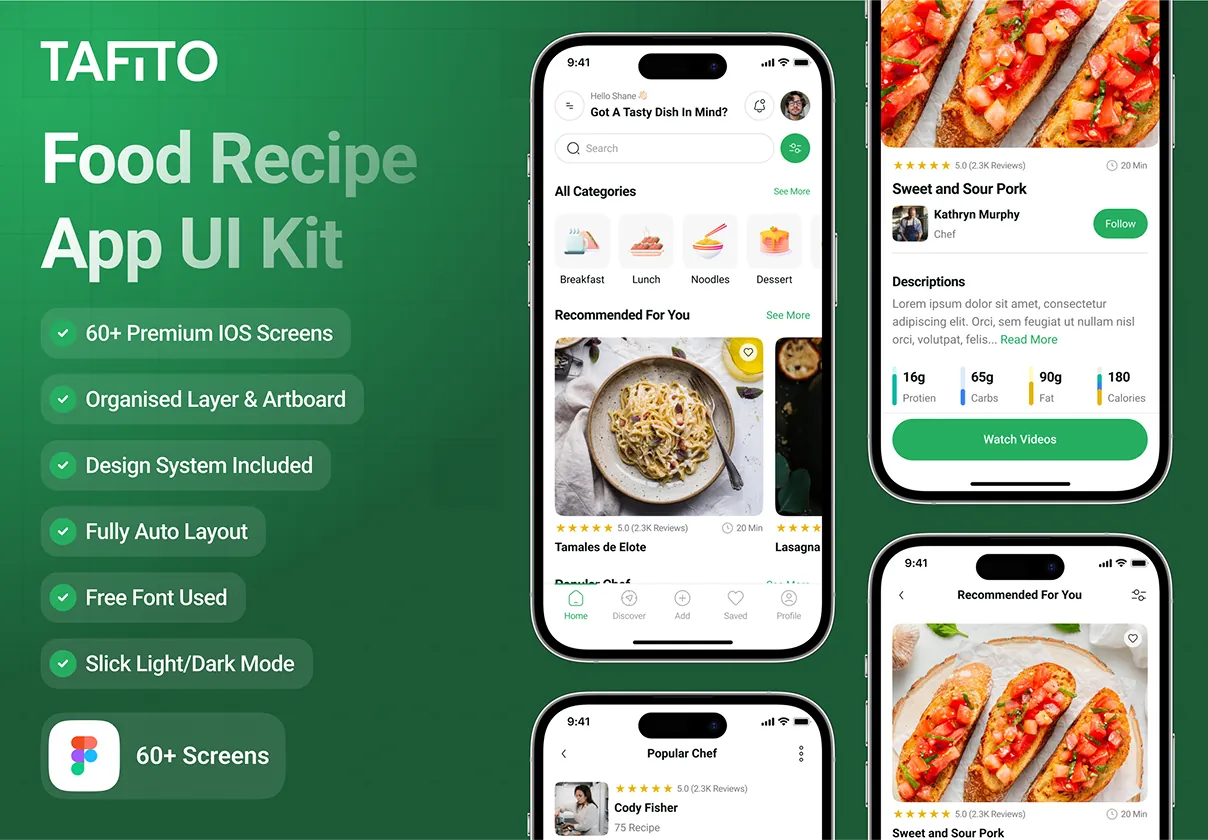

Tafito is a meticulously crafted UI kit designed for iOS food‑recipe applications. Built in Figma, this kit empowers designers and developers to launch fully functional, visually striking recipe platforms in a fraction of the time normally required. With **over 40 premium screens**, a comprehensive component library, and ready‑to‑use design tokens, Tafito delivers a complete design system that can be customized to fit any brand identity.
Why Choose Tafito?
Choosing Tafito means gaining a strategic advantage:
- Speed to Market: All screens are pre‑designed, layered, and optimized for Figma’s Auto‑Layout, allowing rapid iteration and instant resizing.
- Engaging User Experience: Thoughtfully designed interactions, micro‑animations, and clear visual hierarchy keep users cooking and exploring recipes longer.
- Scalable Architecture: Component‑based structure supports dark mode, multilingual text layers, and future feature expansion without rebuilding the UI.
- Developer‑Friendly Assets: Exportable SVG icons, PNG assets, CSS snippets, and JSON design tokens streamline hand‑off and reduce implementation errors.
Core Components
Screen Library
The kit includes more than 40 high‑resolution screens covering the entire user journey:
- Onboarding & Registration: Splash, welcome, email/social sign‑up, password recovery.
- Recipe Exploration: Category browsing, search with predictive suggestions, featured collections, and detailed recipe pages.
- Cooking Flow: Step‑by‑step instructions, ingredient checklists, timer integration, and video playback.
- User Interaction: Favorites, ratings, comments, and community sharing.
- Profile & Settings: Personal dashboards, saved recipes, dietary preferences, and notification preferences.
Component System
Every UI element follows a unified design language:
- Buttons & Call‑to‑Action: Primary, secondary, and disabled states with auto‑layout constraints.
- Cards & Tiles: Responsive layouts for recipe previews, ingredient lists, and promotional banners.
- Form Elements: Input fields, dropdowns, toggles, and sliders designed for seamless data entry.
- Navigation: Bottom tab bars, side drawers, and breadcrumb trails that adapt to iOS conventions.
- Micro‑Interactions: Loading skeletons, button ripples, and transition animations that enhance perceived performance.
Design Tokens
Included JSON files map colors, typography, spacing, and shadow values directly to CSS variables, SwiftUI themes, or Flutter ThemeData objects. Updating a single token propagates across the entire kit, guaranteeing visual consistency.
Developer Handoff & Export Options
The kit comes with a comprehensive handoff guide that outlines:
- How to export SVG icons for crisp vector graphics.
- Generating optimized PNG assets for mobile bandwidth constraints.
- Copy‑and‑paste CSS snippets for buttons, inputs, and modal overlays.
- Integrating JSON design tokens into iOS (SwiftUI), Android (Jetpack Compose), React Native, and Flutter codebases.
Licensing, Updates, & Support
Purchasing Tafito provides a **lifetime license** with free updates. Future releases will introduce:
- Additional cuisine‑specific UI packs (e.g., vegan, gluten‑free).
- Expanded animation library for cooking timers and step transitions.
- AI‑driven recommendation widgets that suggest recipes based on user preferences.
Support includes email assistance and access to a private community forum where designers share customization tips and developers discuss integration challenges.