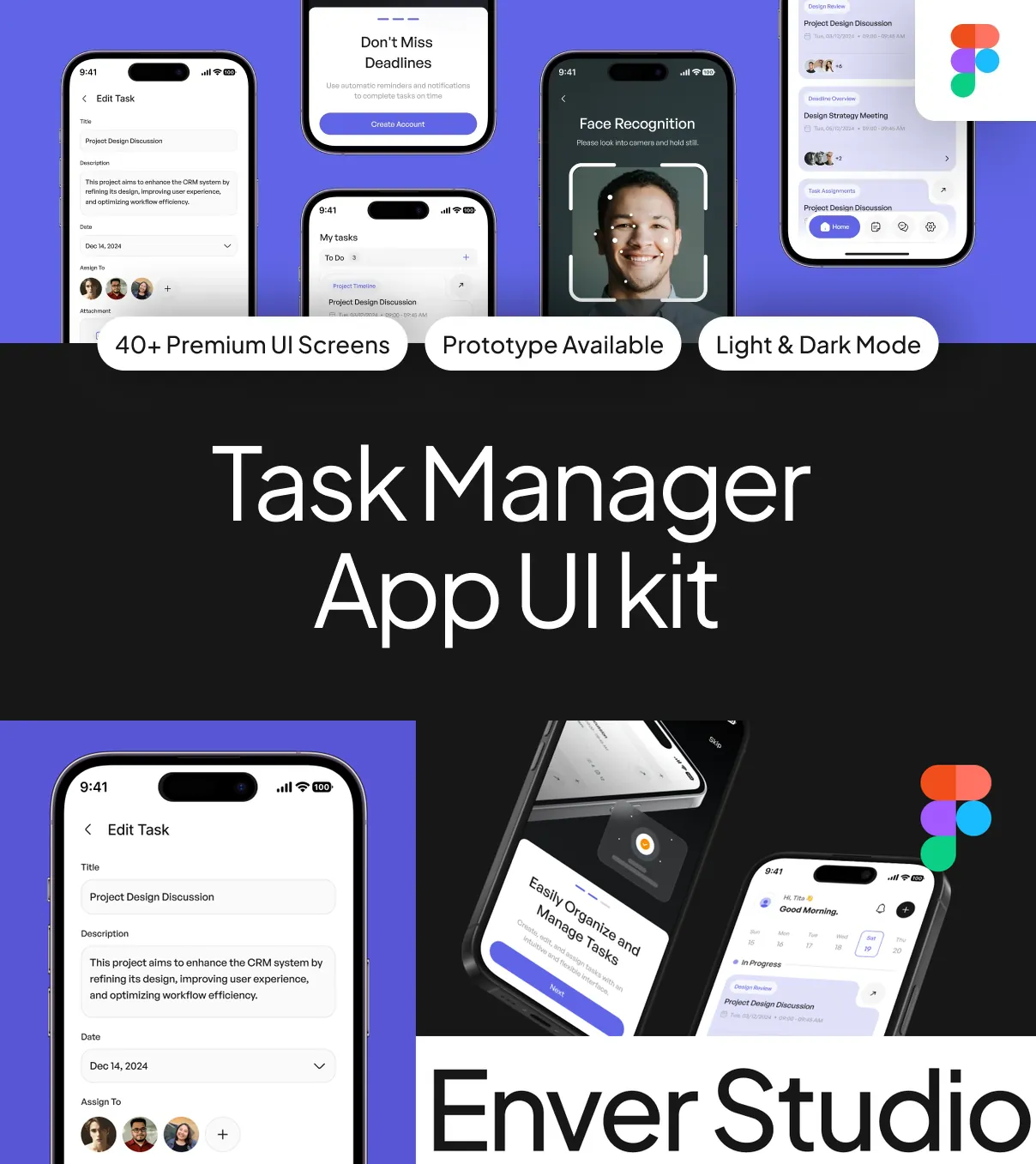
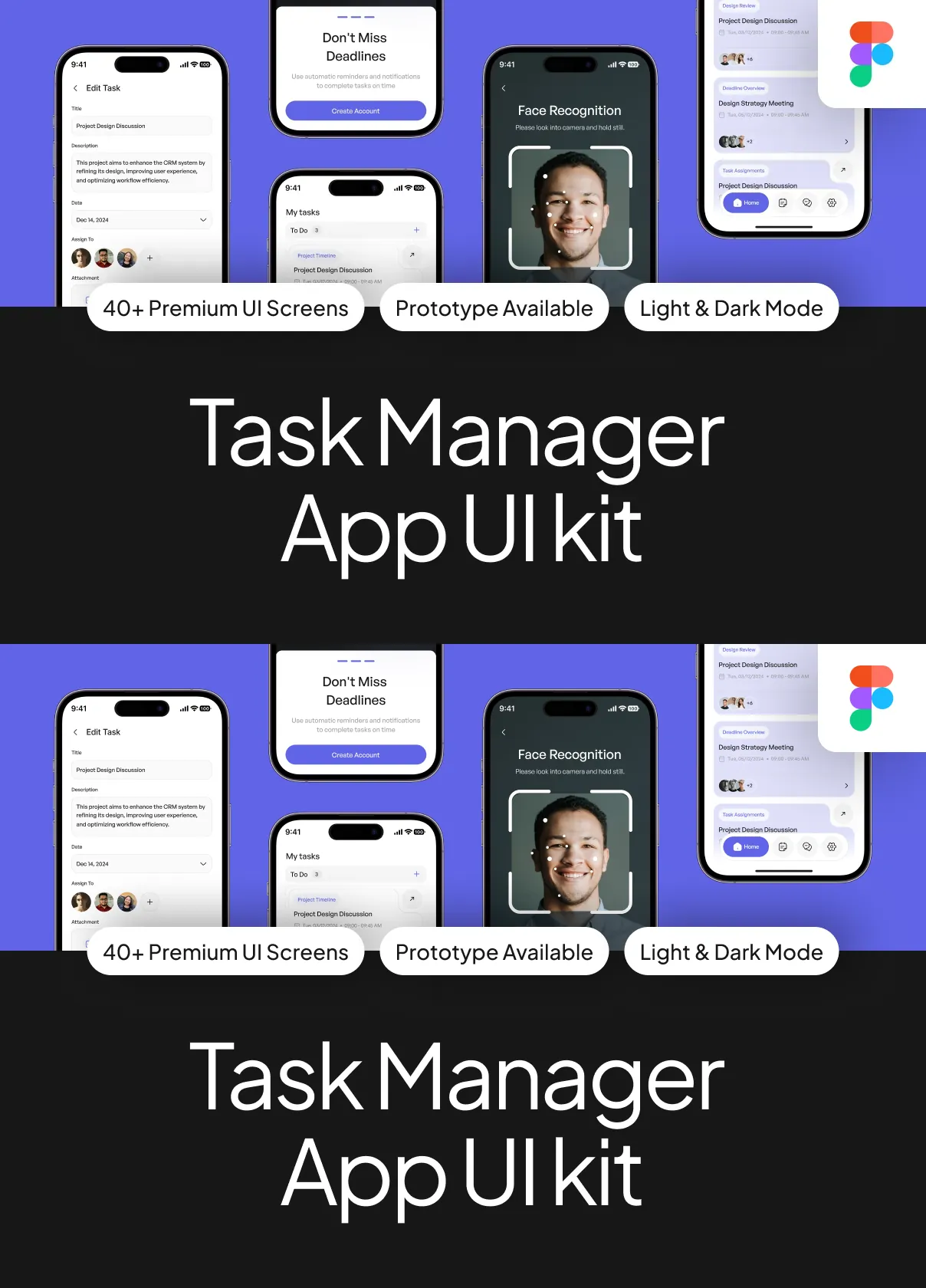
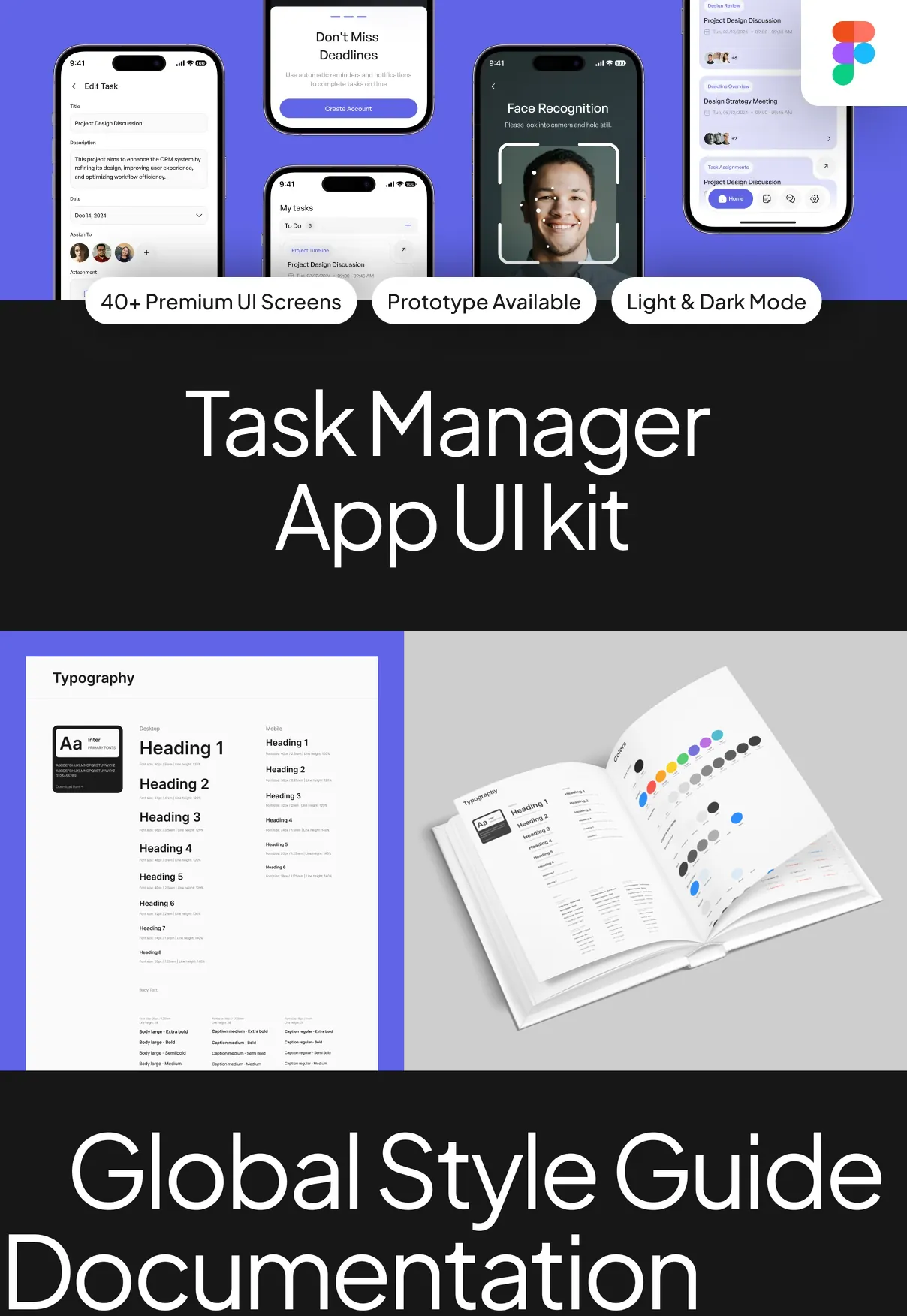
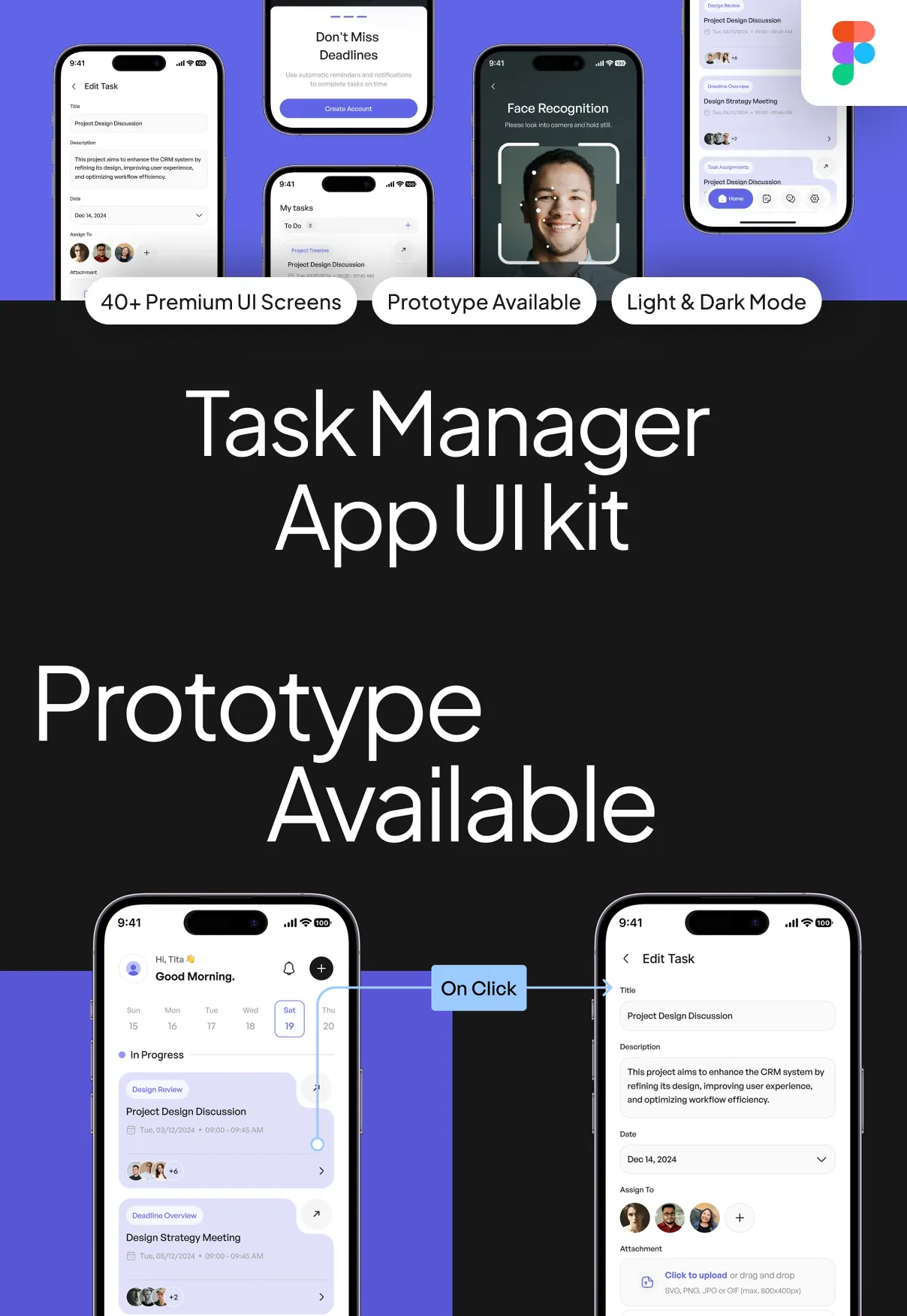
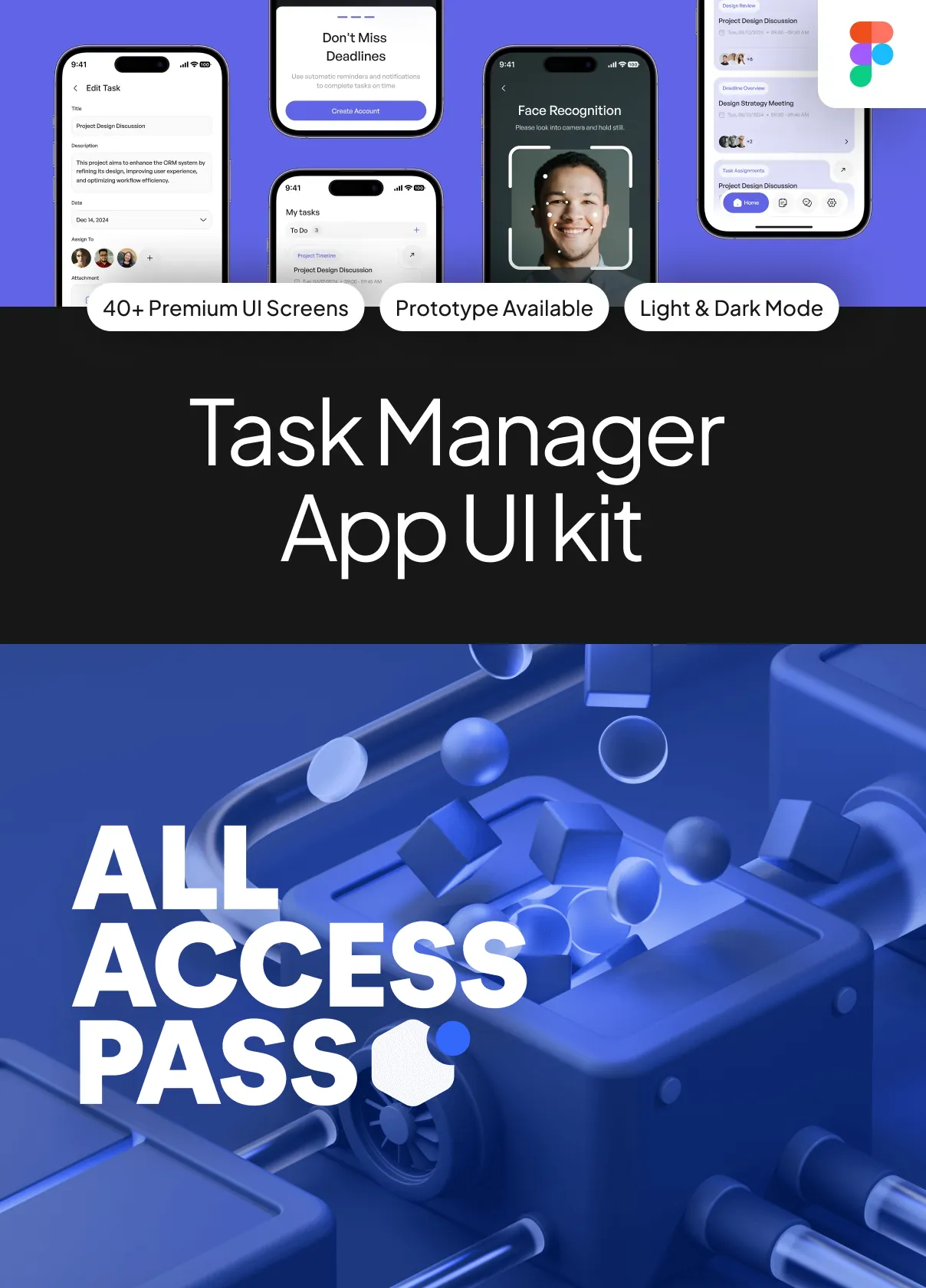
Meet Task Manager App UI Kit V2—a premium, fully interactive, and developer-ready interface system built for the next generation of productivity apps. Designed in a sleek, minimalist aesthetic with intentional whitespace, fluid motion, and intelligent layout design, this UI Kit empowers teams and individuals to build high-conversion task management platforms that feel intuitive, calming, and powerful. With over **60 high-fidelity screens**, responsive components, and an intelligent organizational framework, Task Manager App UI Kit V2 turns complex workflows into simple, actionable experiences—accelerating delivery, reducing friction, and boosting focus.
Engineer Effortless Task Management from Start to Finish
Smart Workflow Design That Adapts to Your Life, Not the Other Way Around
From drafting to completion, every step is optimized for speed, clarity, and psychological ease:
- Drag-and-Drop Task Assignment: Instantly move tasks between lists, columns, or projects using intuitive gestures—no more endless scrolling or manual reordering.
- Priority Tagging System: Apply visual tags for Urgent, High, Medium, Low, and Blocked—automatically sorted in the dashboard with dynamic color coding and priority-based filtering.
- Smart Due Date Intelligence: Auto-suggests deadlines based on task complexity, team availability, project timeline, and historical completion patterns—reducing last-minute rushes.
- Recurring Task Automation: Set tasks to repeat daily, weekly, monthly, or on custom intervals with flexible exceptions—ideal for routines, reporting, or team standups.
- Real-Time Sync Across Devices: All changes reflect instantly across desktop, mobile, and web—ensuring no data loss, no delays, and zero version conflicts.
- Collaborative Workspaces: Assign tasks, add comments, attach files, and mention team members with real-time notifications—transforming individual to-do lists into dynamic team projects.
- Progress Visualization Dashboard: Interactive charts, completion percentages, time spent per task, and burndown timelines help track productivity and identify bottlenecks.
- Project Timeline View: Gantt-style view with milestone markers, task dependencies, and estimated completion dates—perfect for long-term planning and cross-functional coordination.
- Intelligent Search & Filter System: Type your goal, and the system surfaces relevant tasks, tags, projects, and due dates—powered by natural language input and context-aware logic.
Design a Calm, Focused Experience That Reduces Decision Fatigue
Minimalism with Maximum Functionality – Where Simplicity Meets Power
Task Manager App UI Kit V2 is built on the principle that less clutter means more clarity. Every element is carefully considered to minimize cognitive load, create visual harmony, and foster a sense of control:
- Soft Gradient Backgrounds: Gentle, subtle gradients in neutral tones (grays, mist blues, warm taupes) reduce visual strain and create a serene workspace feel.
- Micro-Animations for Feedback: Smooth transitions when completing a task, collapsing a section, or switching views provide instant confirmation without distraction.
- Customizable Task Cards: Cards with expandable details, collapsible checklists, and embedded media (images, PDFs, links) give depth without clutter.
- Dark Mode with Enhanced Accessibility: Fully adjustable contrast, reduced animation settings, and high readability typeface—ideal for night work or users with visual sensitivities.
- Dynamic Typography Hierarchy: Text scales seamlessly across devices, with clear distinctions between title, description, and metadata—ensuring instant information parsing.
- Offline Task Saving: Draft tasks, edit notes, and save updates even without internet—syncs automatically when reconnected.
- Focus Mode with Distraction-Free Interface: Hide all non-essential UI elements, leaving only your active task list—perfect for deep work sessions.
- Gesture-Based Navigation: Swipe left to mark complete, swipe right to postpone, double-tap to favorite—turns simple actions into fast, fluid habits.
Build Fast, Ship Faster: Ready-to-Use Assets for Any Tech Stack
Component Library and Developer Tools for Rapid Deployment
Task Manager App UI Kit V2 doesn’t just look good—it’s built to be implemented fast and scaled efficiently:
- 60+ Reusable UI Components: From task cards and filters to modals, dashboards, settings menus, and empty state illustrations—everything is modular and consistent.
- Figma & Adobe XD Projects: Fully editable, auto-layout based designs with nested components, variants, and logical layer structure—ideal for design handoff.
- SVG & PNG Asset Export: Scalable, high-DPI icons and illustrations optimized for iOS, Android, and web platforms.
- Design Tokens System: Centralized color palette, spacing scale (8px grid), typography hierarchy (6 levels), shadow depth, and animation presets for consistent branding.
- React Native & Next.js Components: Pre-built, accessible, and themable UI modules that mirror the Figma design—ready for integration into native or web apps.
- Sample API Integration Guide: Documentation on syncing tasks, managing user accounts, handling authentication, and syncing with calendar platforms (Google, Outlook).
Turn Your Vision into a Real-World Product—Faster Than Ever
Whether you’re launching a solo productivity app, enhancing a team collaboration suite, or building a task-driven SaaS platform, Task Manager App UI Kit V2 gives you the foundation to succeed. With its modern design language, intelligent automation features, and developer-first assets, it’s not just a UI Kit—it’s your productivity accelerator.